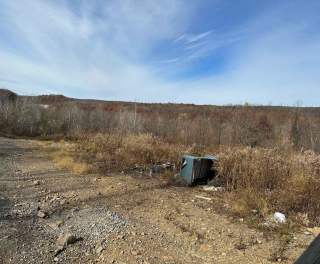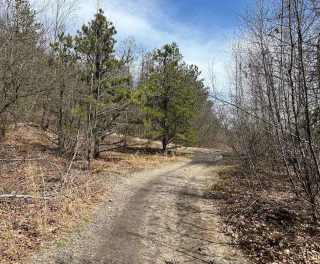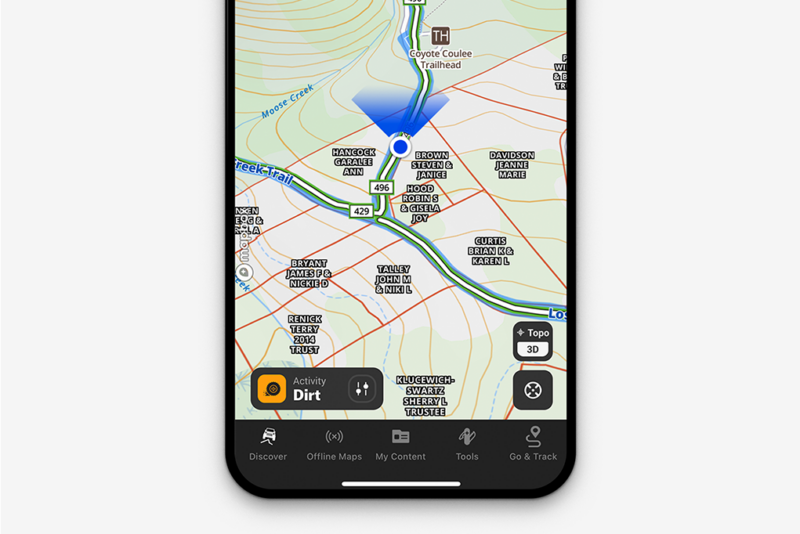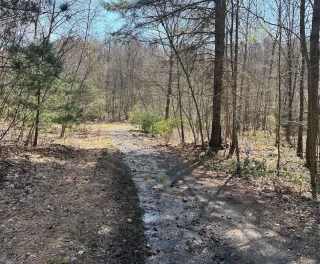
Ashland 117
PA, US
- 0.4 mi
- Dirt
Use the form below to search onX Offroad.
Use the form below to search onX Offroad.
from the onX Offroad App or the Web Map. Elite adds private property boundaries and landowner information for all 50 states on
Style: change the style of a Route, Line or Shape. Weight: change the thickness of a Route, Line, or Shape. Photos: add photos
If your Waypoints, Lines, Tracks, Shapes, or Routes are missing in the onX Offroad App, don't worry—your content is almost
You can transfer Waypoints, Tracks, and other content from other mapping programs into your onX Offroad account by exporting
If you're getting an error when trying to import a file into the onX Offroad Web Map, or your file uploaded successfully
map to quickly save a Waypoint or build a Route. Line Distance: Draw a line and measure the distance between two or more points
error in onX Offroad. How accurate are parcel boundaries? Property boundaries are typically accurate within 20 feet, depending
agency information. Areas open to free riding. Private property boundaries with an Elite Membership. A Premium Membership
explains what each color represents. Government Lands include properties owned by federal, state, and tribal governments that may
following in mind before heading out: Government-owned properties shown in onX Offroad are not always open to the public
Forest Service regulations. Private Lands —View private property boundaries and ownership details. Elite Membership required
—aerial imagery. Hybrid —aerial imagery with contour lines overlaid. HD Topo: a topographic map complete with LiDAR
files will be converted into Lines on import. Export Tracks as GPX to preserve them. Lines and Areas exported as GPX files
conditions. Hybrid: Aerial imagery with topography contour lines overlaid. HD Topo: A high-definition topographic map complete
Markups on your map by year, trip, or other criteria. Lines and Areas Draw Lines and Areas on the map to measure point-to-point
If your Waypoints, Lines, Shapes, Tracks, or Routes aren't showing on your Android Auto or Apple CarPlay in-dash display
options and actions: Edit: change a Markup's color, Line style, Line weight, or Waypoint icon. Add to folder: add a Markup
features like live GPS location, satellite imagery, Waypoints, Lines, Shapes, and Go & Track are available globally within
has no impact on your saved Markups — Waypoints, Routes, Lines, Shapes, and Tracks are permanently saved to your account
a new one. Your paid Membership, Offline Maps, Waypoints, Lines, Shapes, and Tracks are tied to your email address and can't
Markups displayed on the map is a common cause. Waypoints, Lines, Shapes, Routes, and Tracks all use your device's processing
Maps. My Content: View and edit all of your saved Waypoints, Lines, Tracks, Shapes, and Routes. Export or share Markups with
desired changes to customize the route's name, color, line type, or line weight, then select Save. Tip: On the onX Offroad
feature, road, trail, or Markup on the map—including Waypoints, Lines, Tracks, and Shapes. Tap the Navigate button in the lower-left
Turn-by-turn navigation via onX Navigation Waypoints, Lines, Shapes, Routes, and Tracks saved to your account Basemap
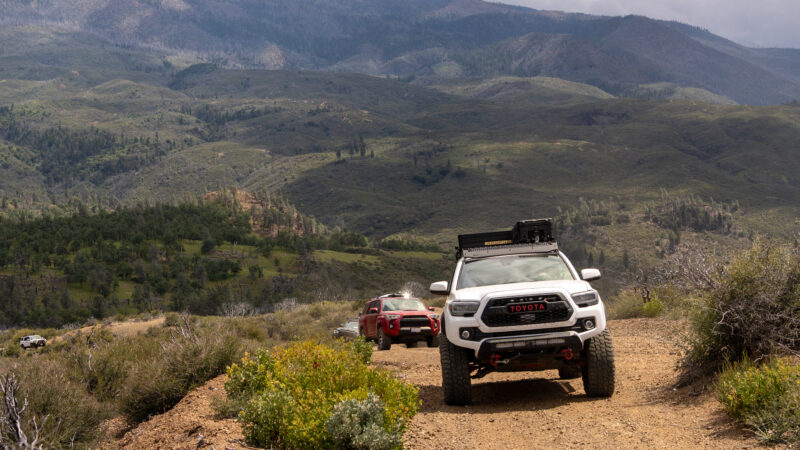
Explore the best off-road trails in CO Rocky Mountains, from Imogene Pass to Red Cone, with difficulty ratings, route tips, seasonal advice, and offline map guidance.
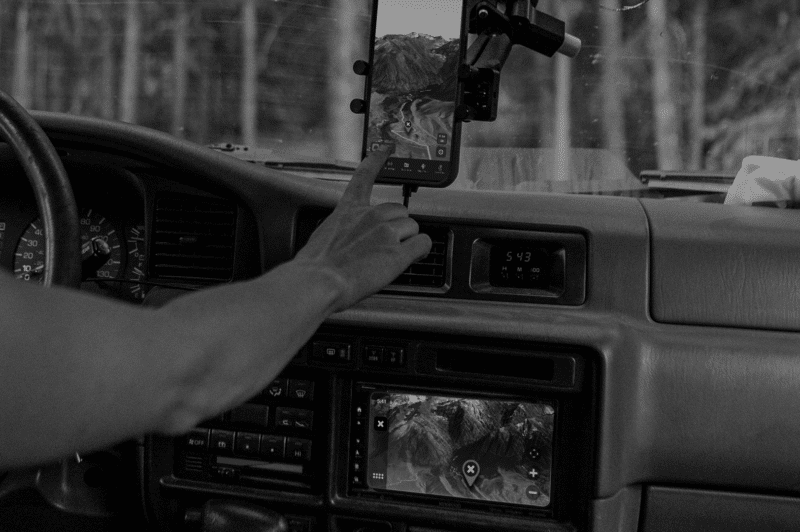
Discover the 7 must-have off-road app features for safer, smarter rides—offline maps, trail ratings, waypoints, turn-by-turn navigation, legal access layers, safety tools, and cross-device sync.
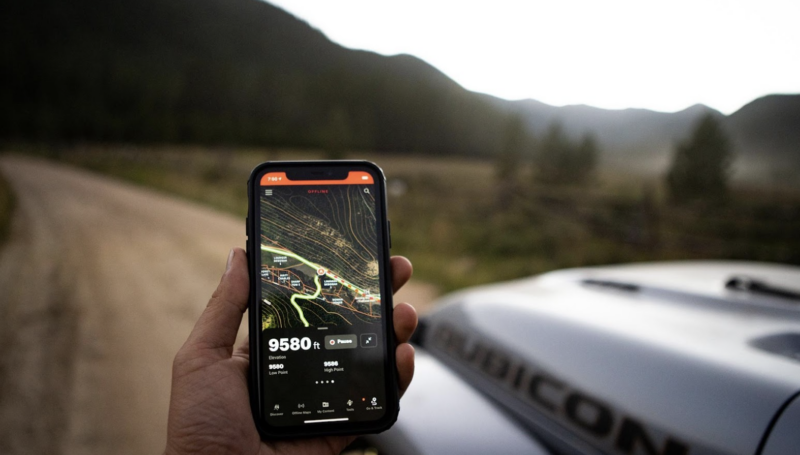
Decide between onX Offroad Premium and Elite with our comparison of features, benefits, and pricing. Choose the right membership for your off-road adventures.

Explore Confidently With onX Offroad Whether you’re driving trails in a Jeep, ATV, dirt bike, or overland rig, this guide answers the most common questions about the app’s features, trail data, offline maps, membership plans, and in-dash navigation support. Learn how to unlock 650K+ miles of trails, mark waypoints, and explore public and private land […]
With Elite access to the #1 off-road GPS navigation and trail App, get private land boundaries and ownership information and exclusive discounts with partners.
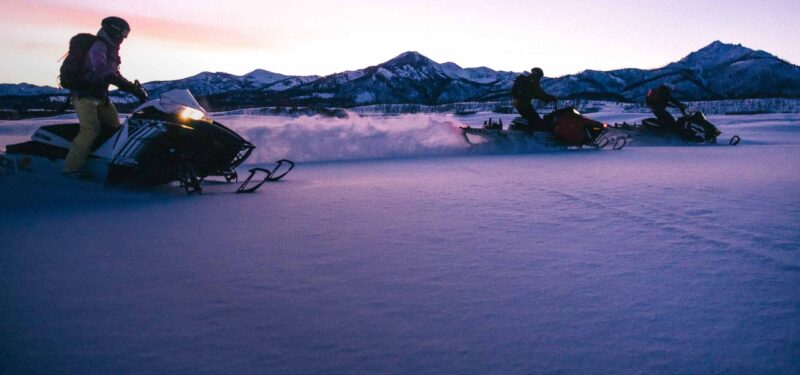
Discover onX Offroad's Snow Mode: The ultimate snowmobile app with real-time avalanche info, trail maps, and offline GPS for safe adventures. Get it today.