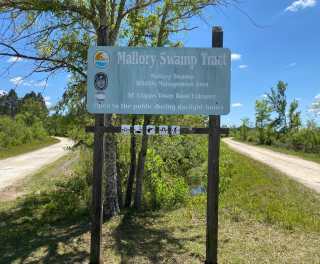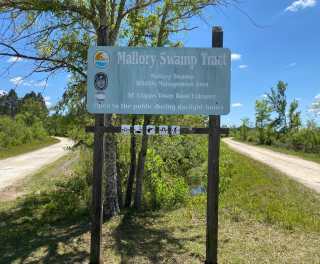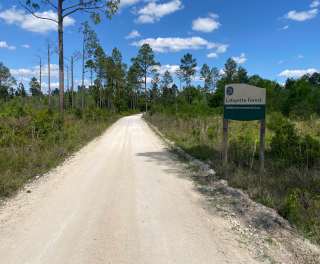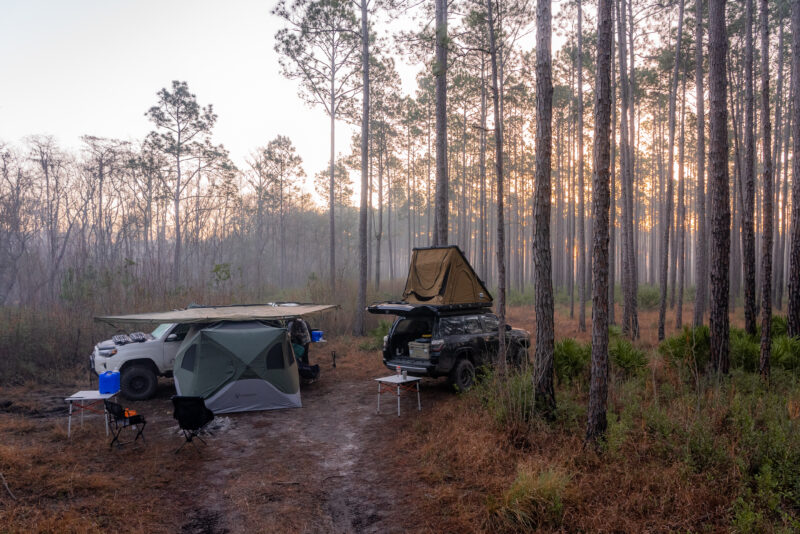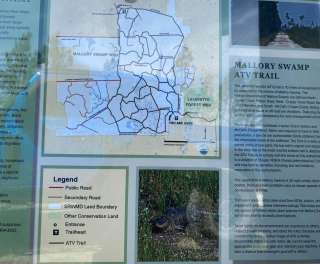
East Mainline
FL, US
- 10.1 mi
- Gravel
Use the form below to search onX Offroad.
Use the form below to search onX Offroad.
your onX Offroad account information—including your email address, password, first name, or last name—you can do so from the
device If you find the right email address, learn how to update your email address after logging in.
or local parks and forests, geographic features, towns, addresses, or GPS coordinates in the onX Offroad App or Web Map, you
email address associated with your onX account and click or tap Continue. If an account exists for that email address, you’ll
different email address than the one provided, or there's a typo. Double-check that your email address and password are
email address The most common cause of Membership access issues is being logged in with a different email address than the
wrong email address The most common cause of missing Markups is being logged in with a different email address than the one
renewal, your receipt is automatically sent to the email address associated with your payment method at the time of purchase
Waypoints, Lines, Shapes, and Tracks are tied to your email address and can't sync across apps or accounts. How to log into the
hardware acceleration: Go to chrome://settings in your address bar. Click System and turn on Use hardware acceleration
com/account. Update your login and profile Change your email address, password, or profile name Troubleshooting My location
article explains how. To log back in you'll need the email address and password associated with your onX account. Heads up:
your existing onX account or create a new one with an email address and password. On the Billing page, enter your promo
support team directly at help@onxmaps.com. Include the email address on your onX account to expedite the process—we typically
or modified without your knowledge. Make sure the email address on your account is current and accessible—you'll need it