
Slope Angle
Understand how steep the terrain is at a glance with Slope Angle’s color-coded gradient.
Color-Coded Slope Angles
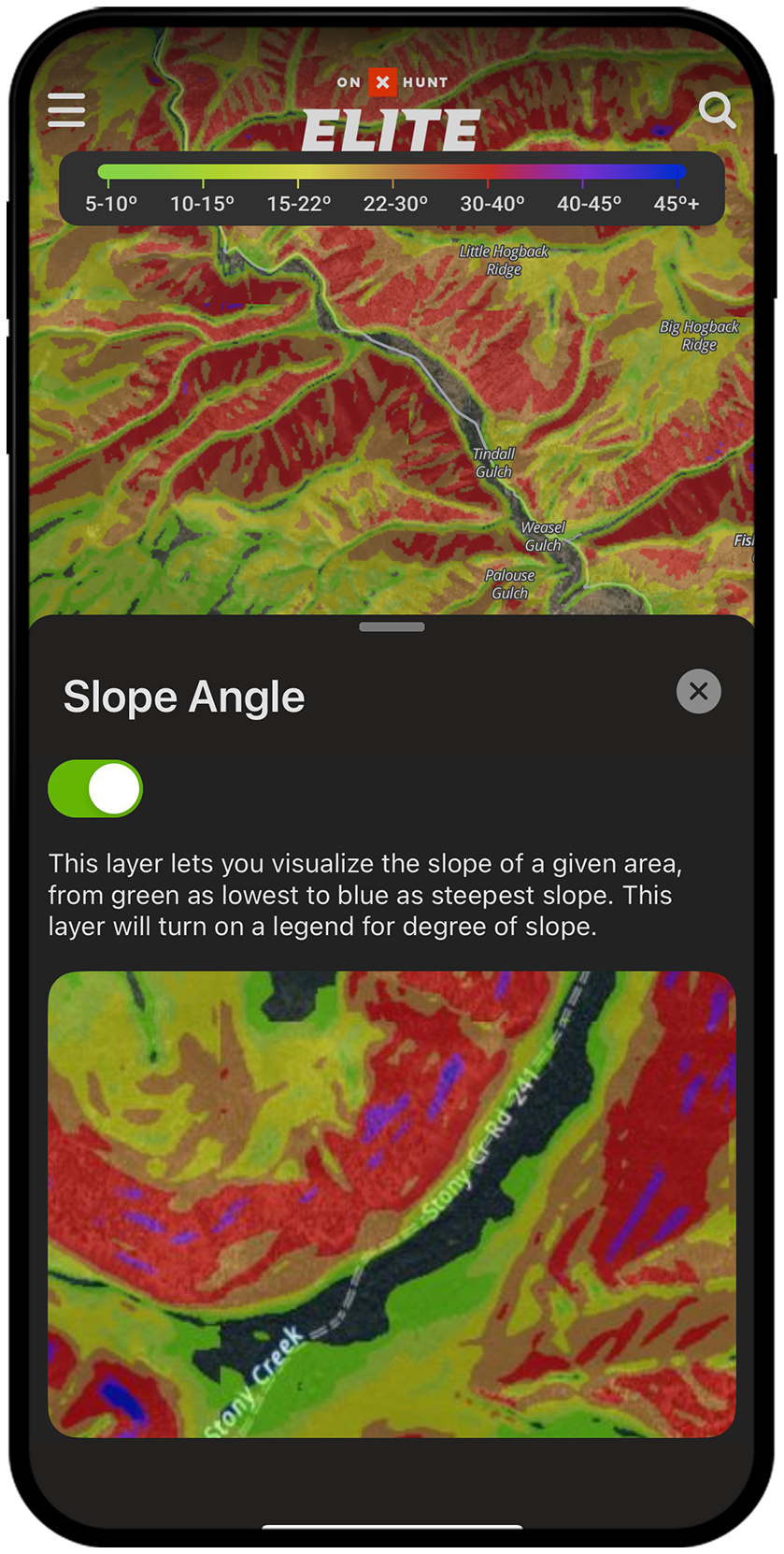
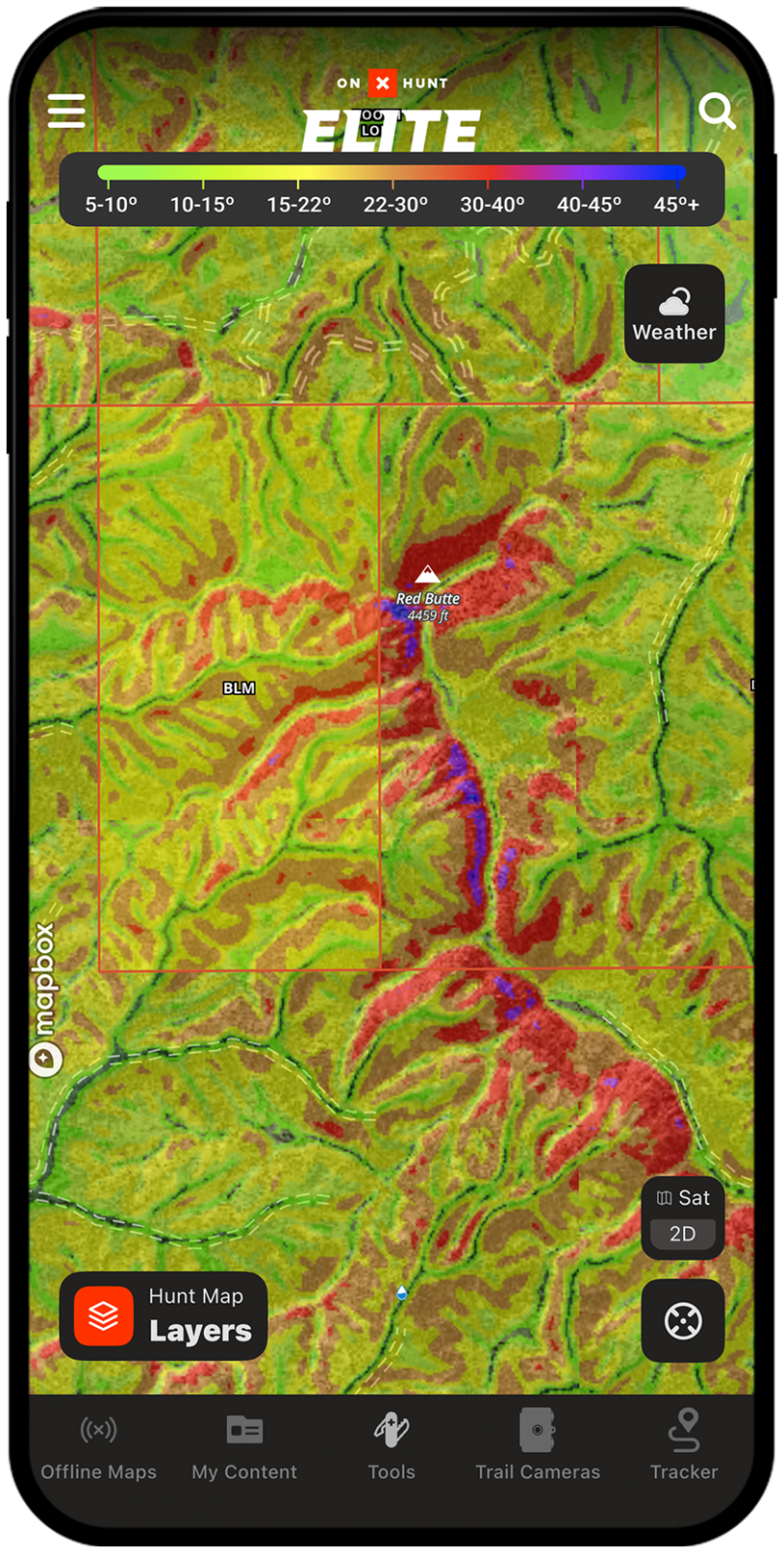
Slope Angle within onX Hunt shows you the degree of slope with a color-coded gradient, allowing you to quickly decipher what’s steep versus what’s more gradual. The Slope Angle map allows you to identify access routes, animal travel corridors, and benches, helping with planning and increasing efficiency while hunting.
Slope Angle Breakdown
Identify Access Routes
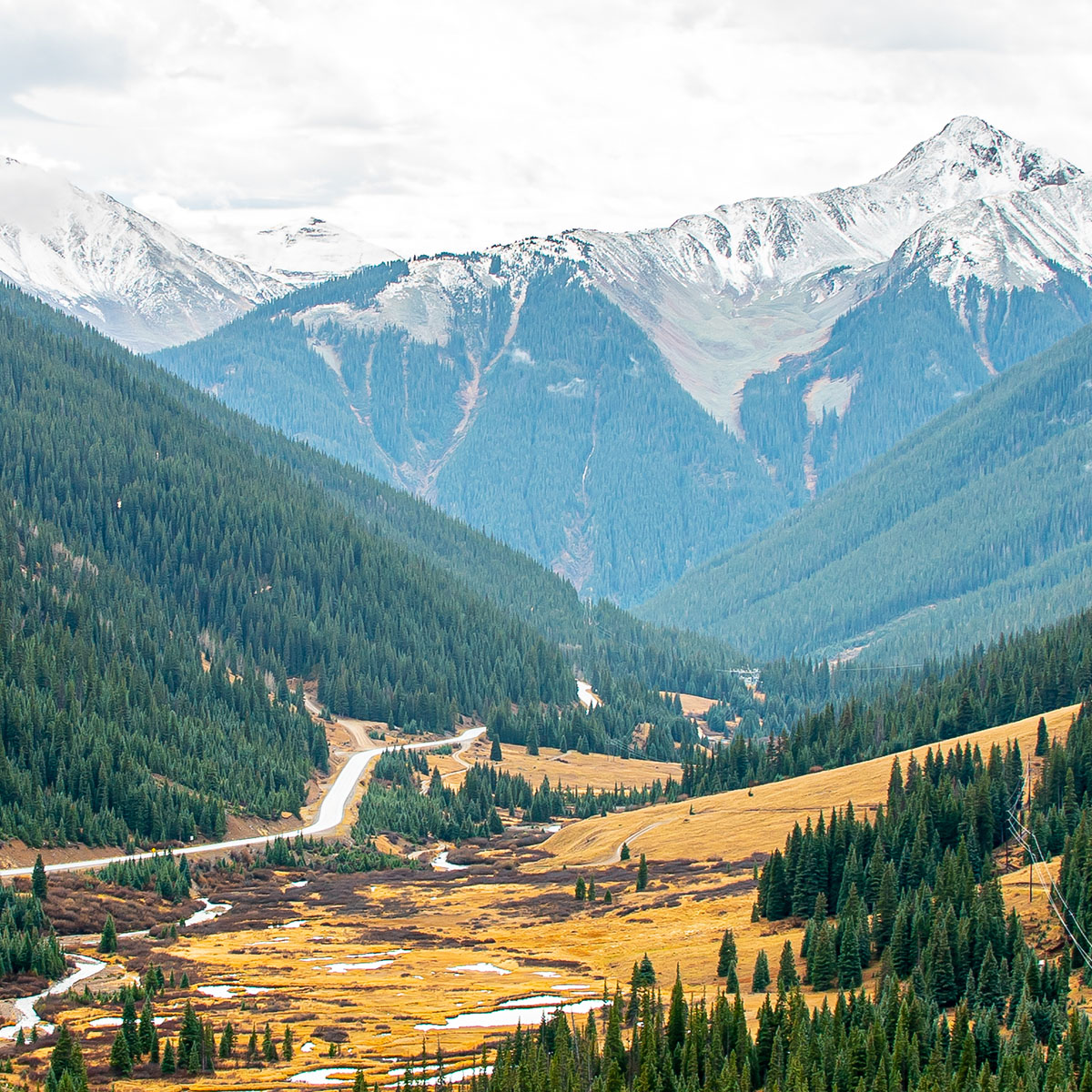
Navigating steep terrain in the dark can be daunting and dangerous. Whether you’re chasing whitetails in the Appalachians or elk in the Rockies, Slope Angle will make it obvious how to navigate steep terrain to avoid being cliffed out or gaining more vertical than you need to.
Understand the Terrain in Seconds
Slope Angle maps make understanding the terrain that lies ahead possible in mere seconds. This feature can show you the areas to avoid as well as the gradual slopes you’d like to gravitate toward. Understand the terrain, so it’s one less thing to worry about during your hunt.
As someone who travels from sea level and flat land to hunt elk, knowing how rugged the terrain is where I’m heading into is of huge importance to me. Slope Angle is super handy for getting a quick idea of what to expect and determining how long it will take me to get from point A to point B.
– Lake Pickle
Access Slope Angle Maps
Easily distinguish steep terrain from gradual climbs.
Frequently Asked Questions
Slope Angle in onX Hunt displays the degree of terrain incline using a color-coded gradient, helping you quickly identify steep versus gradual terrain. It is useful for planning access routes, locating animal travel corridors, and finding benches before and during your hunt.
Each color represents a range of slope steepness: Green is 5° to 15°, Yellow is 15° to 22°, Orange is 22° to 30°, Red is 30° to 40°, Purple is 40° to 45°, and Blue is anything above 45°.
Yes, the Slope Angle Map Layer can be turned on and off while offline, and you do not need to enable it before downloading an area. Keep in mind that slope data will only be visible within the bounds of your downloaded offline map area.
No, you can turn on the Slope Angle Map Layer for the first time while already offline, as long as you have downloaded the relevant map area for offline use.
Slope Angle helps you identify safe and efficient access routes, avoid cliffed-out terrain, and understand what to expect before you ever set foot in the field. It is especially valuable when hunting rugged mountain terrain like the Rockies or Appalachians.
The Slope Angle Layer is located in the Land and Access folder within the Map Layers menu in the onX Hunt app.