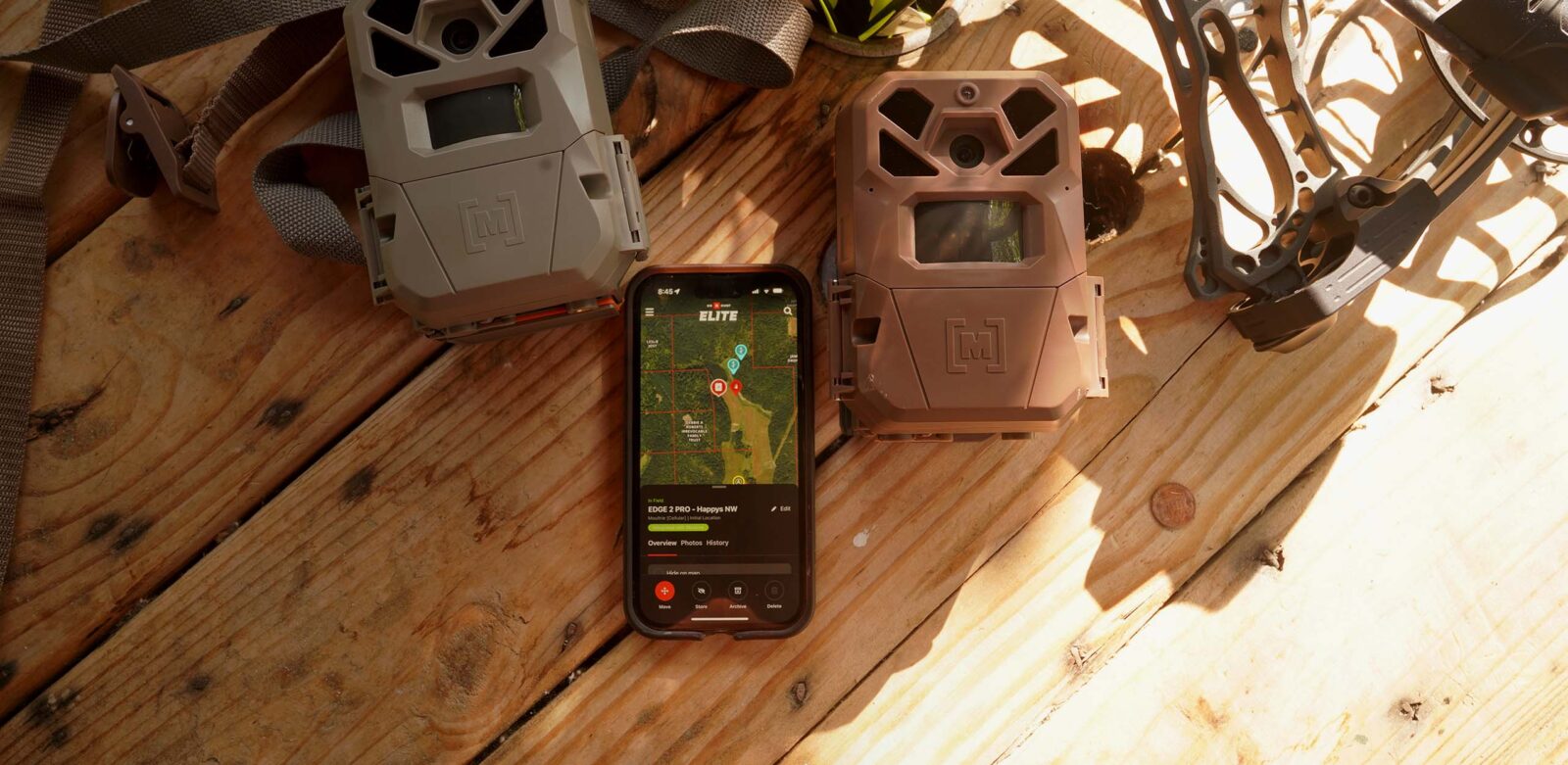

Trail Camera Management
Receive, organize, and analyze your trail camera photos with onX Hunt.
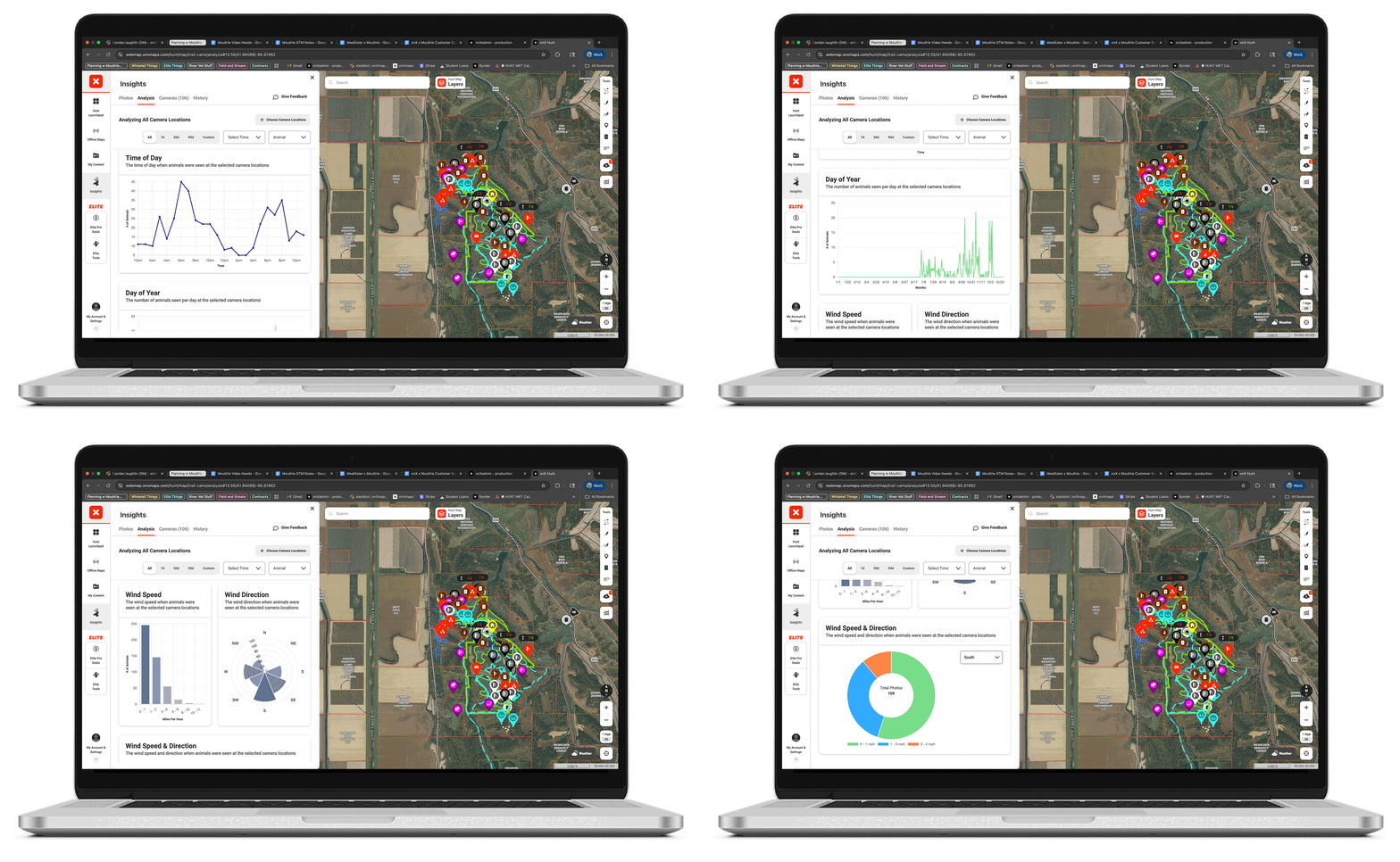
Pattern Deer With Trail Camera Analysis
Turn your trail cam photos into deer movement insights tied to wind, weather, and time. Connect a compatible trail camera or import your SD card images, and our trail camera integration organizes your photos, allows you to manage all your trail cameras in one place, and provides custom insights into how deer use your property.
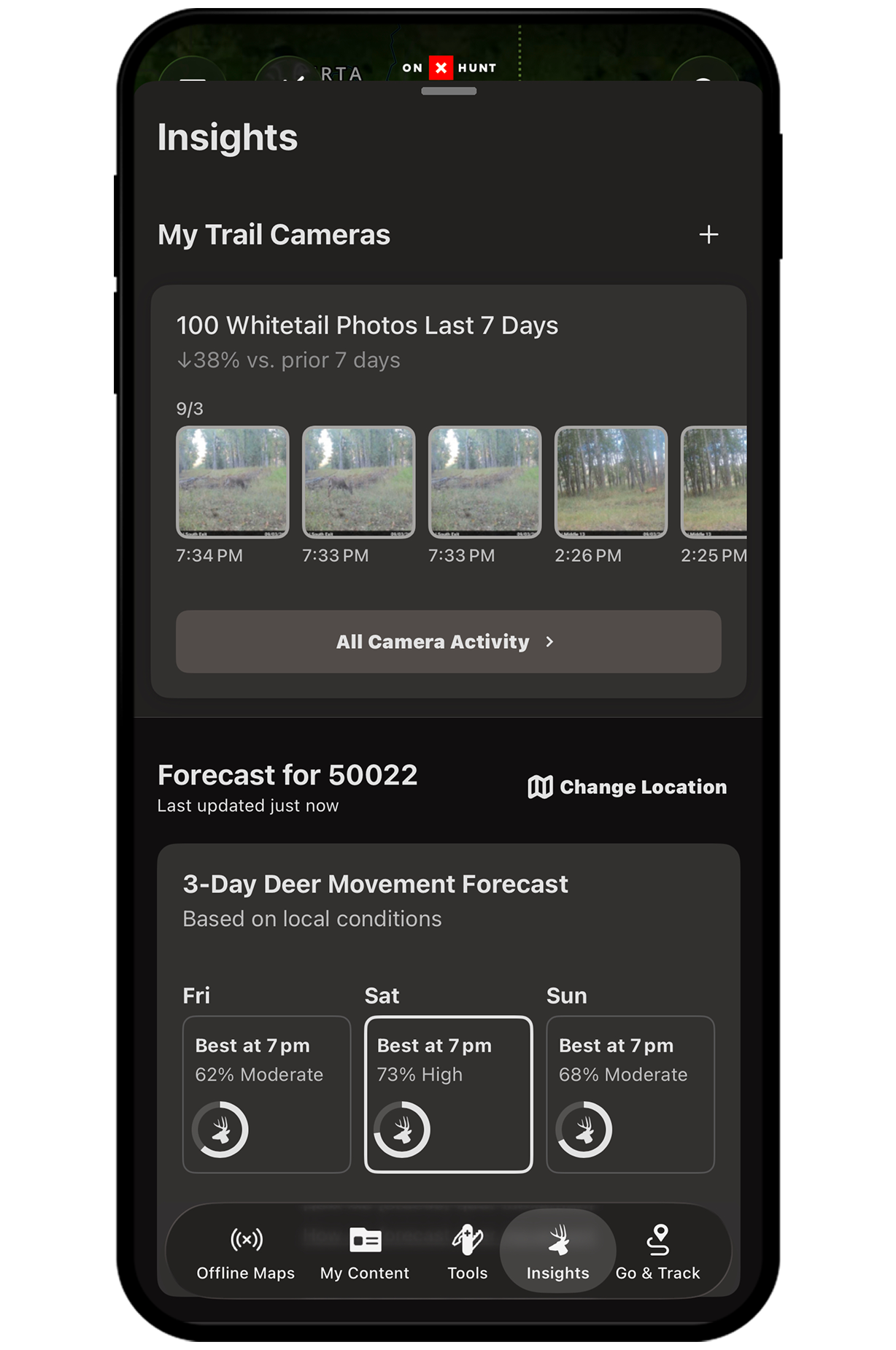
See Every Camera, Photo, and Update in One Place
Manage all your trail cameras in one place, with centralized access to information regarding trail camera locations and orientation, photos, status, days since last battery swap, and notes. Then go a step further: filter photos by location and access any camera’s full placement history. Over time, your geolocated photos will help you visualize how deer move across your property so you can choose the right stand.
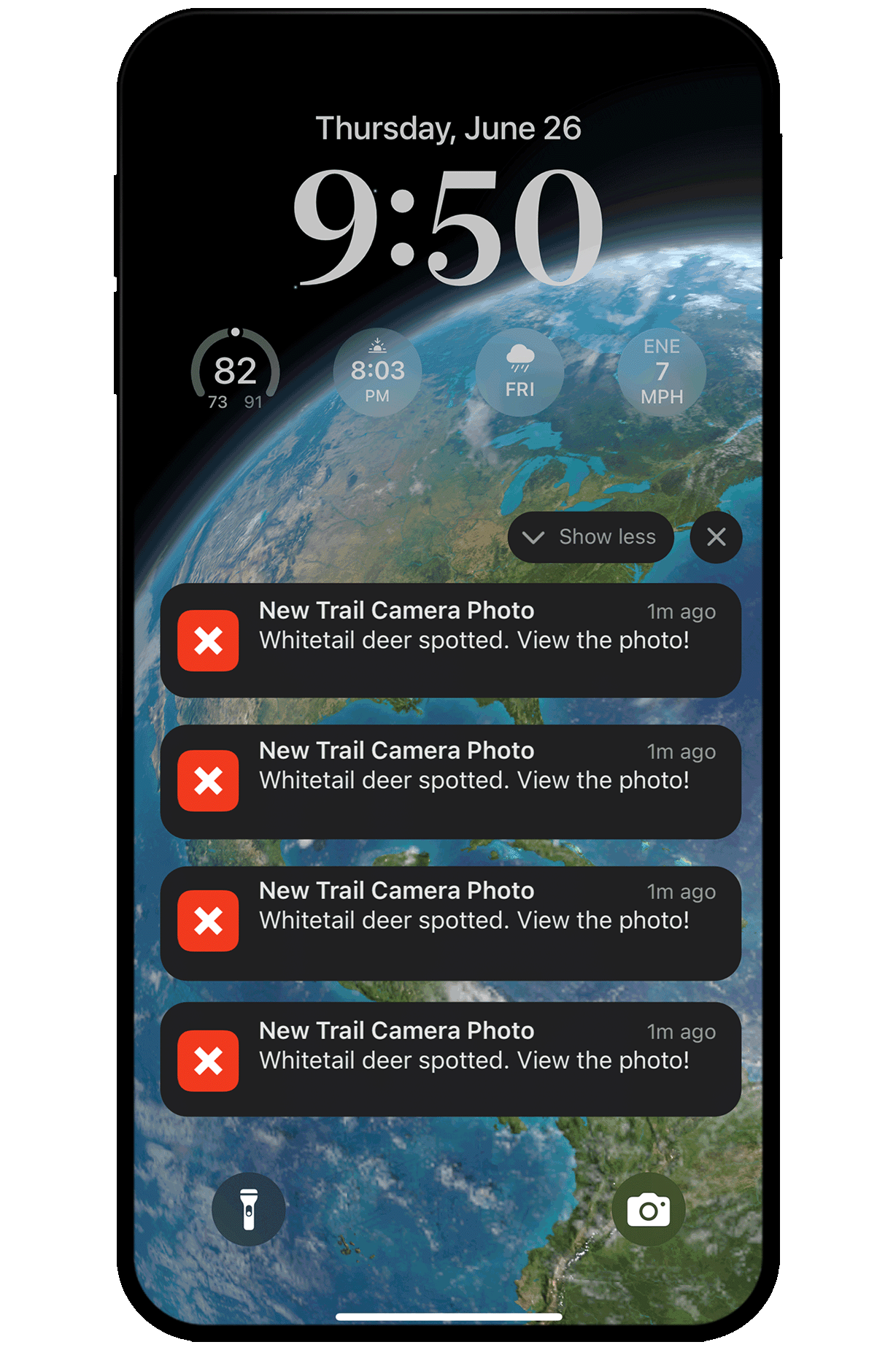
Get Alerts Only When It Matters

Adjust and personalize your photo notifications so you only get pinged when a deer is in the photo. No more wasted time reviewing photos of branches blowing in the wind or raccoons skittering past the camera.
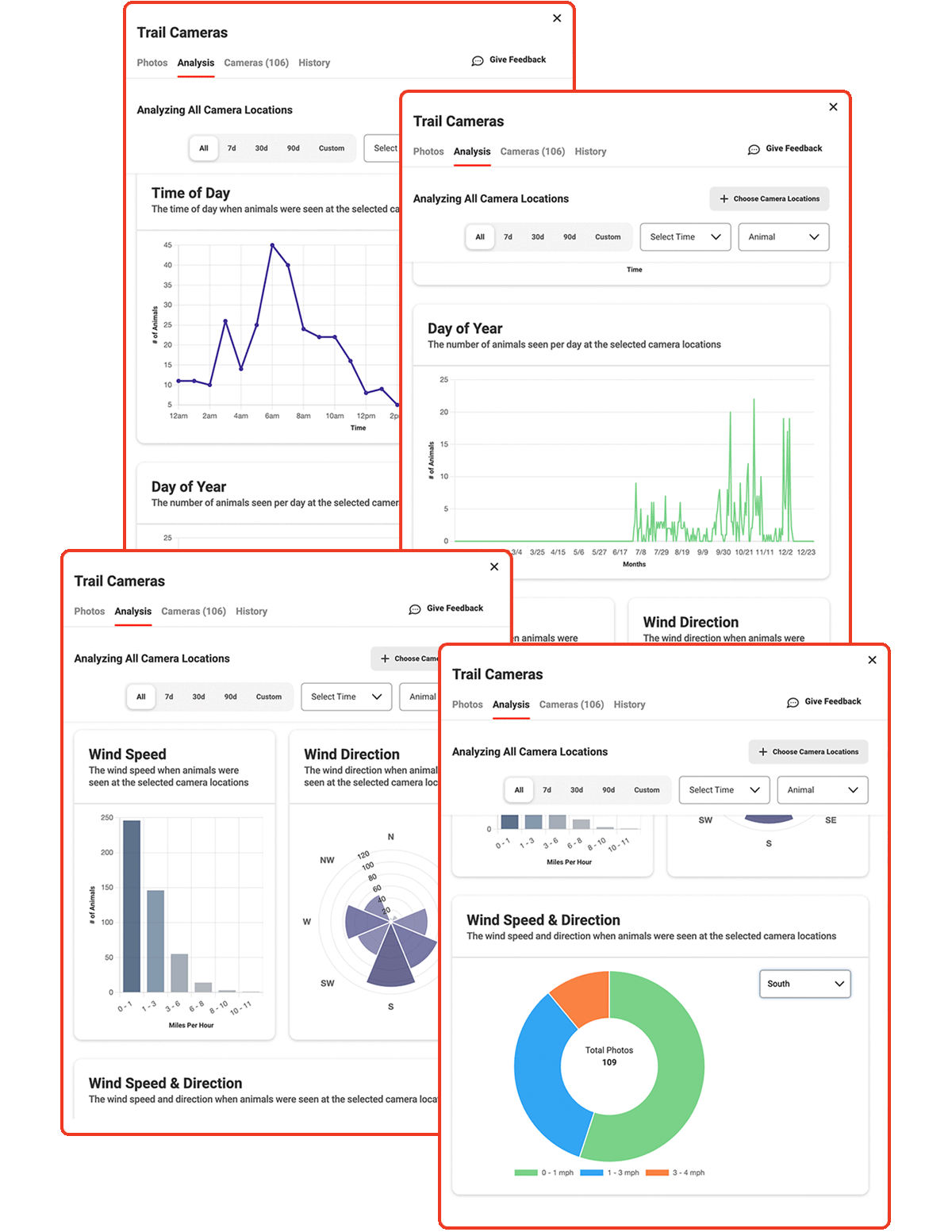
Visualize Deer Movement Patterns (Web Only)
Discover when, where, and how deer show up. Trail Camera Analysis helps you break down animal movement based on time of day, time of year, and wind speed and direction. Customize your view to analyze all your camera data at once, or focus in on a single camera to assess hyper-local patterns. Whether you’re tracking a specific stand or mapping broader movement trends, visual charts help you hunt smarter. Combine Trail Camera Analysis with Deer Movement Forecast for even sharper insights.
Turn the Group Chat Into a Game Plan
You already send big buck pics to your crew. Uplevel the conversation with Deer Movement Forecasts that back up your strategy.
Frequently Asked Questions
The onX Hunt App is one of the best trail camera apps for hunters. It lets you mark and organize every camera location, log photo data, and connect camera insights directly to your hunting map for smarter scouting decisions.
For compatible cell cams, use the company’s app to connect to the onX Hunt App. Once you’ve connected your cellular cameras with onX Hunt, trail camera images will then sync and flow into the onX Hunt App, populating at each Trail Camera icon that marks individual camera locations on the map.
No cell cam? You can also upload images from SD cards and manually map your trail camera locations.
For cellular trail cameras, onX Hunt integrates with Moultrie trail cameras, Bushnell trail cameras, Browning (Strike Force Wireless), Covert, and Spartan cellular trail cameras. However, you don’t need a specific brand or model of trail camera to use onX Hunt’s trail cam tools. You can import photos from your SD cards and still take advantage of Trail Camera Management (Premium Members) and Trail Camera Analysis (Elite Members).
Trail Camera Analysis, available to onX Hunt Elite Members via Webmap, make your trail cam data smarter, faster, and more useful, delivering actionable insights for better hunting decisions.
Designed for whitetail hunters, Trail Camera Analysis allows you to visually identify and monitor trends in deer movement by location, time of day, and day of the week, while also providing you with historical data on wind speed and direction at times when deer were seen at designated locations.
Yes. Use aerial imagery, Topo Maps, and property lines in onX Hunt to identify natural funnels, food sources, and bedding areas. Mark these potential spots before placing cameras so you can monitor deer movement efficiently.