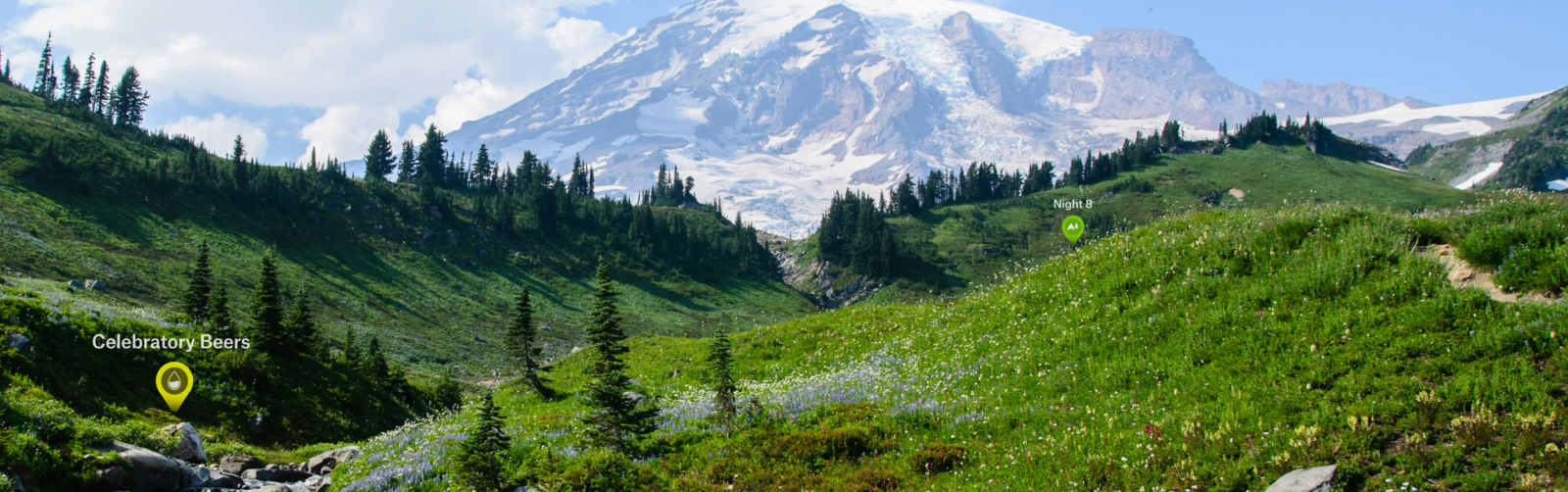
Collaborative Folders: Plan the Adventure Together
Collaborative Folders in onX Backcountry help you and your crew stay aligned before you hit the trail. From route planning to sharing campsites, everyone contributes to the plan in one place.
One Shared Folder. Every Voice Included.
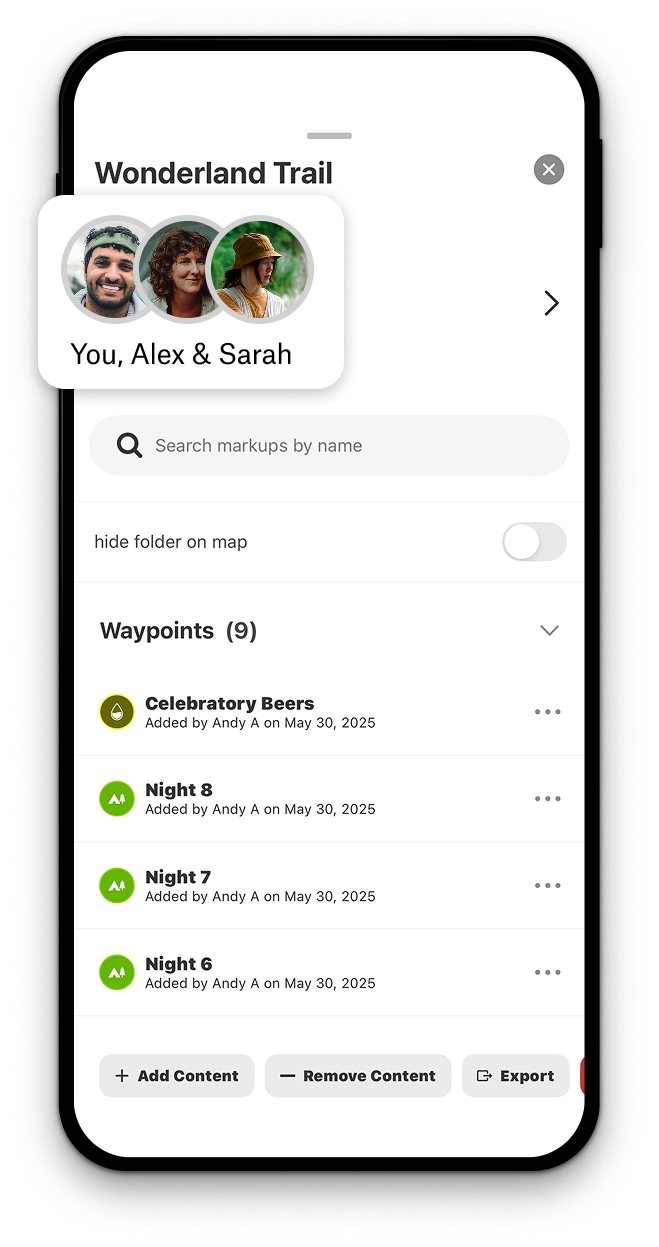
With Collaborative Folders, you can organize your markups by trip, then invite friends to add their own routes, campsites, or areas. It keeps the planning process clear, especially when you’re off-grid.
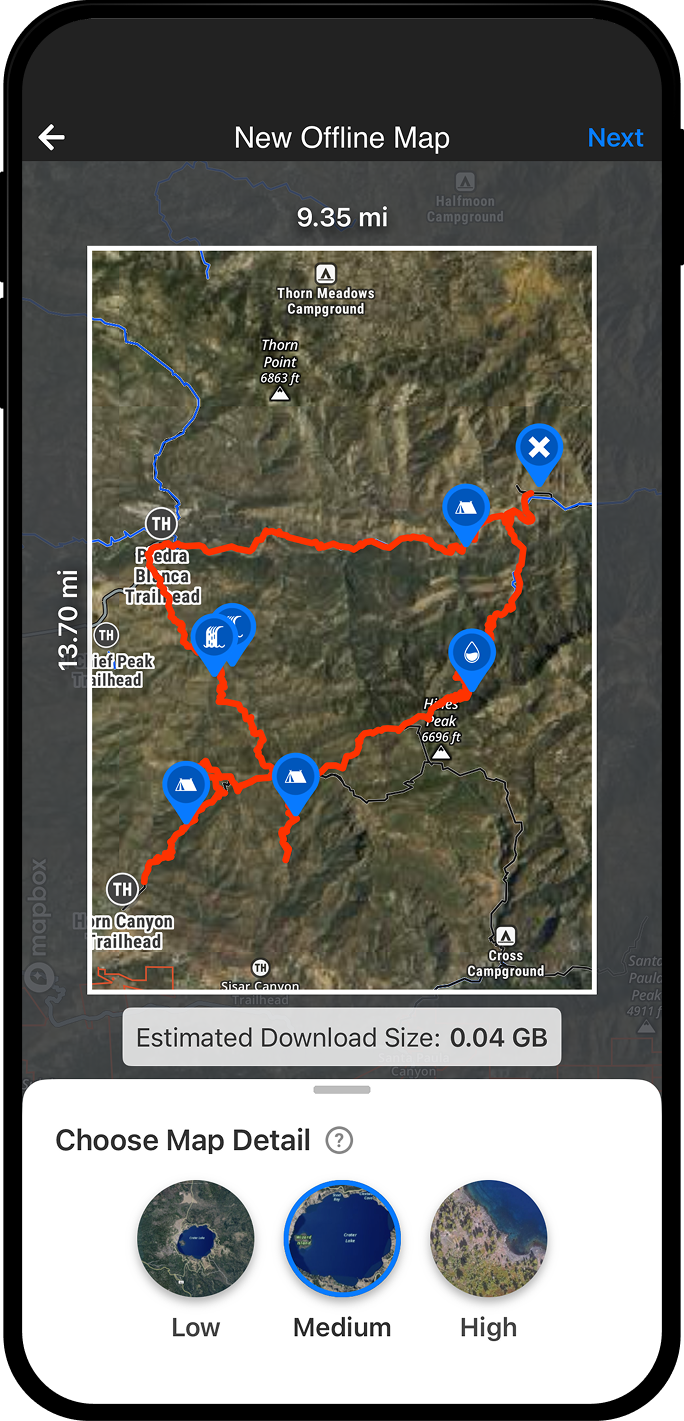
Build Better Trips Together.
Whether you’re prepping for a multi-day backpacking trip, planning a hut tour, or just linking up for a weekend hike, Collaborative Folders help everyone contribute to the plan before the first step. Start your free trial and experience how onX Backcountry keeps everyone aligned before, during, and after the trip.
Organize, Collaborate, Share
How to Use Collaborative Folders
- Open the onX Backcountry App
- Tap “My Content”
- Create a new folder or select an existing one
- Add Waypoints, Routes, Tracks, and more
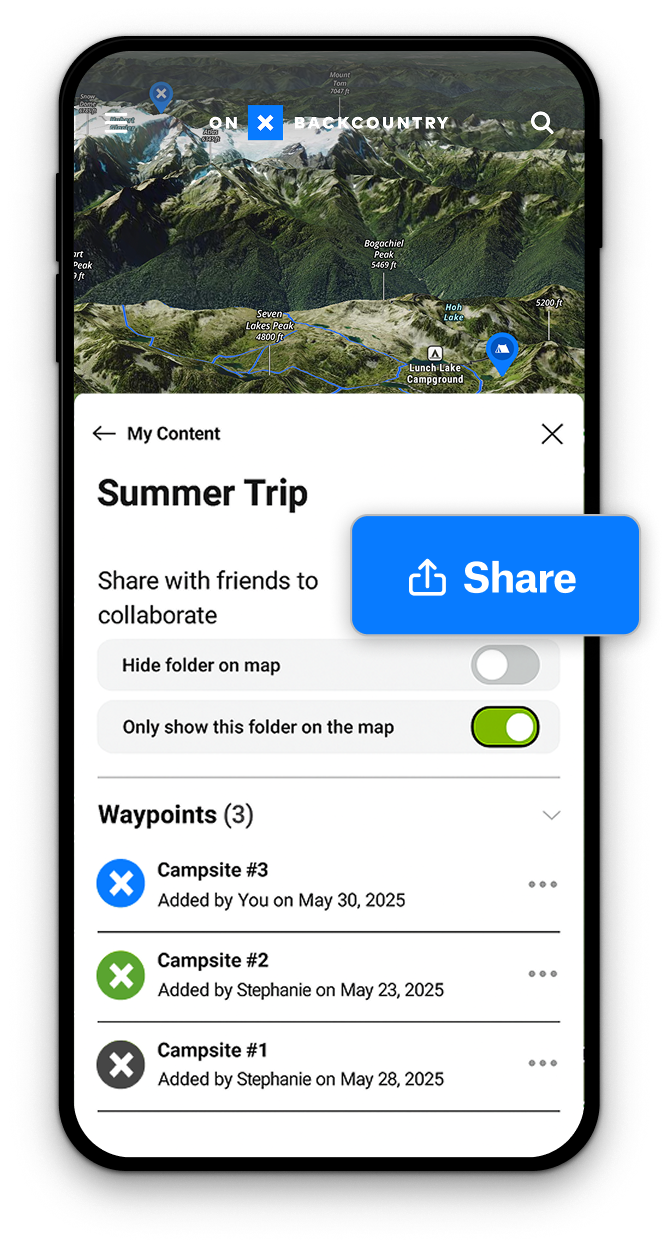
- Tap “Share” and set permissions to View or Contribute
- Send the invite link to your group
Pro Tip:
If you’re anything like us, you have a ton of custom markups on your maps from many incredible adventures. When you want a clean and organized map, you can temporarily hide an entire Folder’s content from view—just navigate to My Content, select a Folder, and check “Hide Folder on Map.”

Frequently Asked Questions
Yes. When you share a Folder, you choose whether each person can view or add their own content.
You need a Premium or Elite Membership to share a Folder. Anyone with an onX account can be invited to contribute.
No. They will only see what you add to the Folder you shared with them. They also can’t change any content that you add to the Folder.
The markups stay in your account. They are just removed from the folder.
Stay Adventure-Ready
Go ahead and be the trip leader—try Collaborative Folders today.