
onX Navigation
onX Offroad’s latest innovation in off-grid navigation brings you turn-by-turn guidance from the tarmac to the trails without ever leaving the App.
Go Where Other Maps Can’t with onX Navigation
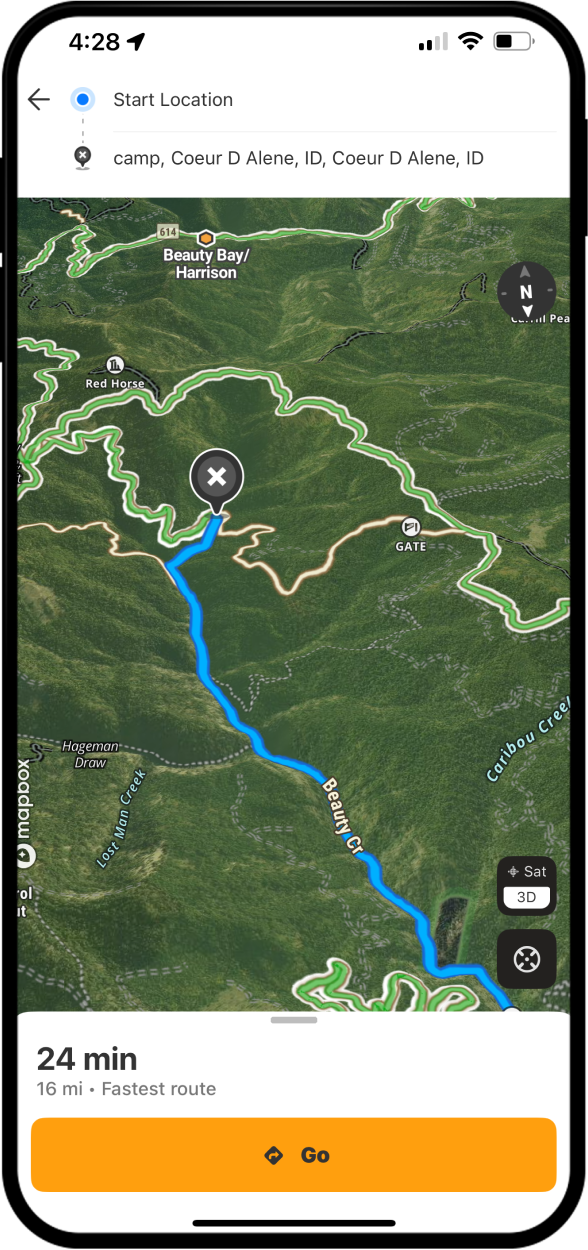
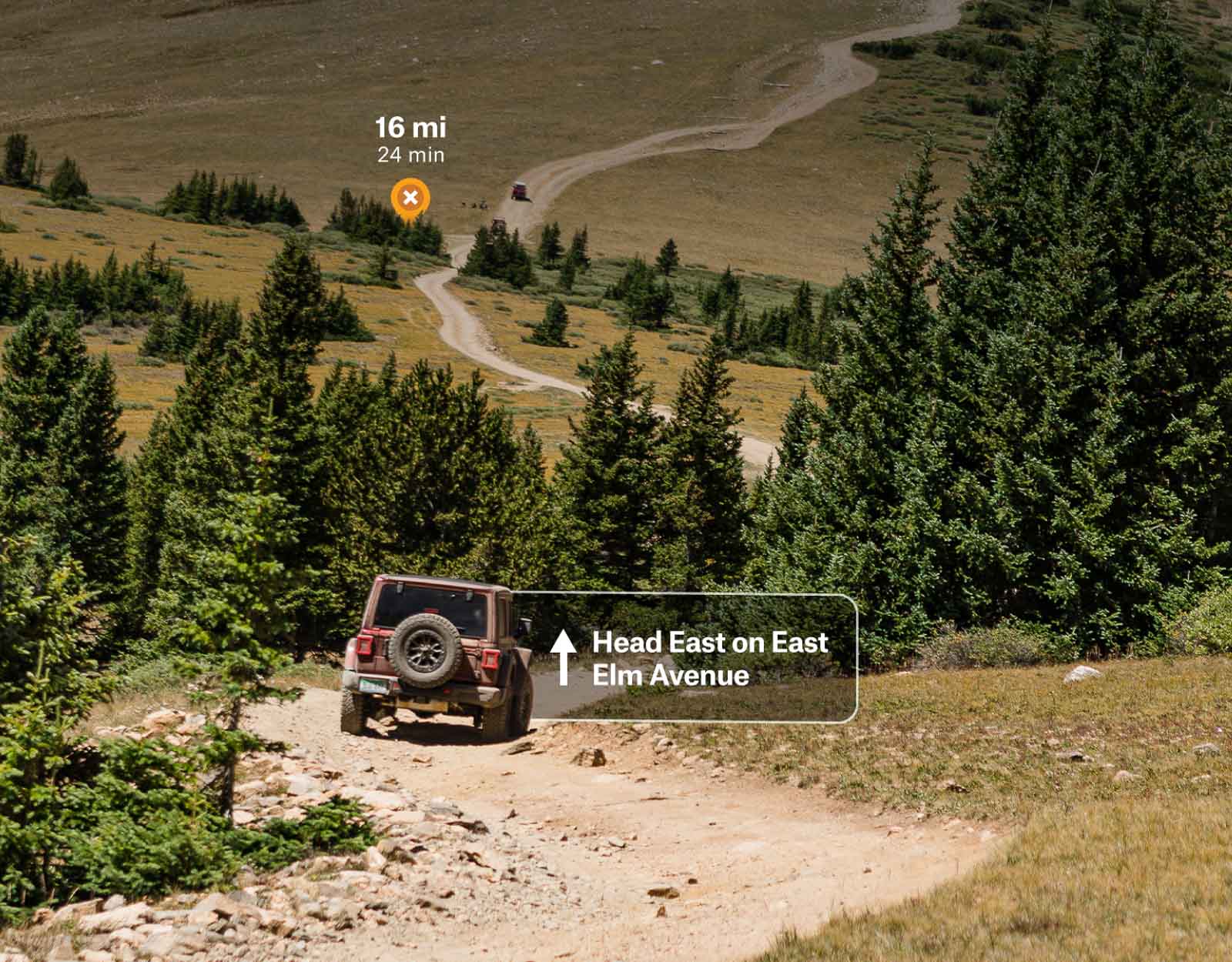
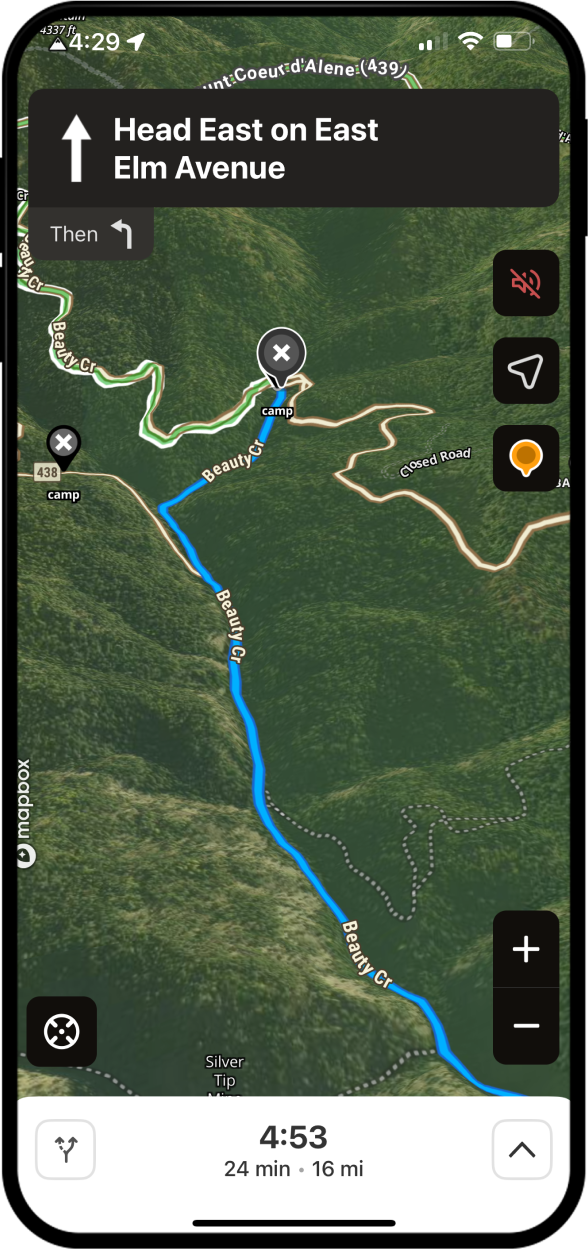
Adventure starts where the pavement ends, and so does onX Navigation. Simply mark your off-grid destination with a Waypoint and select our turn-by-turn directions with voice commands to guide you through the backcountry safely without ever taking your eyes off the view ahead.
Drop
Navigate
Go…where other maps can’t take you
How-To Use onX Navigation
Use onX Navigation to a Waypoint
- Drop a Waypoint on an off-grid destination, or choose from your saved custom Waypoints.
- Select “Navigate” in the bottom toolbar, then choose “onX Navigation.”
- Tap “Go” for turn-by-turn voice command directions to your destination.
- Follow the guidance on your mobile device or connect to your vehicle’s in-dash.
Use onX Navigation on a Custom Route
- Go to “My Content” in the bottom toolbar, scroll to “Routes”, and tap to expand.
- Select the custom-built Route you want to explore.
- Tap “Navigate” in the bottom toolbar then “onX Navigation.”
- Continue with “Go” to activate turn-by-turn directions to your destination.
- Follow from a mobile device or connect to your vehicle’s in-dash.
Pro Tips
Always download an Offline Map of the area you’re exploring to ensure full GPS navigation capability outside cell coverage.
See a detailed overview of your onX Navigation route at any time, just tap, hold, and swipe upwards at the top of the info card.
Frequently Asked Questions
Yes, onX Offroad includes onX Navigation, which provides turn-by-turn directions with voice commands to guide you through the backcountry. It is available to both Premium and Elite members.
Yes, you can navigate your saved custom Routes with turn-by-turn direction guidance. Go to “My Content,” select “Routes,” tap the route you plan to take, then tap “Navigate,” select “onX Navigation,” and tap “Go.”
Yes, turn-by-turn navigation is available outside cell coverage within any area saved as an Offline Map. It is recommended that all users download Offline Maps of their destination before heading out.
Yes, onX Navigation works with both CarPlay and Android Auto, so you can follow turn-by-turn directions and voice commands directly from your vehicle’s in-dash display.
No, both Premium and Elite members have access to onX Navigation’s turn-by-turn directions and voice commands.
Yes, you can share your destination Waypoint or custom Route with others so they can add it to their onX Offroad app and use onX Navigation to get their own turn-by-turn directions to the same destination.