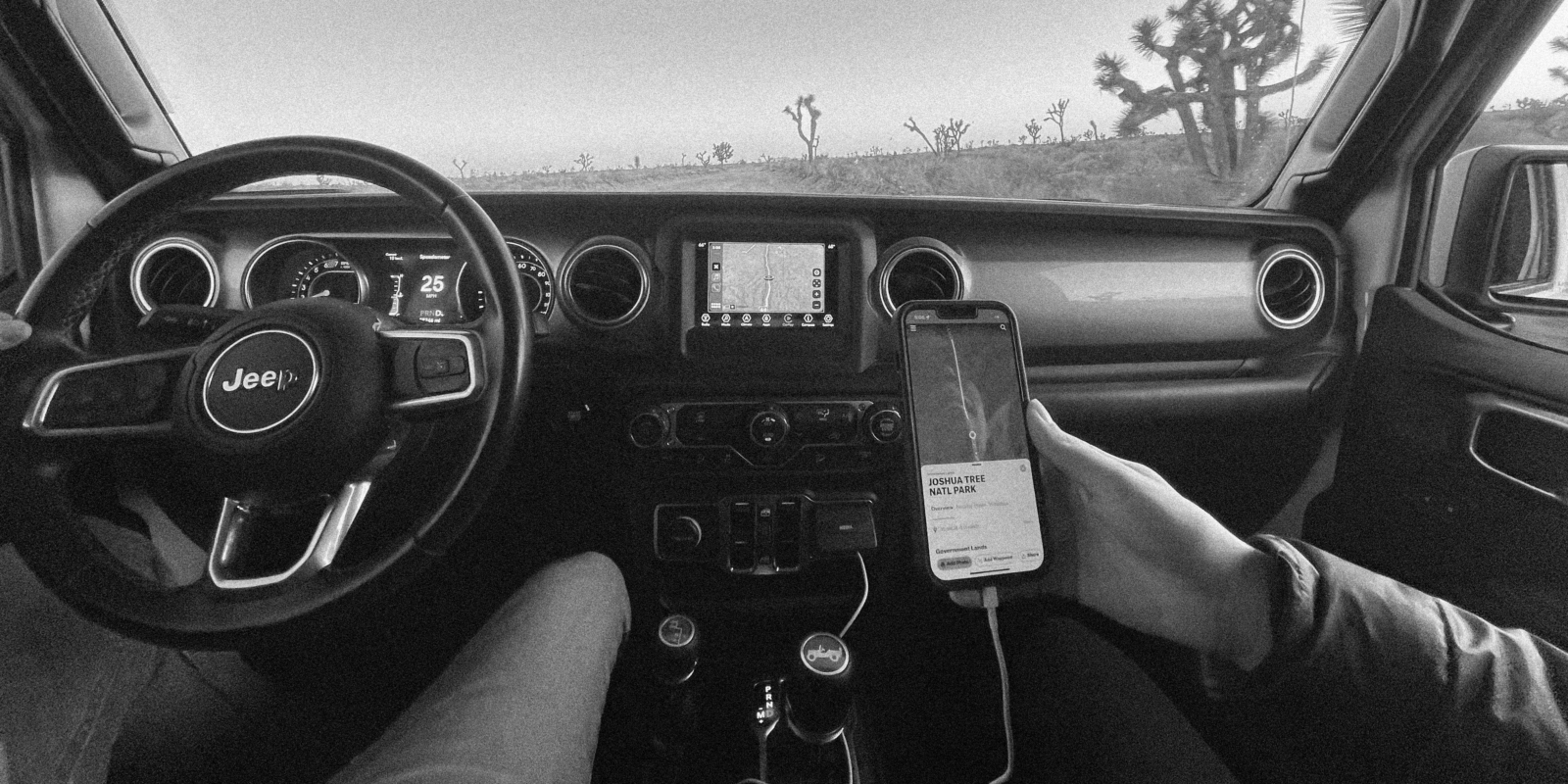

onX Offroad for Apple CarPlay
Experience onX Offroad in your vehicles in dash screen with Apple CarPlay. Explore off-road trails, forest roads, and OHV areas with confidence with onX Offroad
Experience onX Offroad in your vehicles in dash screen with Apple CarPlay. Explore off-road trails, forest roads, and OHV areas with confidence with onX Offroad
Getting Started with Apple CarPlay
Here are some tips to help you connect onX Offroad and Apple CarPlay.
1. Download onX Offroad. Already have the App? Make sure you have the latest update.
2.Check if your vehicle is compatible with Apple CarPlay
3. Plug your phone into your in-dash unit.
4. Tap Apple CarPlay on your in-dash menu, and then tap onX Offroad.
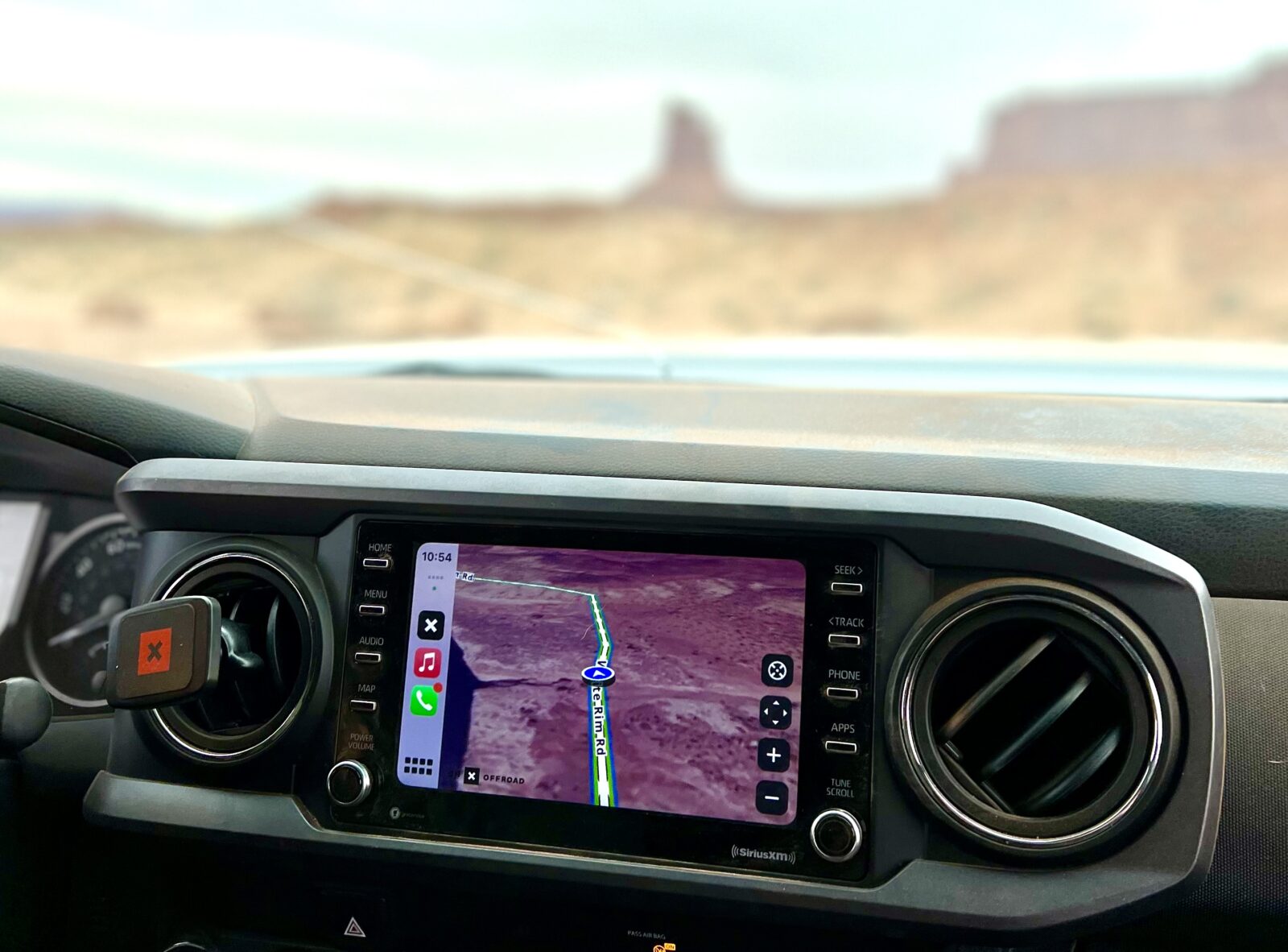
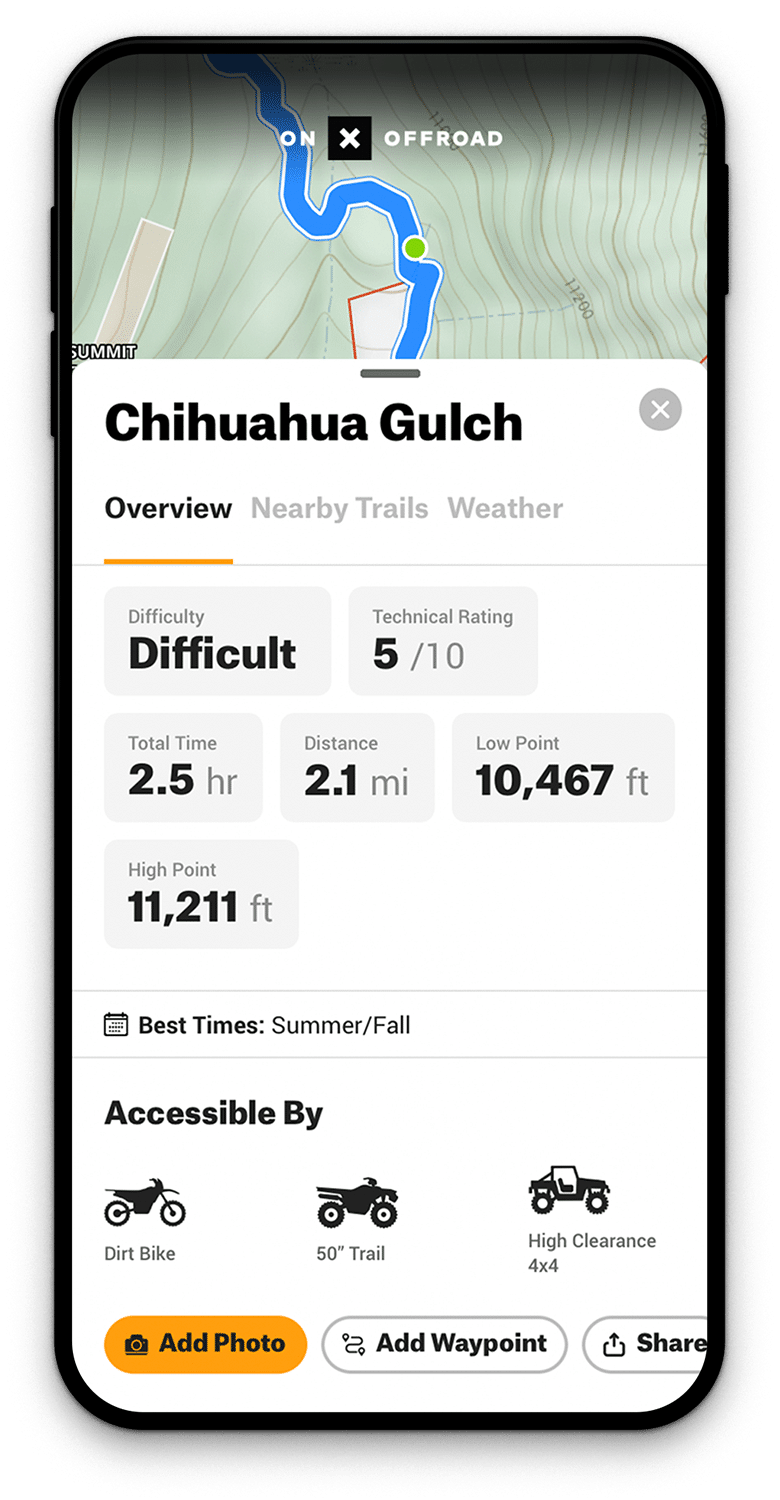
Off-Road Maps, Now Hands Free
onX Offroad paired with Apple CarPlay provides you with all of the information you need, without having to use your phone while driving. This means you can pay more attention to the trail and the adventure ahead. Simply plug your smartphone into your vehicle, connect with Apple CarPlay, and go!
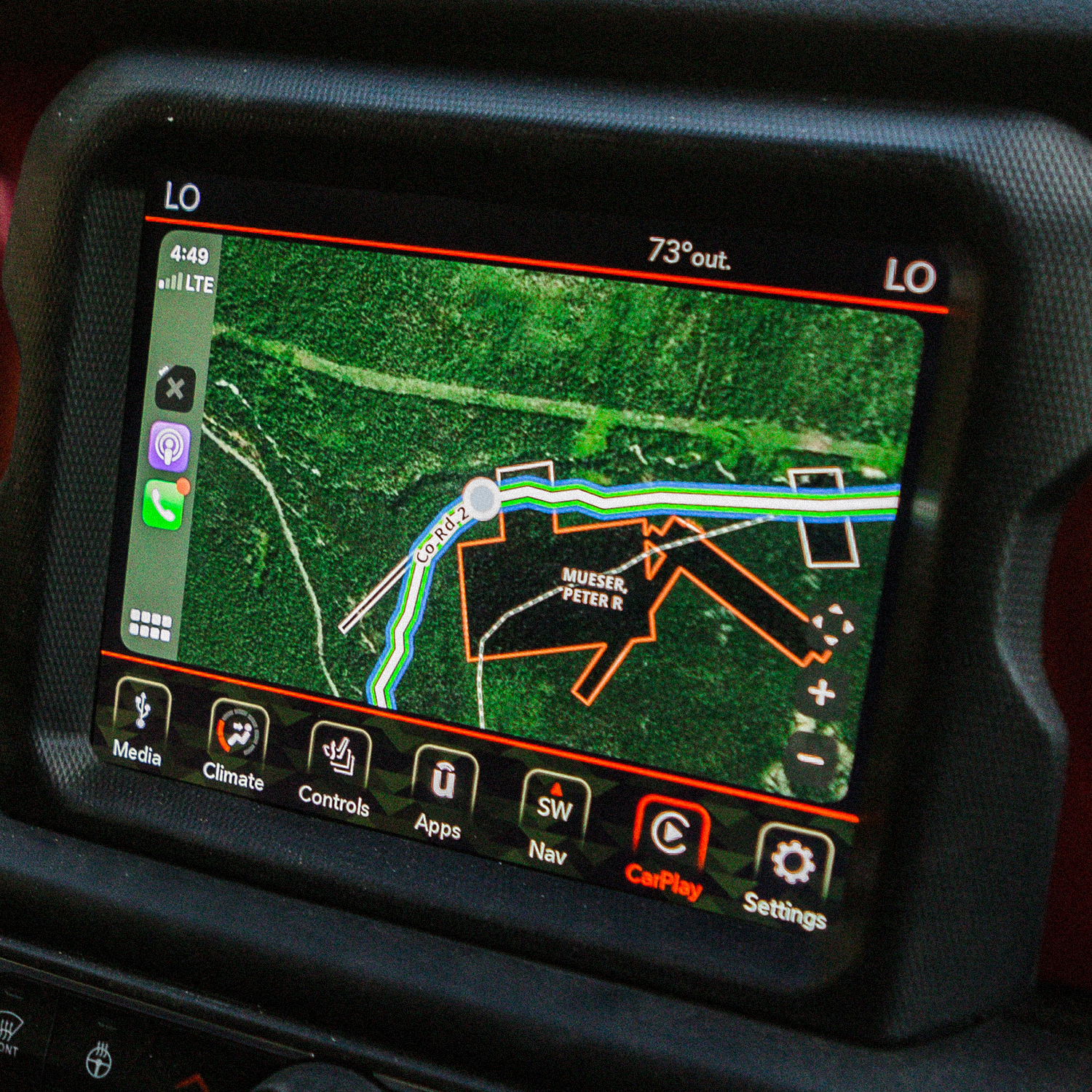
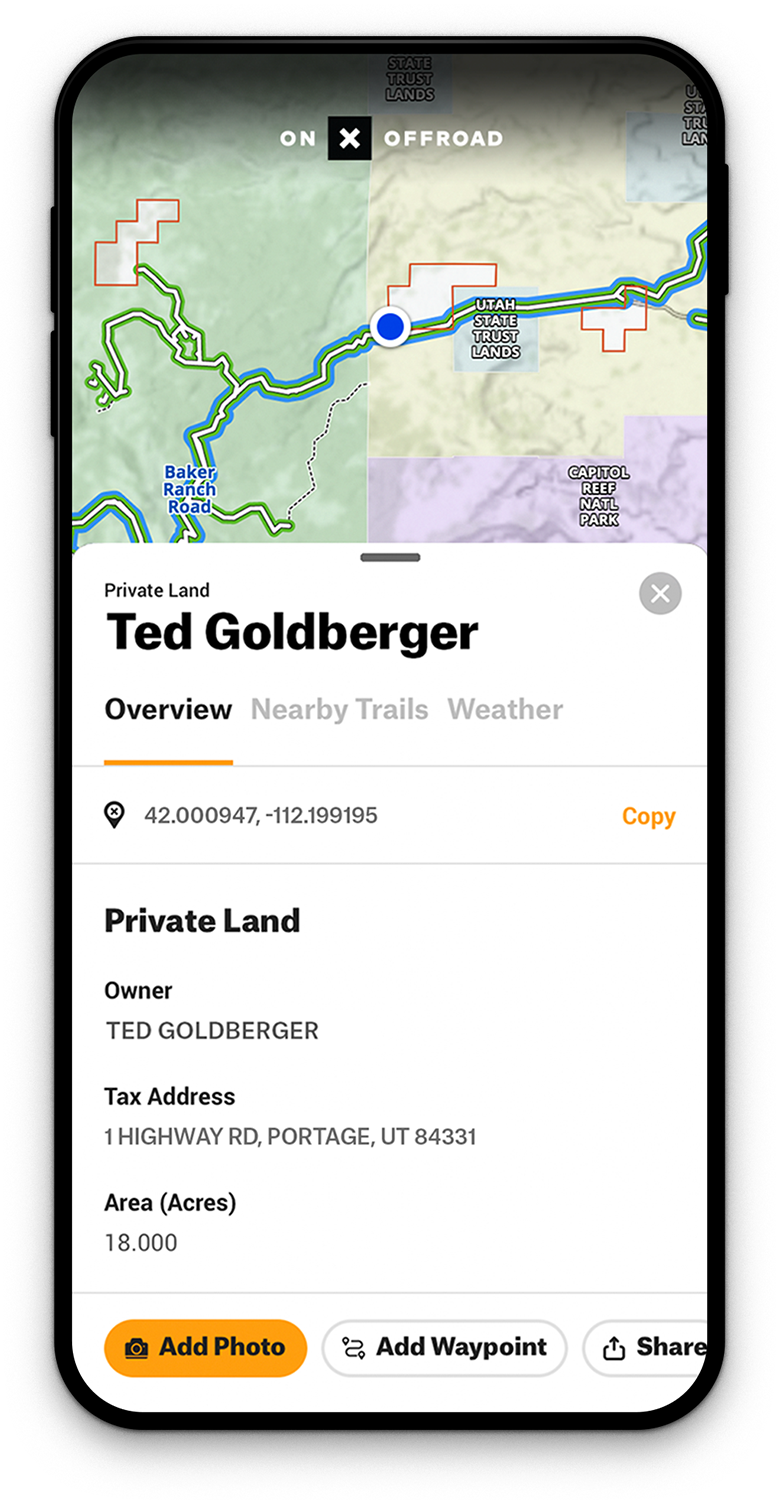
Public and Private Land Info
Quickly know land ownership information across the nation. Tap anywhere on the map to see public land, like national parks and forests, as well as private land owner names, boundaries, and acreage with Elite.
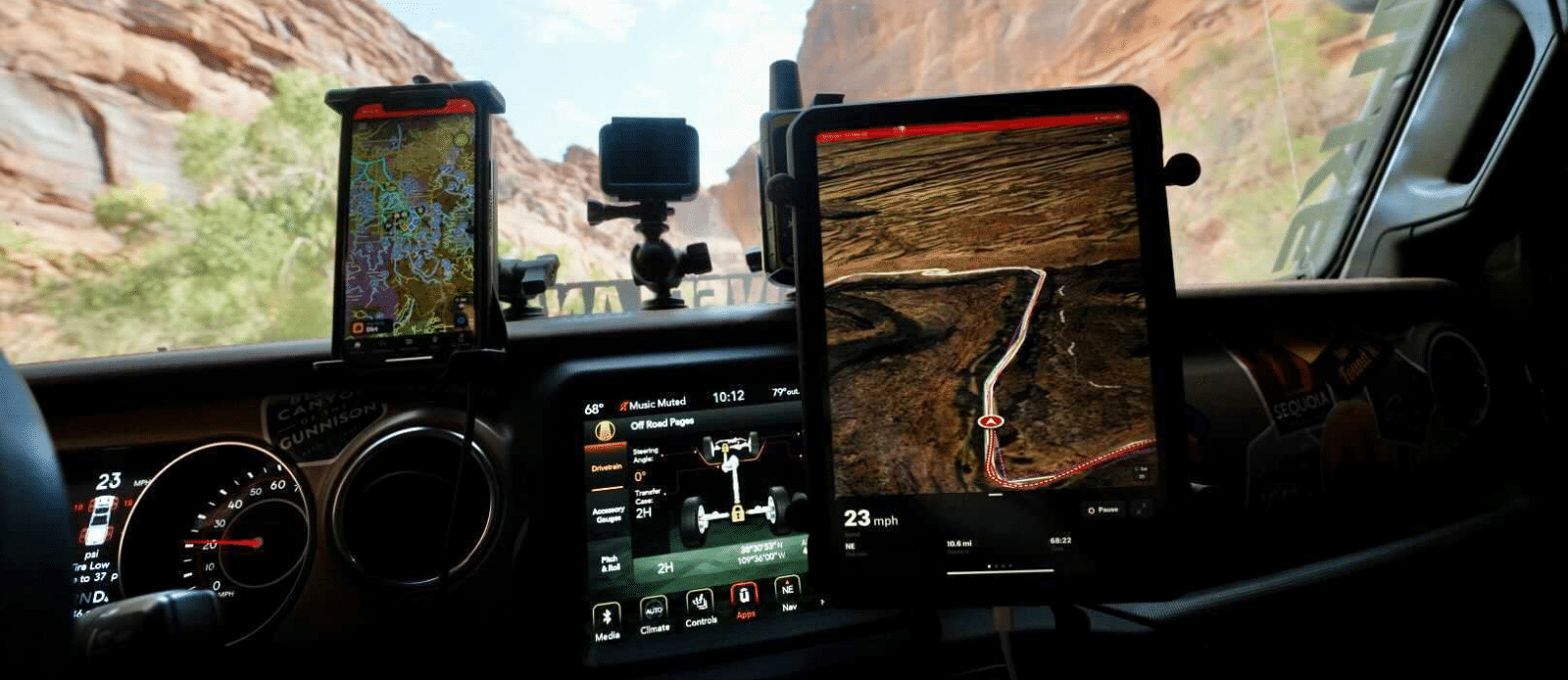
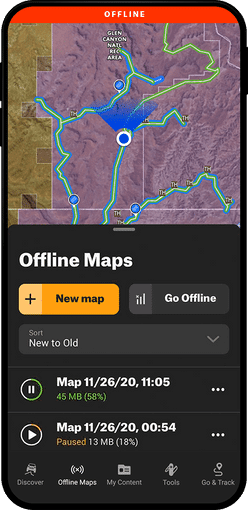
No Cell Service?
No Problem with Apple Carplay
onX Offroad supports Offline Maps on Apple CarPlay for when you are out of service. Before you head off the grid, ensure you have downloaded the areas you will be exploring on your mobile device. Once the maps are downloaded, plug your device into your vehicle and hit the trails. For additional information on Offline Maps, check here.
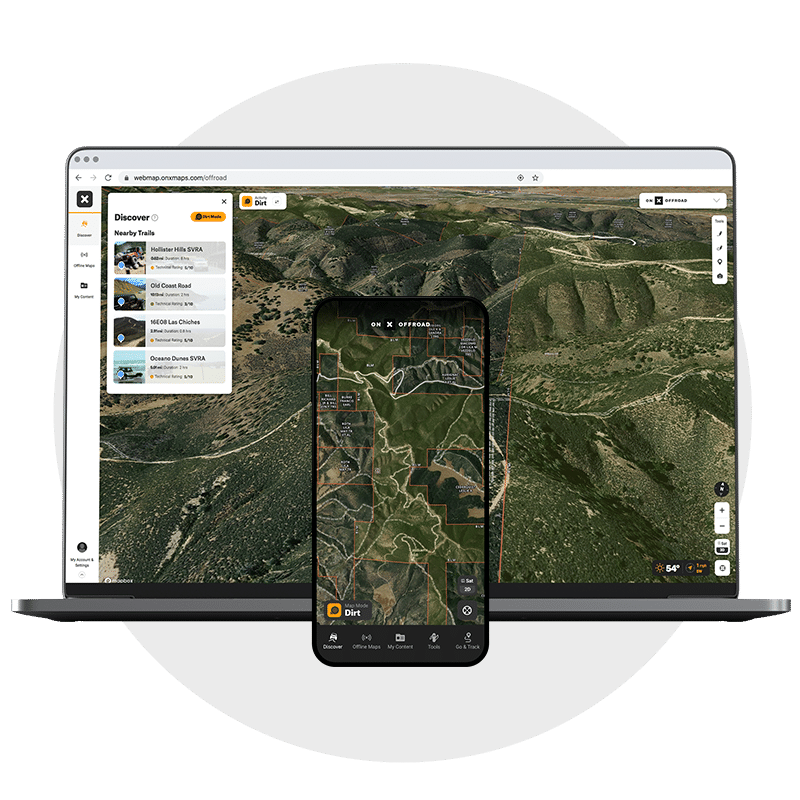
Plan Your Adventure Across Devices
onX Offroad syncs seamlessly across all of your devices. All of your Tracks and Waypoints are automatically saved between your computer, phone, tablet, and in-dash screen. Plan your next adventure on your computer at home, and then take those maps with you on the trail using Apple CarPlay.
FAQs
Yes, onX Offroad is available for Apple CarPlay. Simply plug your smartphone into your vehicle’s in-dash unit, tap Apple CarPlay on the in-dash menu, and select onX Offroad.
You need the latest version of the onX Offroad app, a compatible vehicle, and a USB connection between your phone and your in-dash unit. You can check vehicle compatibility through Apple’s list of available CarPlay models.
Yes, onX Offroad supports Offline Maps on Apple CarPlay. Before heading off the grid, download the areas you plan to explore on your mobile device, then plug in and go.
You can view public land like national parks and forests, as well as private land owner names, boundaries, and acreage with an Elite membership. Tap anywhere on the map to see land ownership information across the nation.
Yes, onX Offroad syncs seamlessly across all devices, including your in-dash screen. Tracks and Waypoints planned on your computer or phone are automatically available when you connect to Apple CarPlay.
Yes, onX Offroad is available for Android Auto as well as Apple CarPlay.
onX Offroad offers a Premium and an Elite membership tier. You can visit the onX Offroad pricing page to find the option that fits your needs.
onX Offroad for Apple CarPlay
Use the most trusted off-roading and snowmobiling app to discover nearby trails, plan and track your trips, and get home safely.