
Compass Mode
Compass Mode allows you to maintain your bearings and quickly pinpoint an area on your map with accuracy.
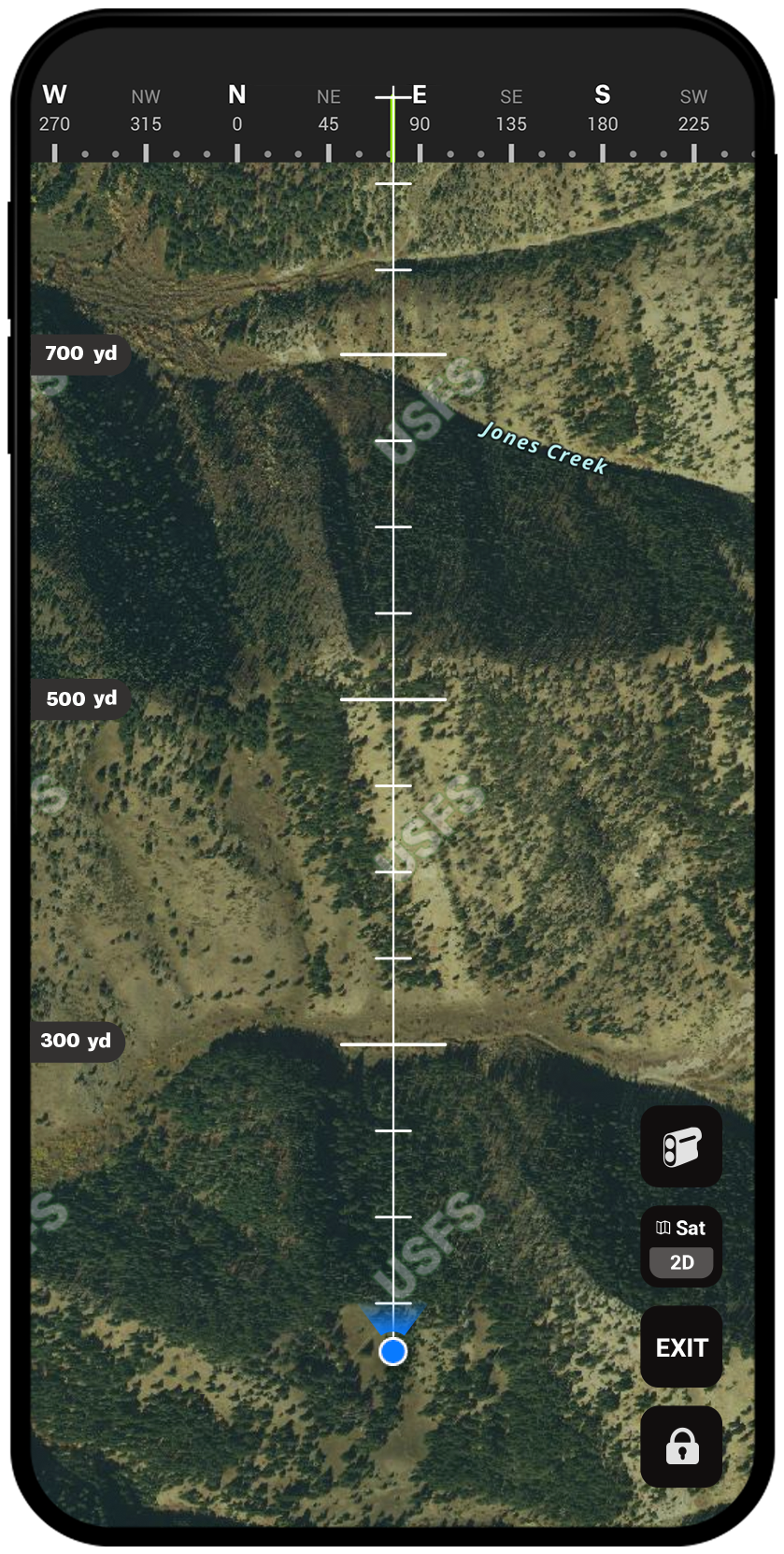
Pinpoint Game With Precision
When you need to determine direction quickly and accurately, Compass Mode is the tool for the job. This tool gives you a distance reference over your Basemap of choice while rotating with the direction your phone is pointing in real time, allowing you to home in on the exact direction as well as analyze the terrain. Pinpoint exactly where your next move is so you can slip in with confidence.
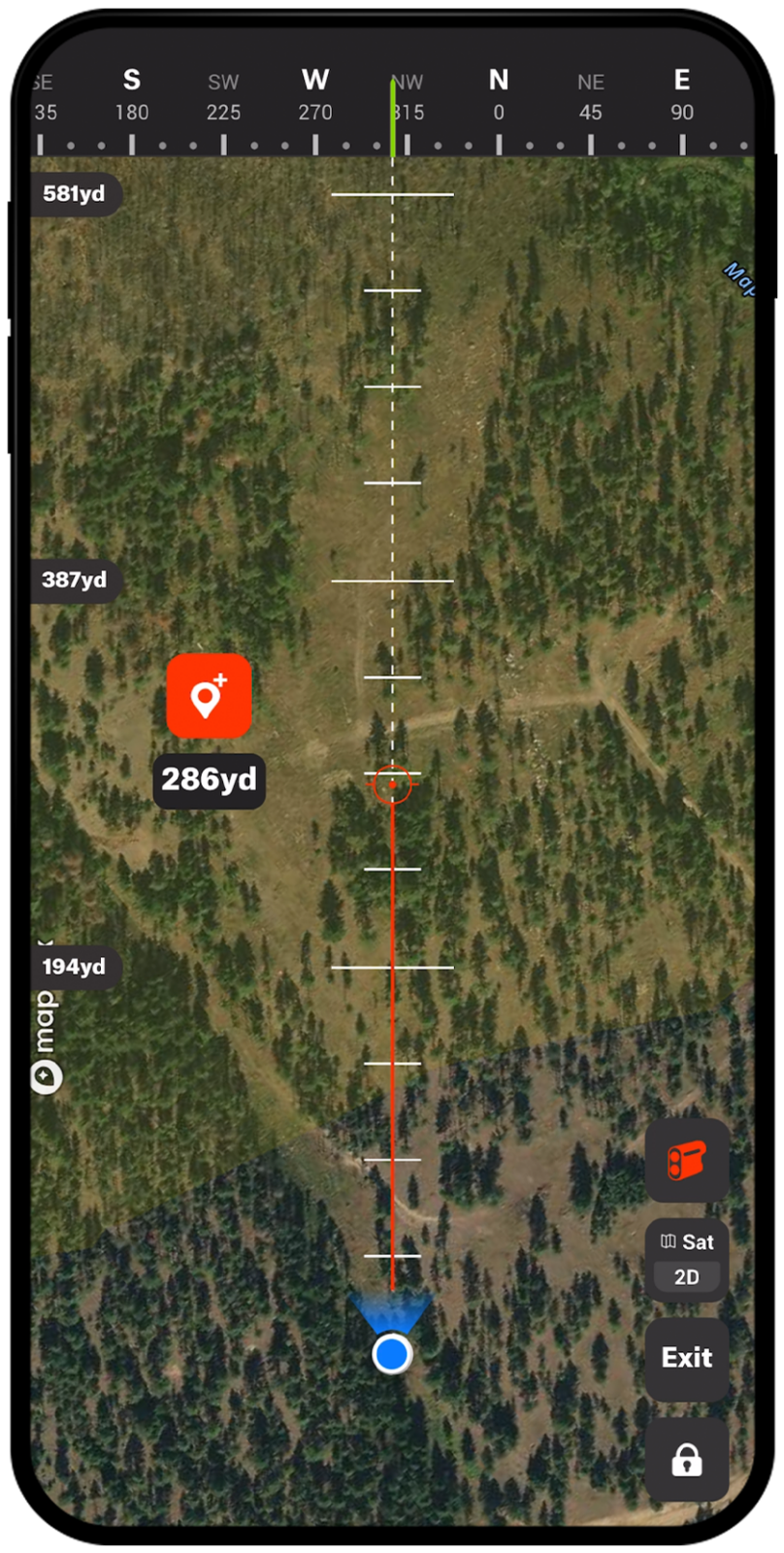
Compass Mode Breakdown
Never Lose Your Bearing
Compass Mode will always give you your direction of heading with your GPS location. You can also use the compass bearings at the top of the screen to ensure your direction of travel, giving you confidence to navigate unfamiliar terrain. Compass Mode uses your phone’s GPS; a typical smartphone has three magnetic field sensors, fixed perpendicular to each other, which are used to work out the direction of Magnetic North.
Navigate With Ease
Having precise directional tools at your fingertips for every hunt will make you more efficient and prepared for the moment in the field. You can find your orientation and distance from features on the map and add Waypoints at specific distances and directions from your location. Navigate with ease using onX Compass Mode.
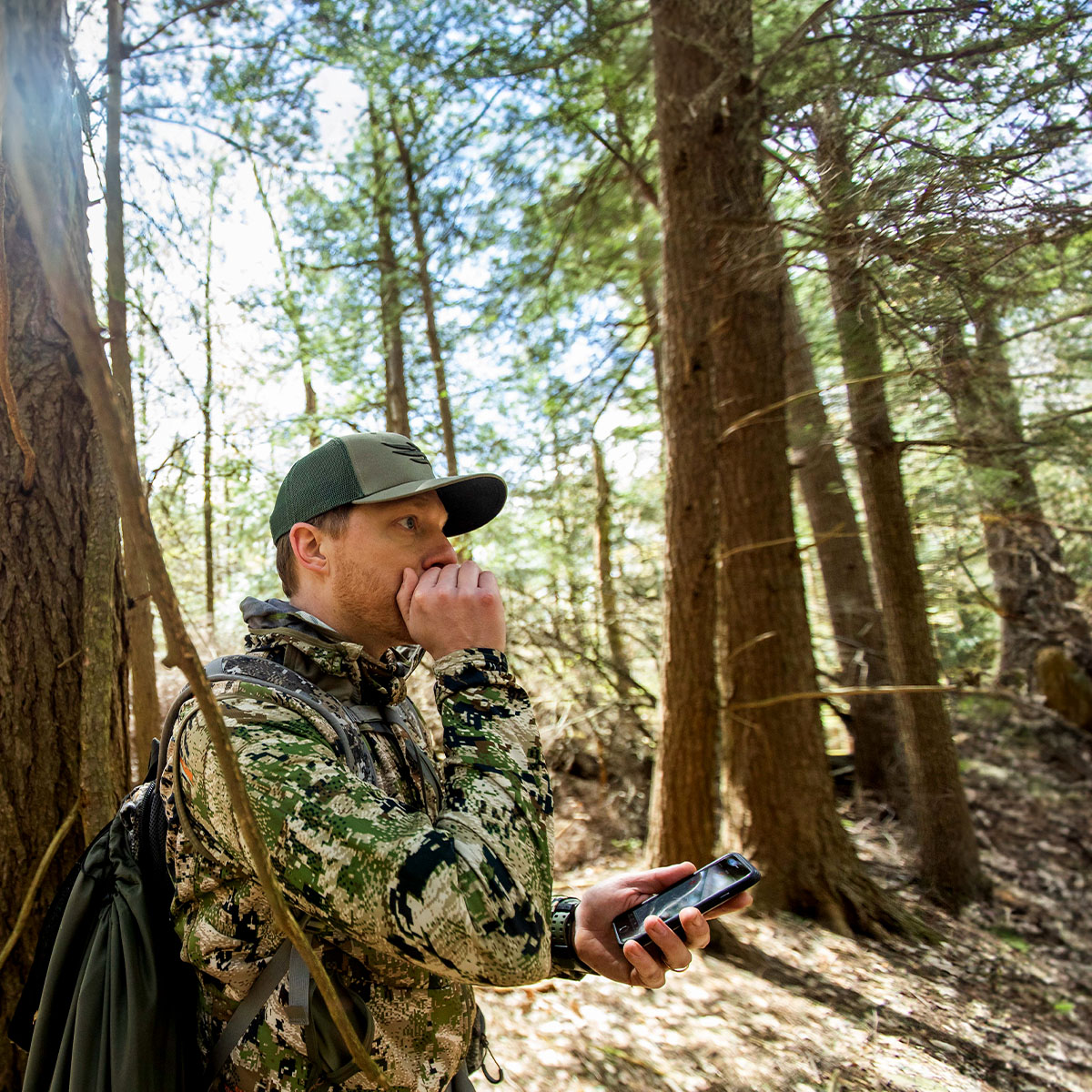
It’s rare I don’t use Compass Mode during a day in the field. Of course, my favorite use cases are pinpointing bugles and gobbles. When interacting with an animal, understanding their precise location is extremely powerful intel to inform you where and how you should make your setup, it’s been the last feature used before a number of celebrations in my circles.
– Jared Larsen
Navigate With Confidence
Your GPS location, real-time direction of heading, bearing, and dynamic distance references make Compass Mode a powerful feature.
Frequently Asked Questions
Compass Mode is a tool in the onX Hunt app that gives you a real-time direction of heading, GPS location, bearing, and dynamic distance references over your Basemap of choice. It rotates as your phone moves, helping you pinpoint exact directions and analyze terrain.
Yes, you can use Compass Mode when you are offline.
Compass Mode uses your phone’s built-in GPS and magnetic field sensors to determine the direction of Magnetic North. A typical smartphone has three magnetic field sensors fixed perpendicular to each other to make this work.
Compass Mode is useful for basic orienteering, pinpointing bedded animals, navigating to a glassing point, and marking where an animal was downed. It can also help you locate sounds like bugles or gobbles by identifying the precise direction they are coming from.
Compass Mode is best used to supplement a physical rangefinder, not replace it. You can use your rangefinder to range an animal, then use Compass Mode’s built-in Rangefinder to drop a Waypoint at that location so you can navigate toward it even when the animal is out of sight.
Yes, you can add Waypoints at specific distances and directions from your current location directly within Compass Mode.
Magnets can interfere with Compass Mode’s accuracy. If your bino harness or phone case contains magnets, you may experience issues with Compass Mode accurately reflecting your orientation.