
Avalanche Map App
Avalanche conditions can change quickly in the backcountry. Before you head out, use onX Backcountry to check avalanche forecasts, study slope angle, review terrain exposure, and plan routes that better match the day’s conditions.
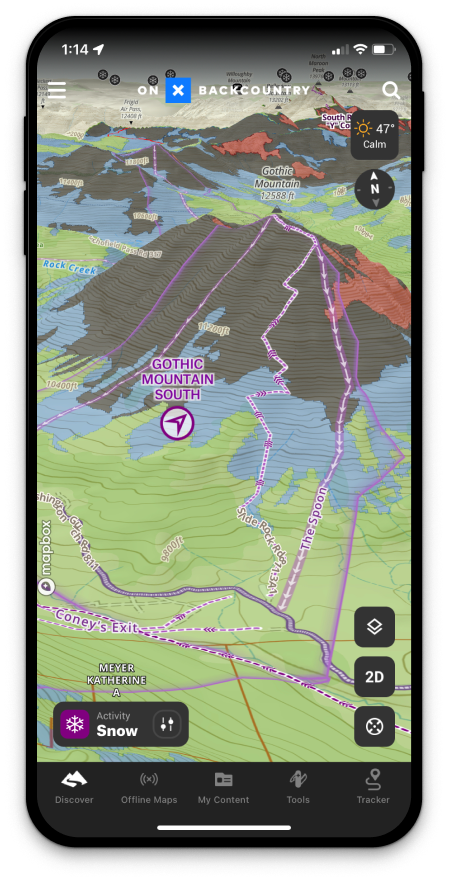
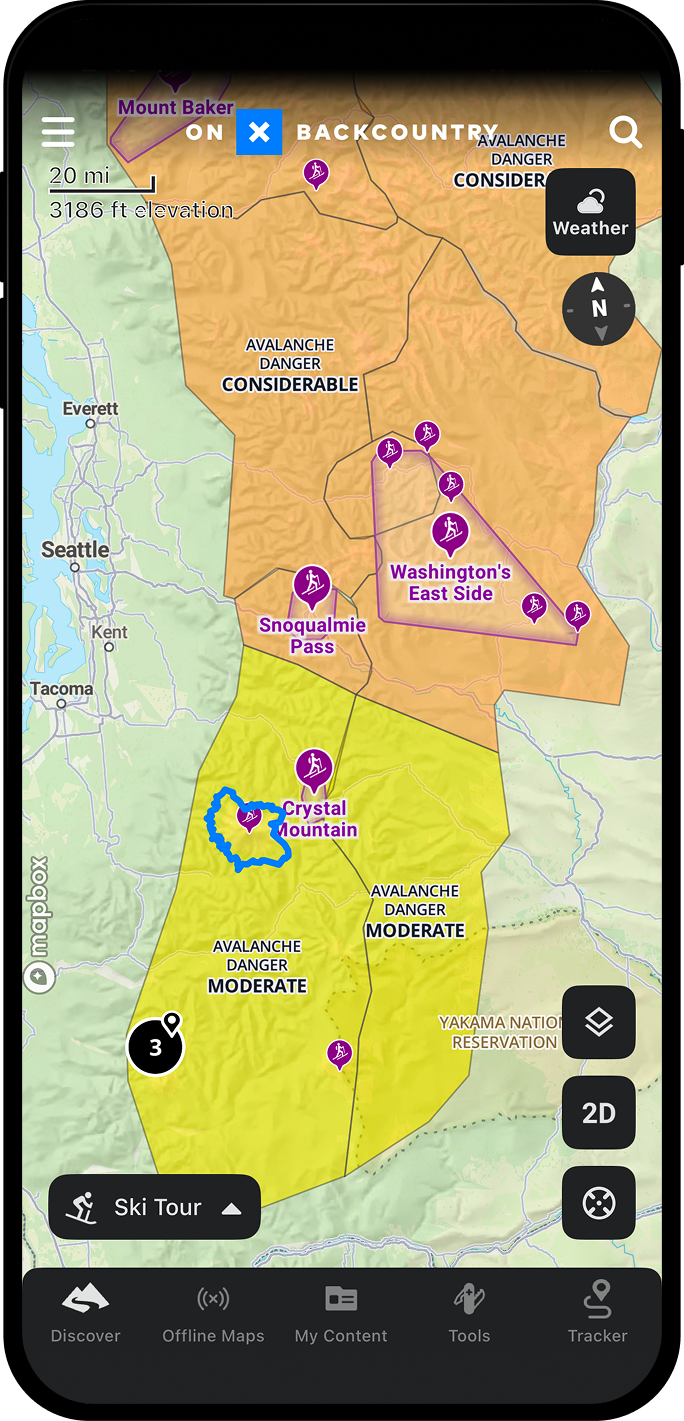
Check Avalanche Forecasts From Your Map
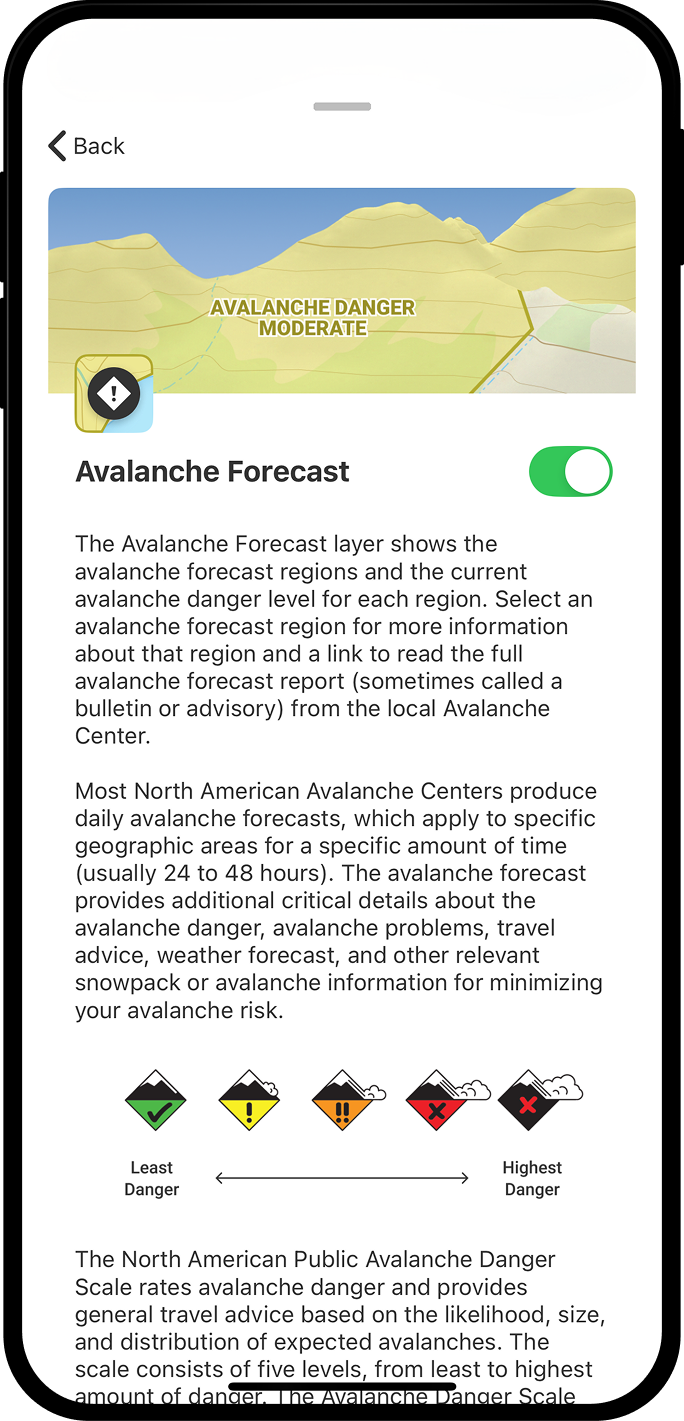
Before you choose a route, start with the avalanche forecast. onX Backcountry displays avalanche reports from local avalanche centers for your area so you can better understand the day’s hazard, avalanche problems, and terrain concerns before heading into the mountains.
Use the forecast as part of your planning process, then compare it with the terrain on your map. Look at where your route travels, which aspects it crosses, how steep the slopes are, and whether your objective aligns with current conditions. A forecast is not a green light, but it is one of the most important inputs for building a smarter winter travel plan.
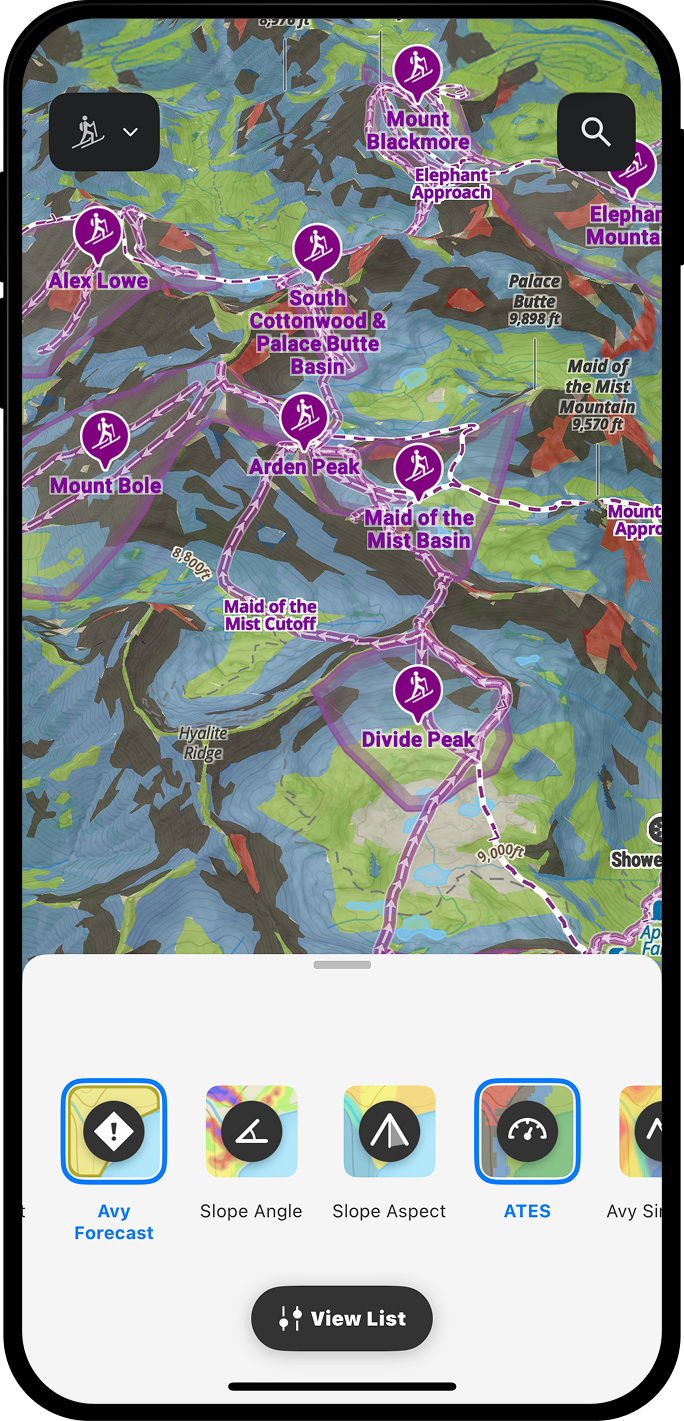

Understand Avalanche Terrain Before You Commit
Avalanche terrain is complex, with many factors both dynamic and static at play. With onX Backcountry, you can use winter map layers to study slope angle, slope aspect, and Avalanche Terrain Exposure Scale (ATES) data where available before you go.
Review steep slopes, overhead hazards, terrain traps, connected avalanche paths, and exposure around your planned route. Then adjust your plan before you are standing in the terrain and making decisions under pressure. The more you understand the landscape ahead of time, the easier it is to choose terrain that better matches the day’s conditions and your group’s acceptable risk level.

Plan Routes That Match the Conditions
A good winter plan gives you options. Use onX Backcountry to map your route, identify lower-angle alternatives, mark decision points, and save key locations before your trip.
Drop Waypoints for trailheads, transitions, regroup points, terrain changes, or turnaround options. Review the terrain around each part of your route and build a plan that can adapt if conditions, visibility, timing, or group comfort changes. Then download your Offline Map before you leave service so your map, route, and saved Waypoints are available in the field.

Built for Winter Backcountry Planning
Avalanche maps are most useful when they are part of a larger decision-making process. onX Backcountry brings forecast information, winter terrain layers, topo maps, satellite imagery, 3D Maps, Waypoints, Routes, and Offline Maps into one planning tool for winter travel.
Use it before you go to compare objectives, identify terrain to avoid, and build backup plans. Use it in the field to stay oriented, check your position, and keep your route context close when cell service is limited or unavailable.
Important: Avalanche map apps and forecasts are planning tools. They do not replace avalanche education, rescue gear, partner communication, field observations, or conservative decision-making.
“Looking at a satellite image only gives you part of the picture. Elevation and steepness are key factors when choosing terrain and Topo maps give you the clarity to plan safer lines and smarter exits in the backcountry.”
-Eric Jackson

How To Use Topographic Maps

On Desktop
- Open the onX Backcountry Web Map and log in to your account.
- Search for the hike, backpacking route, trailhead, or destination you’re planning.
- Review the topo map to study contour lines, elevation change, ridgelines, drainages, and surrounding terrain.
- Create a route, add Waypoints, and review key decision points before you go.
- Open the onX Backcountry App before your trip and save the area as an Offline Map so your map is available on your mobile device in the field.

In App
- Open the onX Backcountry App on your mobile device.
- Search for a trail, trailhead, peak, campsite, or area you want to explore.
- Tap the Layers button and select the topographic map view to review contour lines, elevation, and surrounding terrain.
- Build a route and add Waypoints for key locations along the way.
- Compare topo, satellite, hybrid, and 3D maps for more context.
- Download an Offline Map before your trip so your topo map, route, and saved Waypoints are available when cell service is limited.

Plan with Better Maps.
Start your free 7-day onX Backcountry trial today to start exploring.
Frequently Asked Questions
A topographic map app helps you understand terrain by showing elevation, contour lines, landforms, and route context on your phone or desktop. onX Backcountry combines topo maps with trails, route planning, Waypoints, Offline Maps, and GPS tools for hiking and backpacking.
Topo maps help hikers see how the terrain changes along a route. They can show climbs, descents, ridgelines, valleys, saddles, drainages, and steep terrain that may not be obvious from trail mileage and routes alone.
Yes. With onX Backcountry, you can save Offline Maps before your trip so your topo map, planned route, and saved Waypoints are available when cell service is limited or unavailable.
Yes. The topographic map view in onX Backcountry includes contour lines and elevation detail to help you understand the shape of the terrain around your route.
Yes. onX Backcountry lets you plan routes, add Waypoints, review terrain, and save Offline Maps before a backpacking trip. This can help you prepare for elevation gain, route timing, campsites, water access, and key decision points.
onX Backcountry includes topo, satellite, hybrid, and 3D map views. These views can help you study terrain, understand trail context, and visualize your route before you go.
Yes. onX Backcountry can be used on iPhone to view topo maps, plan routes, save Offline Maps, track trips, and navigate trails in the field.
Yes. onX Backcountry is also available for Android, giving hikers access to topo maps, route planning, Offline Maps, Waypoints, and GPS navigation tools from their mobile device.
Contour lines show changes in elevation. Closely spaced contour lines usually indicate steeper terrain, while wider spacing usually indicates gentler terrain. Reading contour lines can help you understand climbs, descents, ridgelines, drainages, saddles, and potential route challenges before you hike.
Yes. onX Backcountry combines topo maps with GPS location tools so you can see where you are on the map, follow your planned route, and stay oriented on the trail.