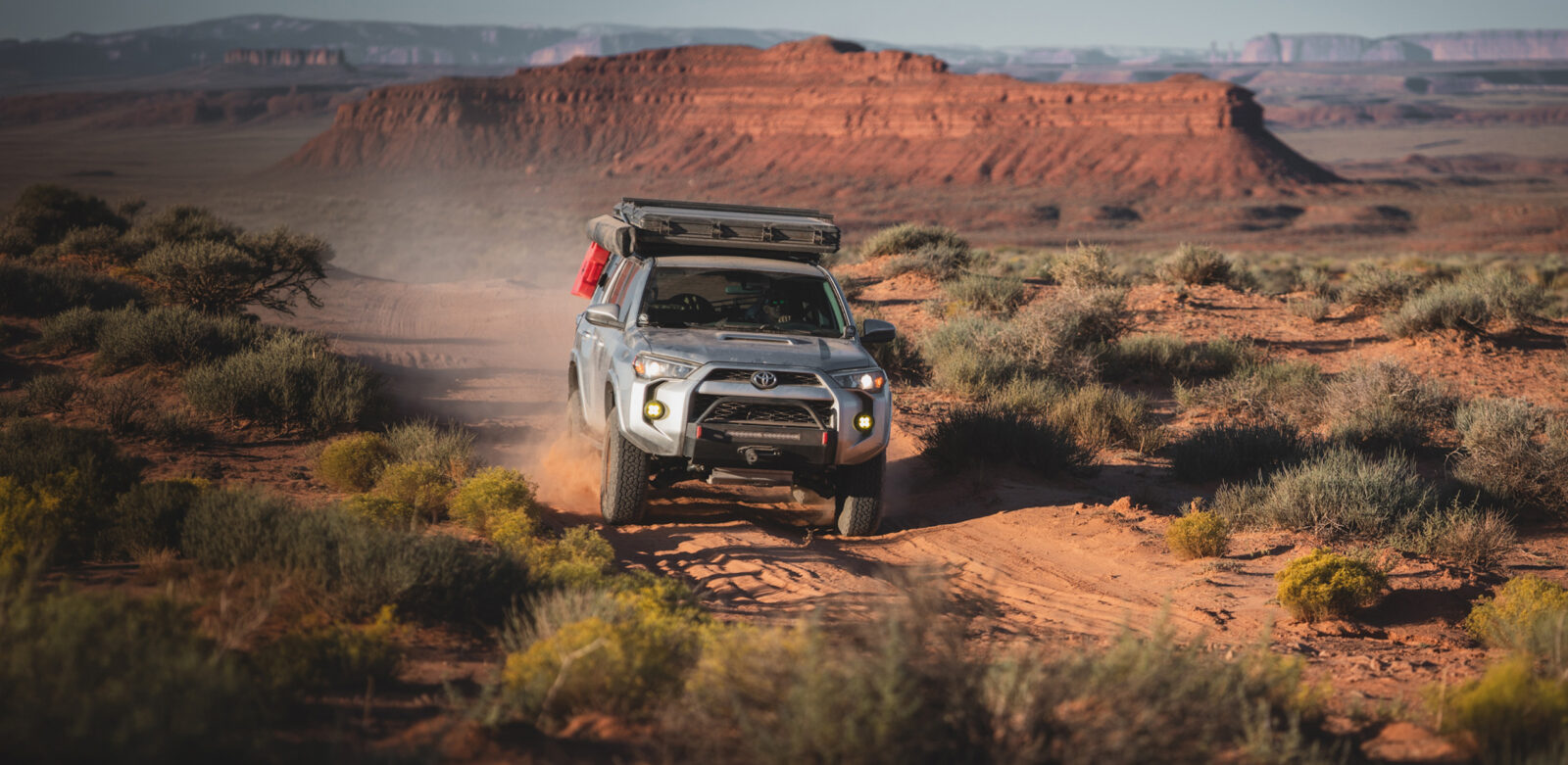
Plan your next adventure with onX Offroad in Claude
Ask Claude where to ride and get real onX Offroad trails, ratings, and details right in the conversation.
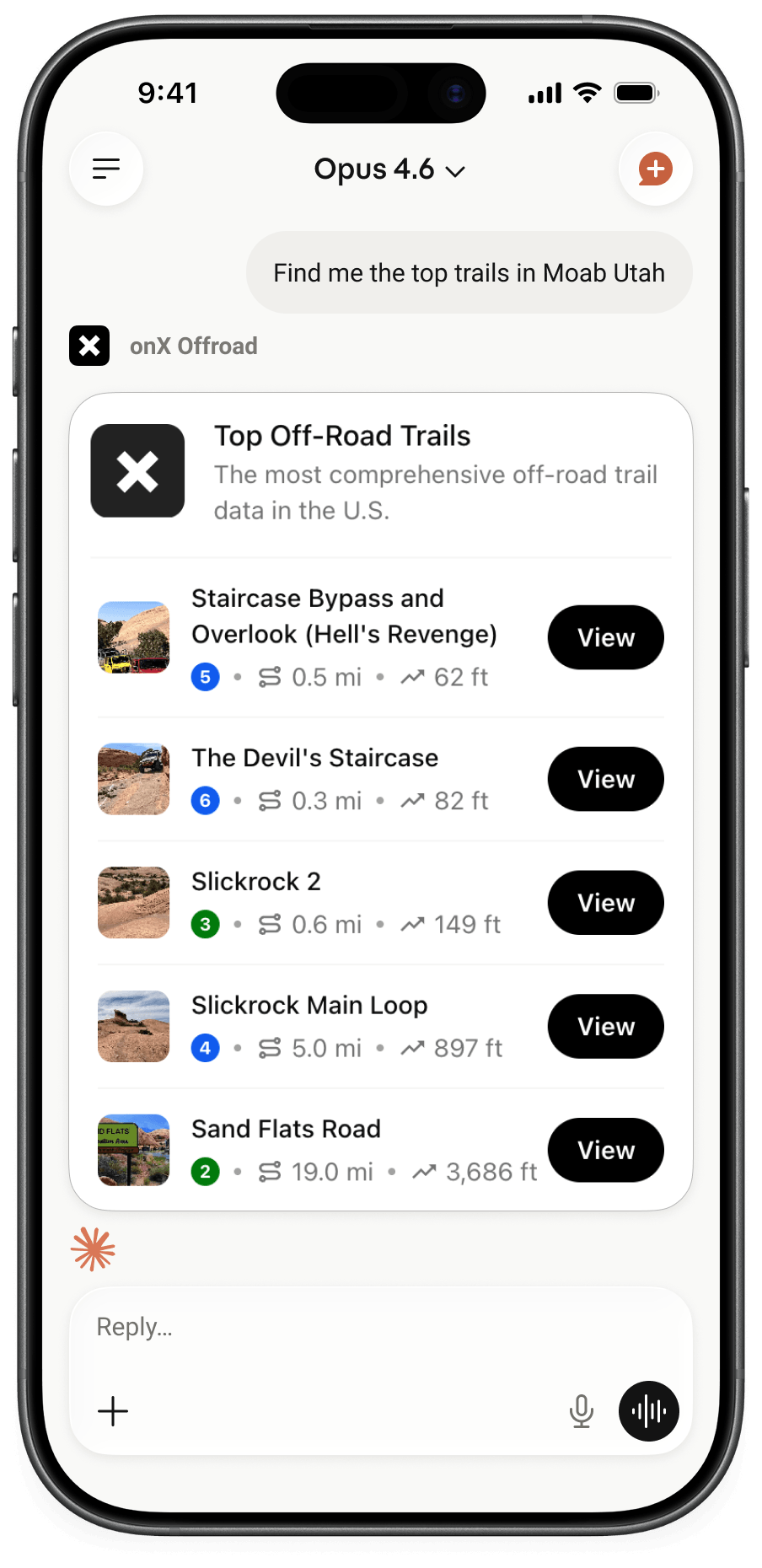
The trails you’ve been saving for someday now live a question away. With the onX Offroad connector for Claude, you can plan a weekend in Moab, scope out a trail that fits your rig, or compare difficulty ratings without ever leaving your chat. Every result is backed by the same data trusted by millions of offroaders in the onX Offroad app.
What is it?
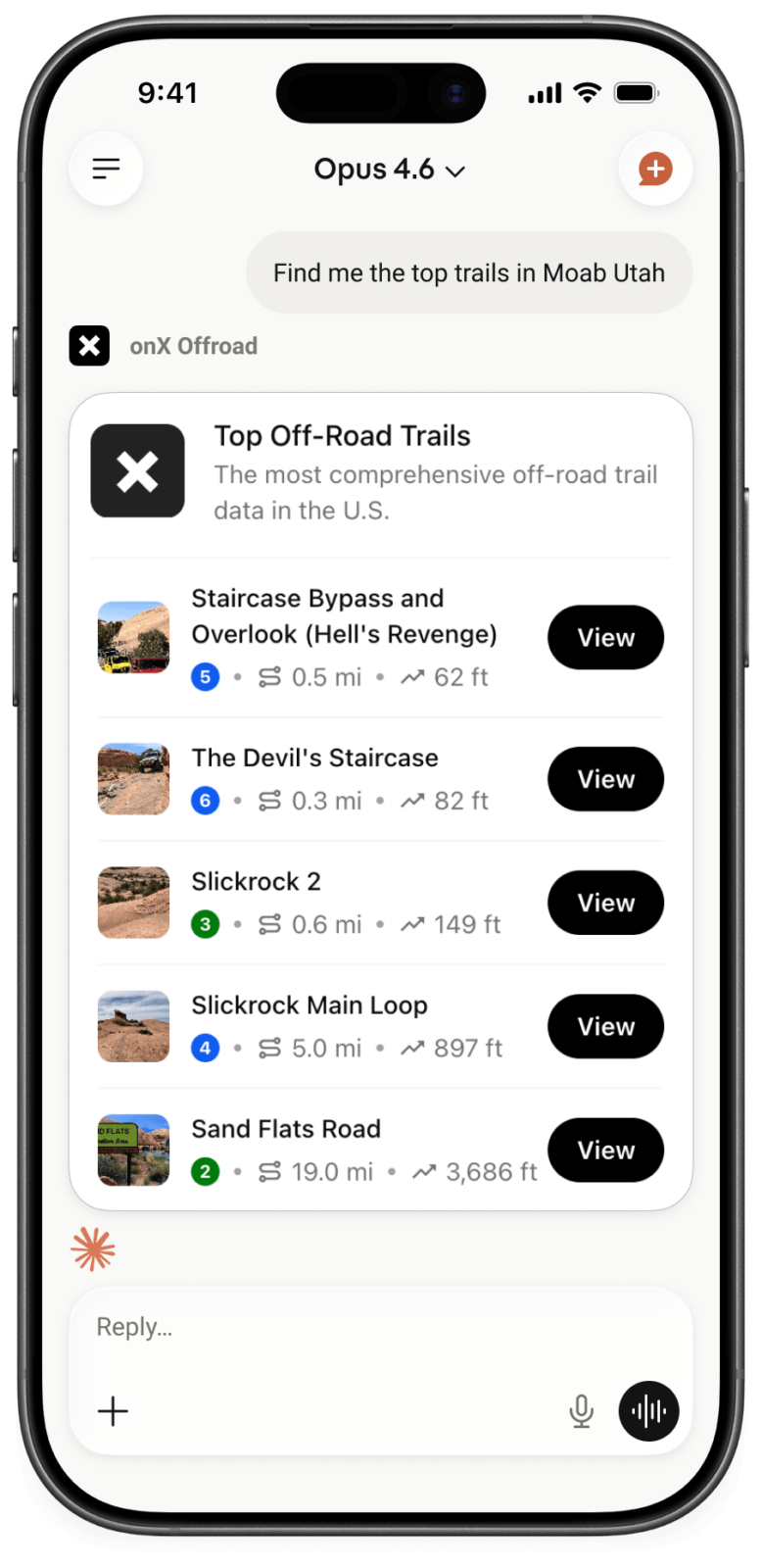
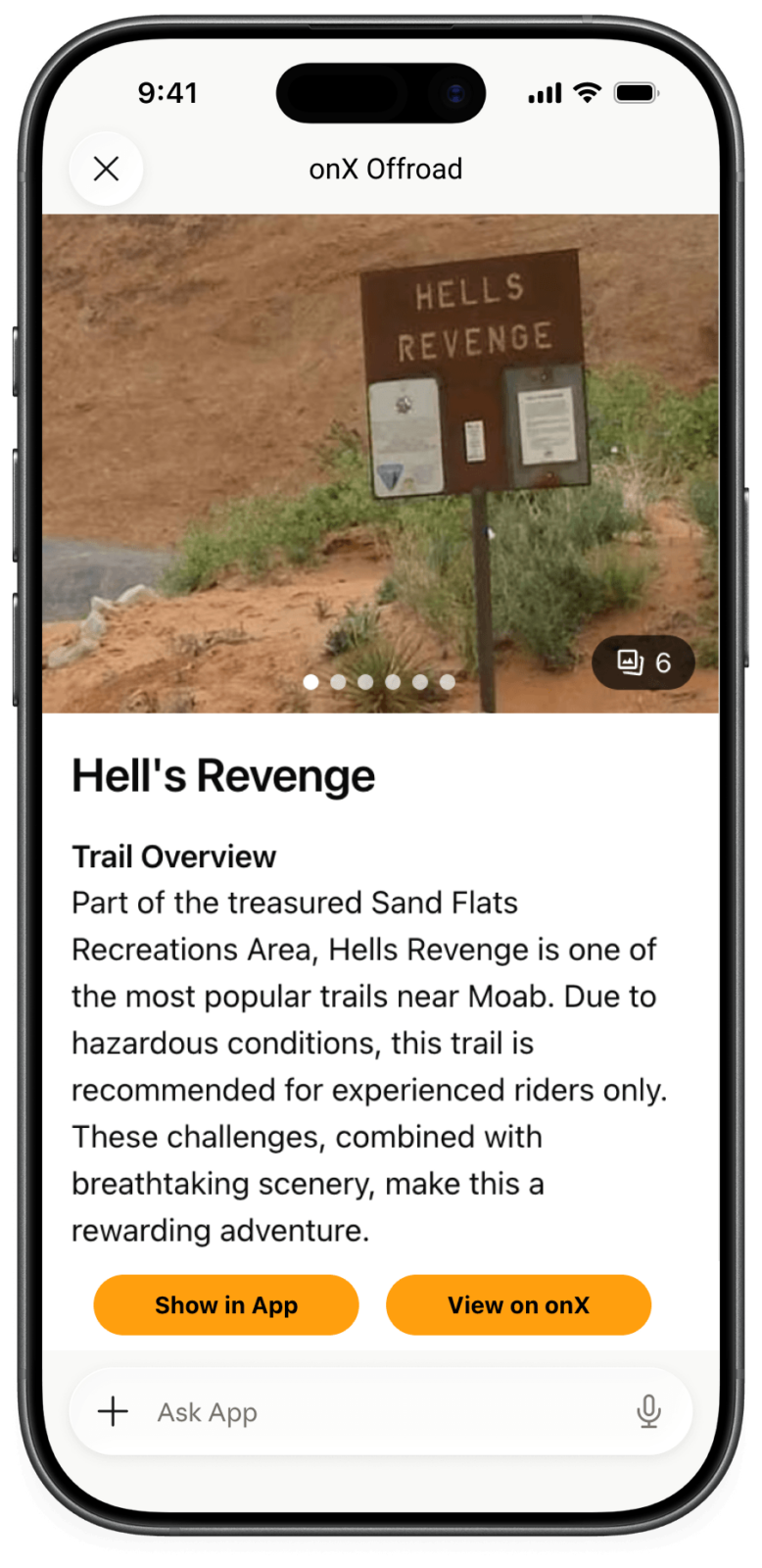
onX Offroad in Claude is a free interactive connector that brings curated onX Offroad trail data into Claude.ai. Search by location, technical rating, vehicle width, length, or season – and see the results render as interactive trail cards, not just a wall of text. Get real-time trail condition reports from fellow offroaders, so you know what to expect before you go. No download, no account required to try it.
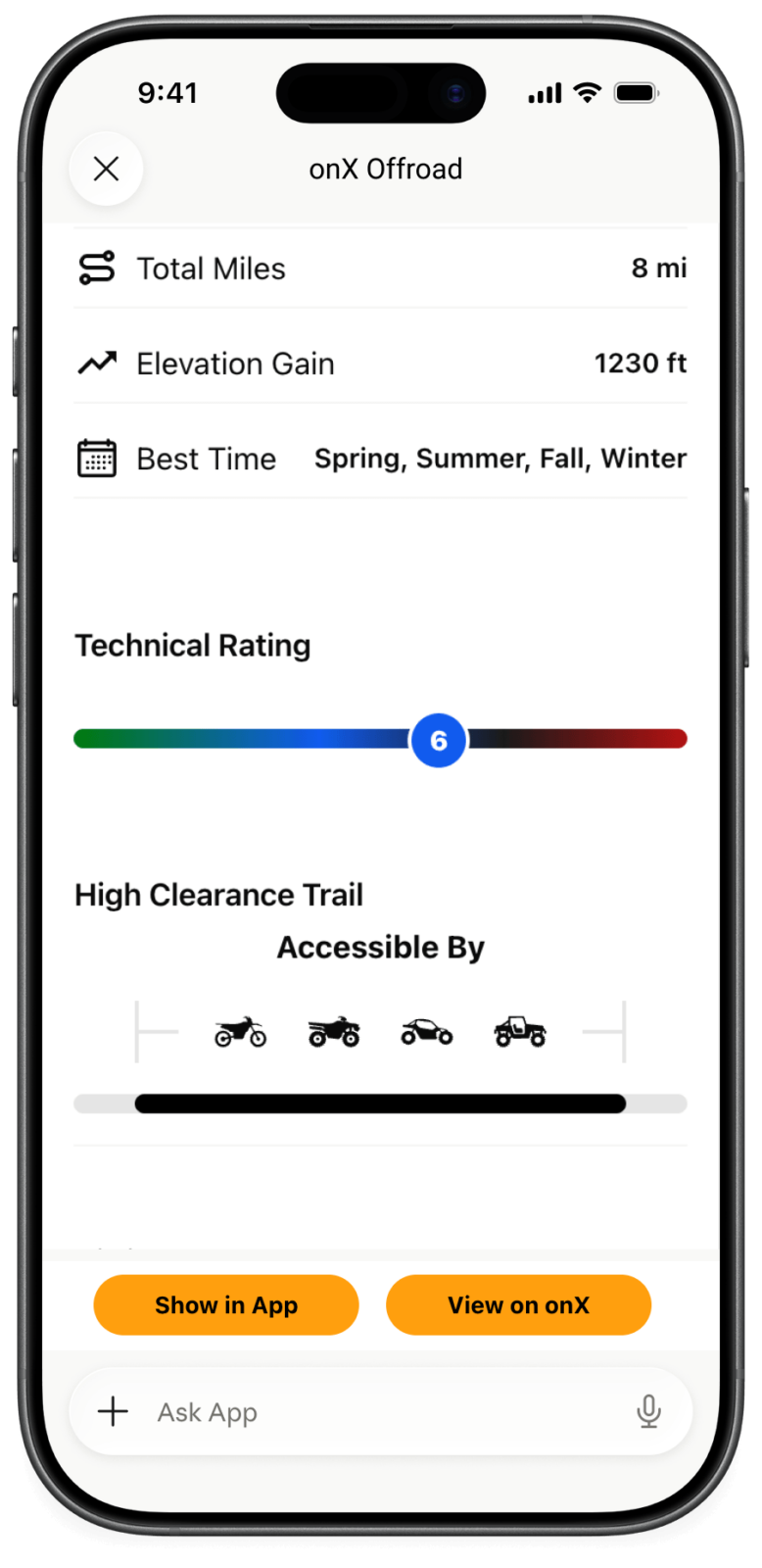
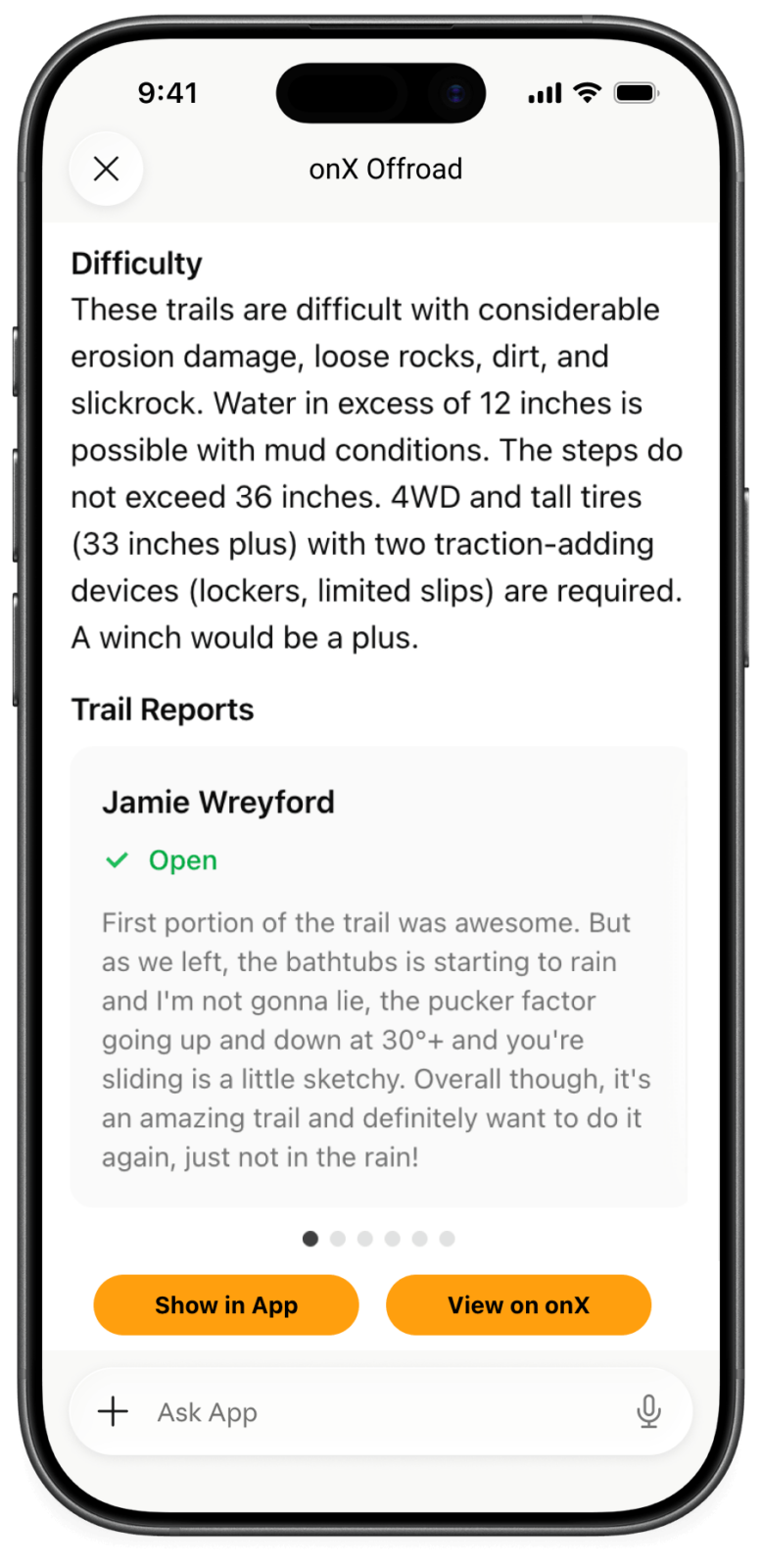
How It Works

Open Claude.ai and turn on the onX Offroad connector under Connectors.

Ask Claude anything offroad – a place, a vehicle, a difficulty, a weekend window.

Tap a trail card to see the full detail view, and open it in onX Offroad when you’re ready to ride.
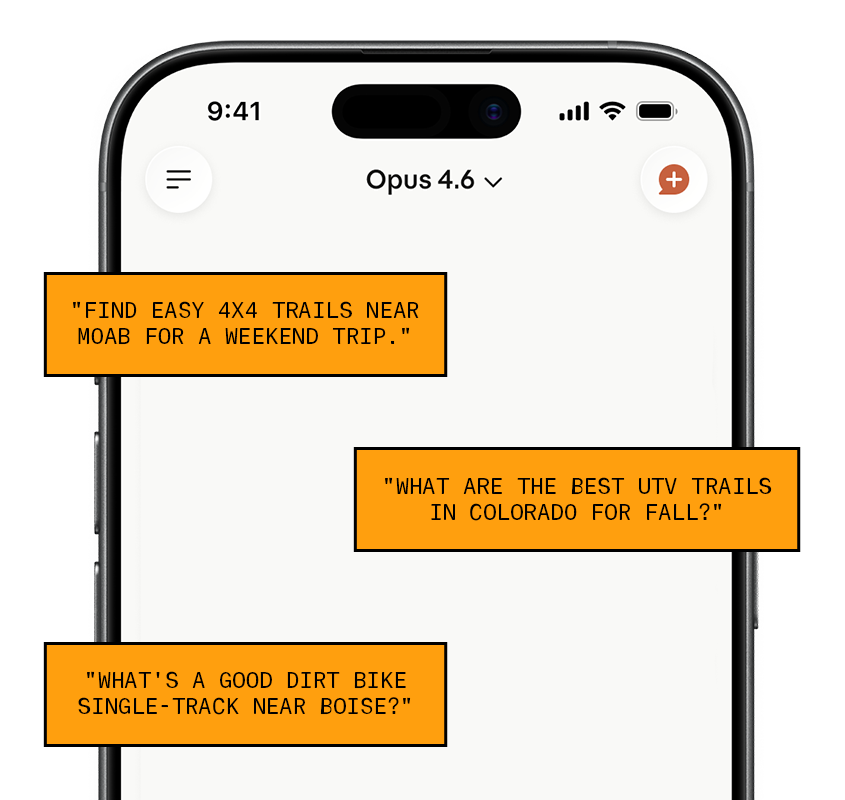
Try a Prompt
Ask. Explore. Ride. Your AI co-pilot for off-road adventures. Whether you’re planning a weekend 4×4 trip, hunting for UTV terrain before fall, or looking for that perfect dirt bike trail two towns over — just type what you’re looking for and get trail-ready answers in seconds.
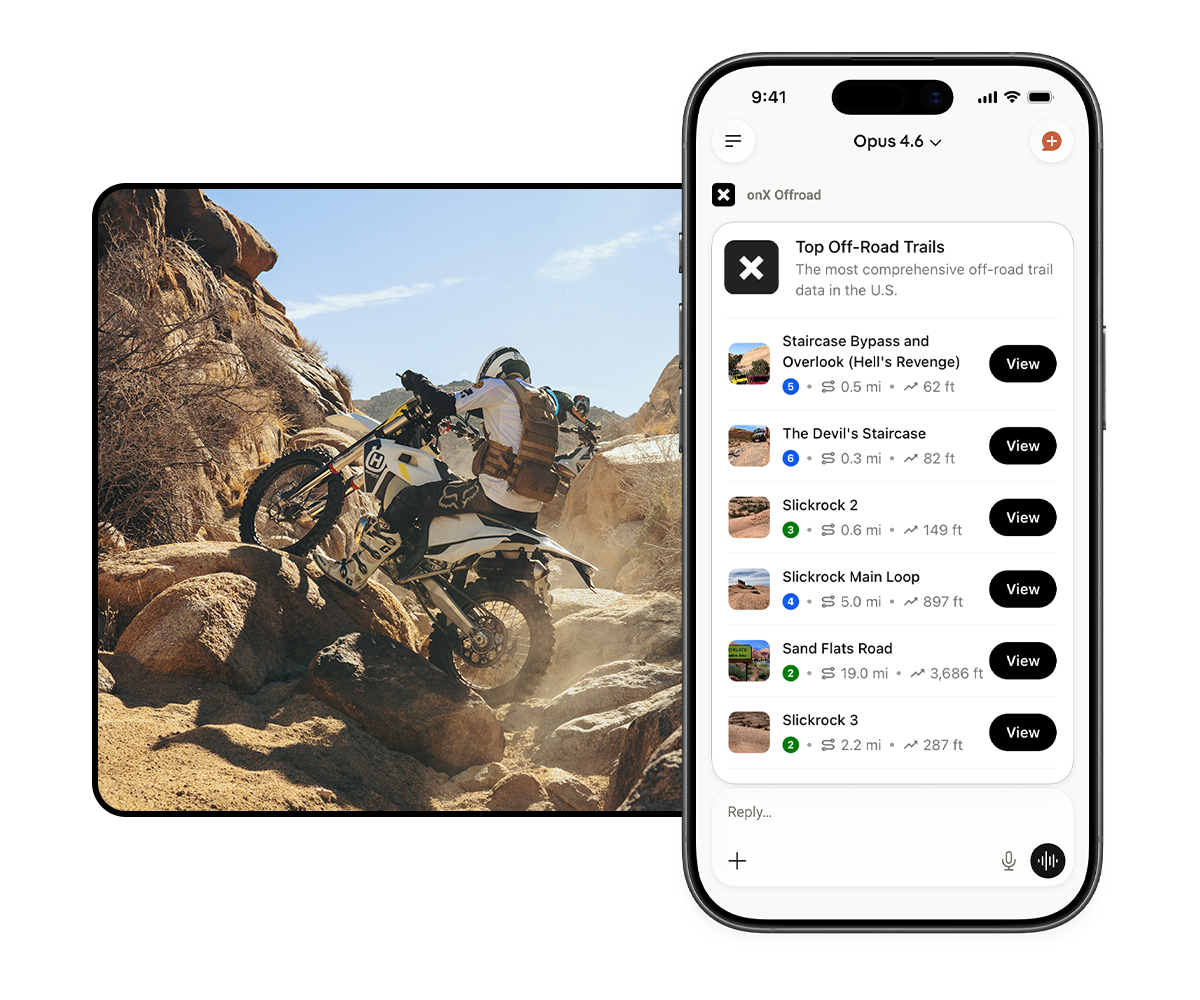
What you get
The connector is free and works without an onX account, with a limited preview of trail content – enough to plan a day, compare options, and get inspired. For the full onX Offroad experience – offline maps, turn-by-turn trail guidance, 650,000+ miles of trails, find free and legal dispersed camp spots nationwide, public/private land overlays, Tracker, and trip planning tools – download the onX Offroad app or sign up for an account at onxmaps.com/offroad.
Get Started Now
1. Open Claude Go to claude.ai or open the Claude app on your phone. You’ll need a free Claude account — sign up takes about a minute.
2. Connect onX Offroad
- Click the Plus icon (+) in the bottom left of the chat window
- Select “Connectors”
- Then Select “Add Connectors” (web) or click the Plus icon (mobile)
- Search for onX Offroad and click Connect
- That’s it — no onX account required to try it
3. Start Exploring Type anything offroad into the chat. Try:
- “Find easy 4×4 trails near Moab for a weekend trip”
- “What are the best UTV trails in Colorado for fall?”
- “What’s a good dirt bike single-track near Boise?”
Tap any trail card to see the full detail view, and open it directly in the onX Offroad app when you’re ready to ride.