
Built For the Way Your Crew Rolls
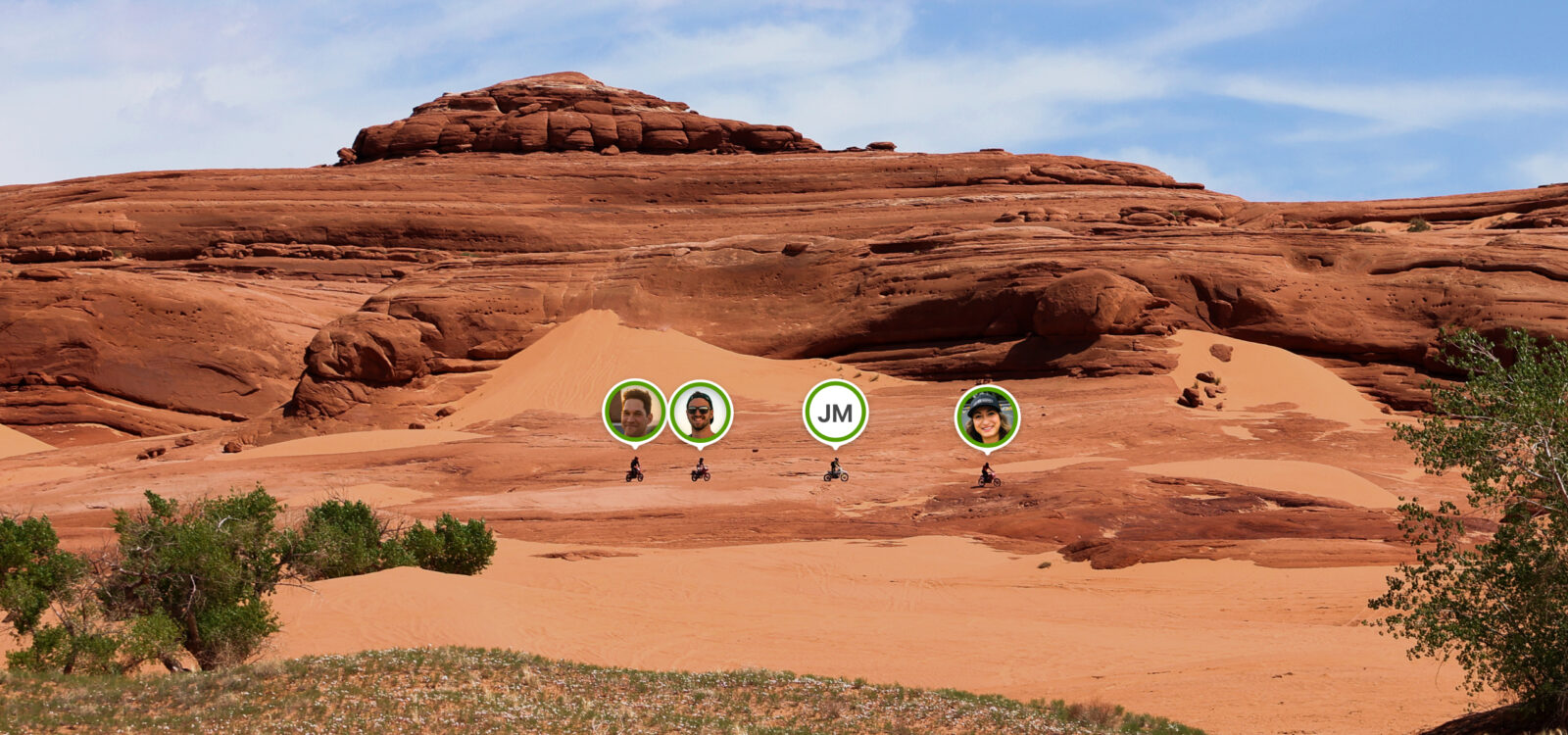
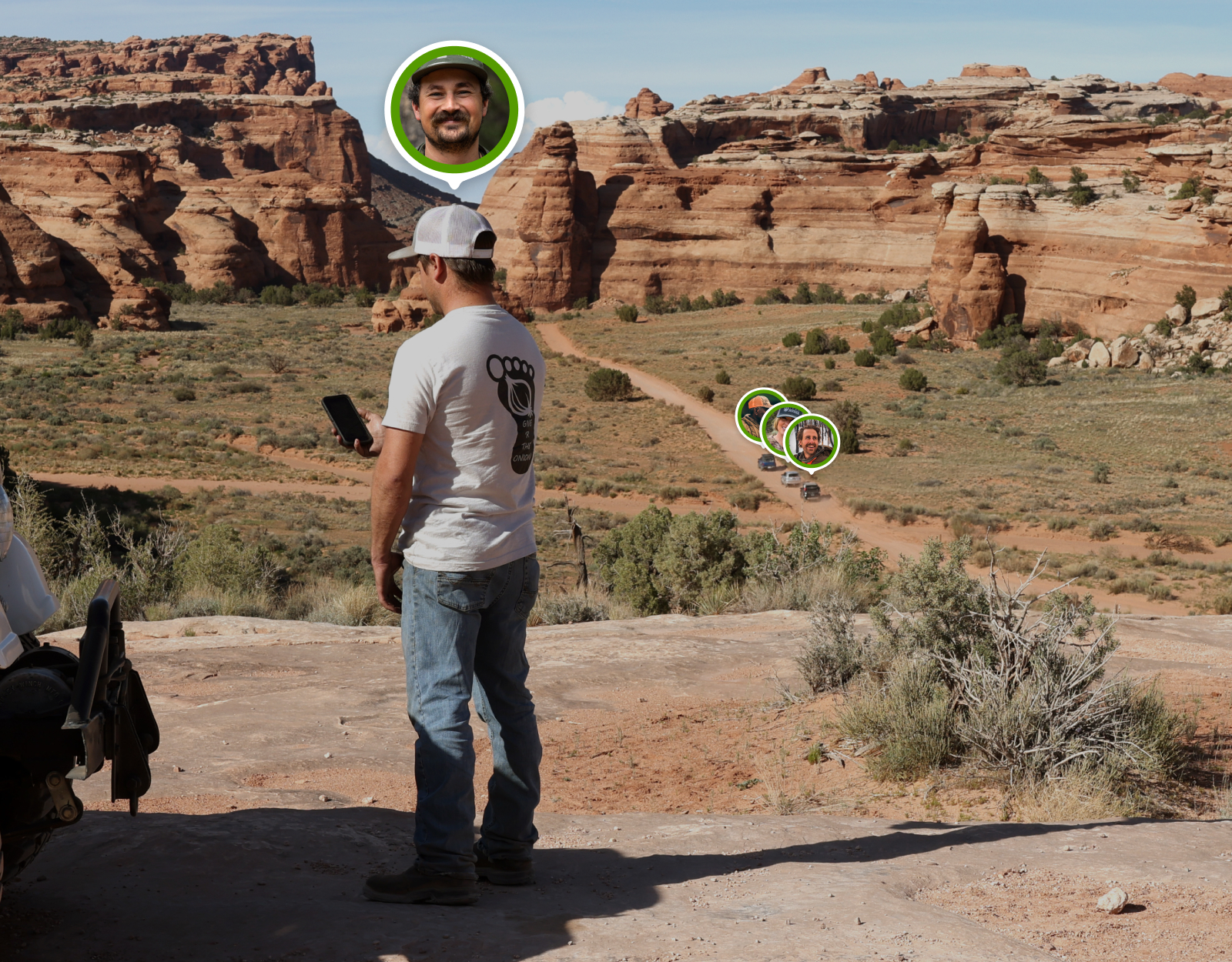
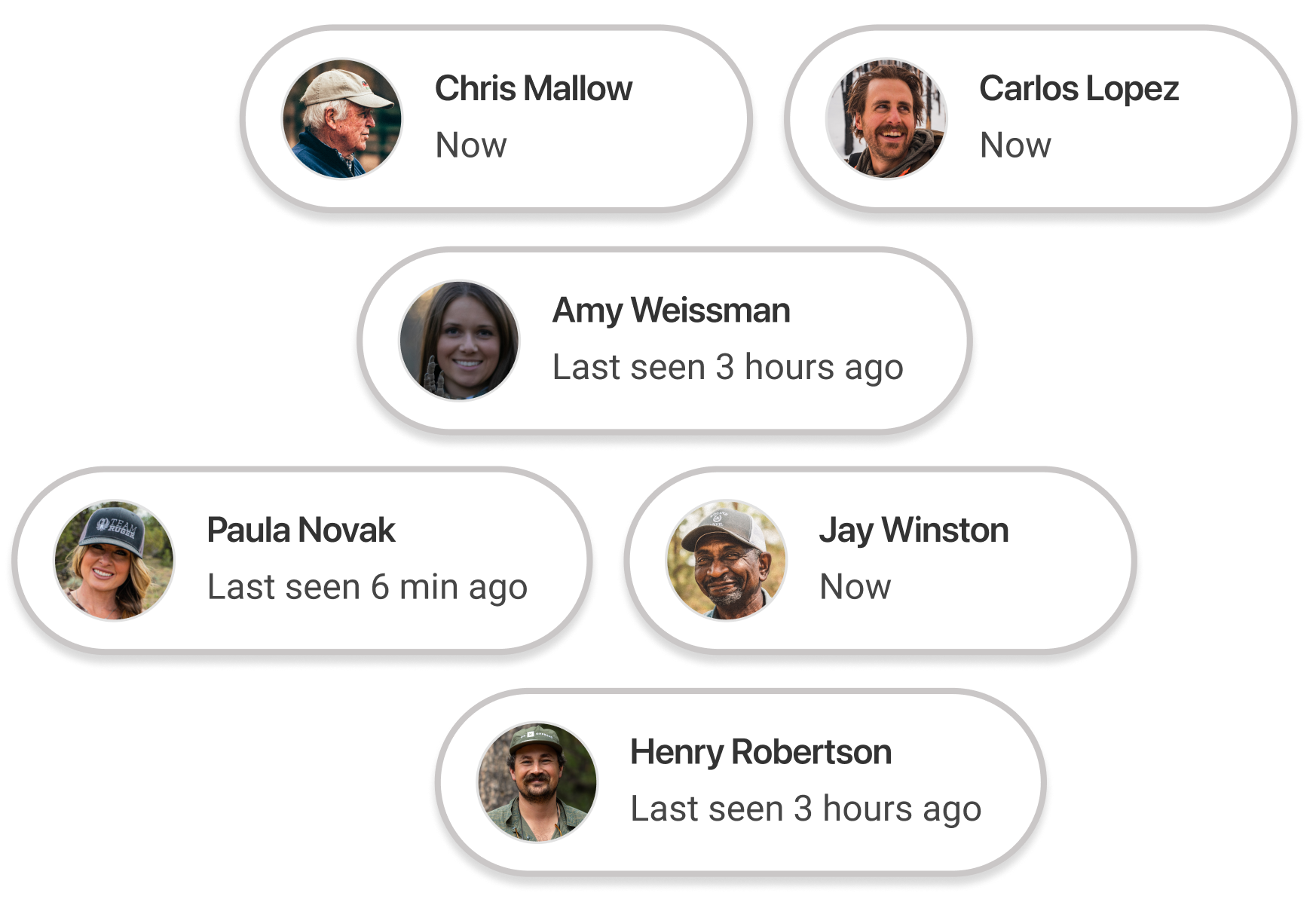
Group rides aren’t linear—and they’re not supposed to be. When the trail spreads out, your crew does too. Whether someone takes the scenic route, finds a sporty line, or gets their rig stuck, Location Sharing keeps the crew connected and informed by showing everyone’s location on one shared map.
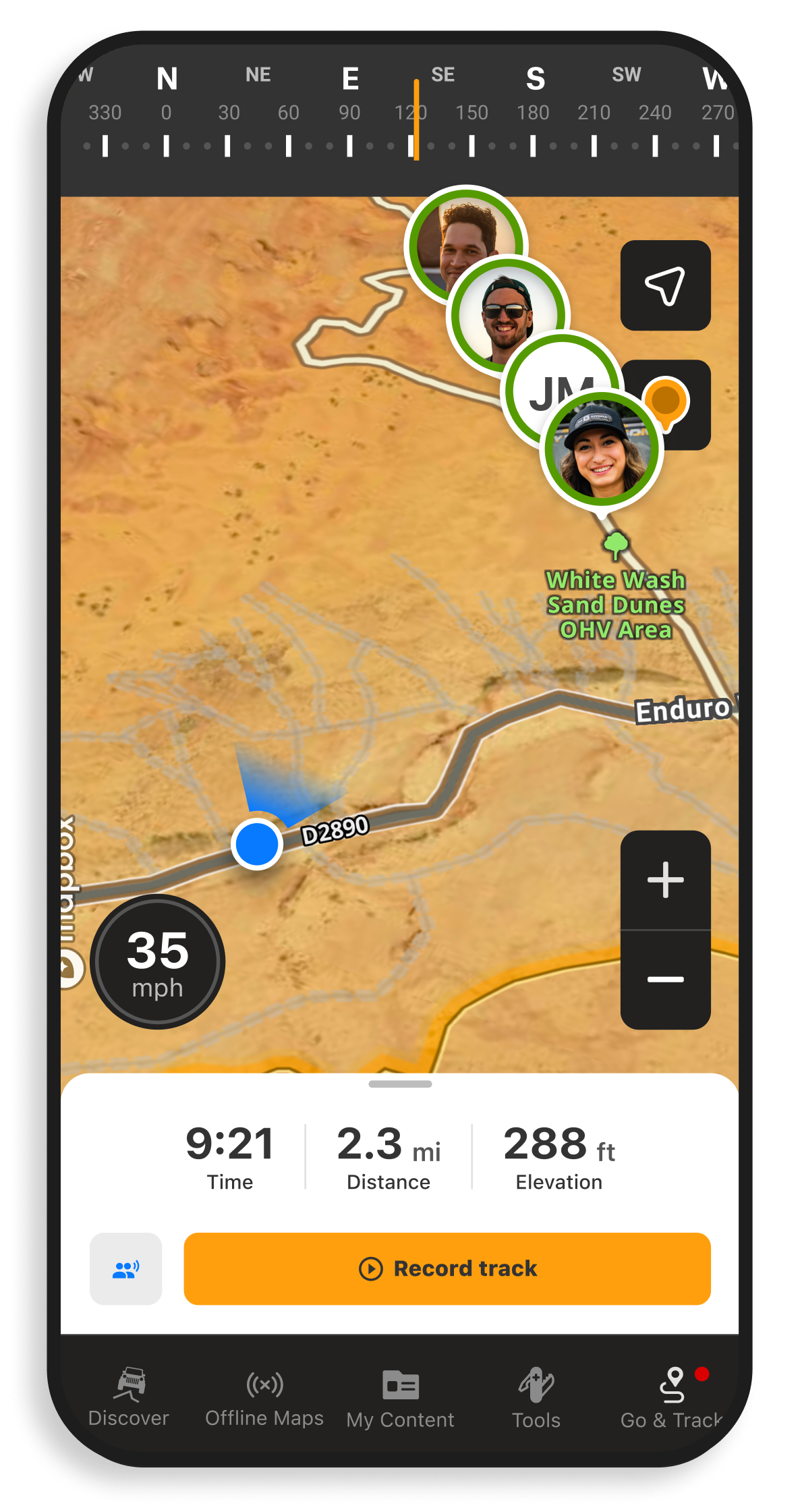
- Buddy Pins appear on the map to show each member’s real-time location and online/offline status
- Add up to 10 riders or vehicles to a group per session
- Works directly inside onX Offroad—no extra tools or hardware needed
Free to take your own journey, and still share the adventure.

How To Start a Group Location Share
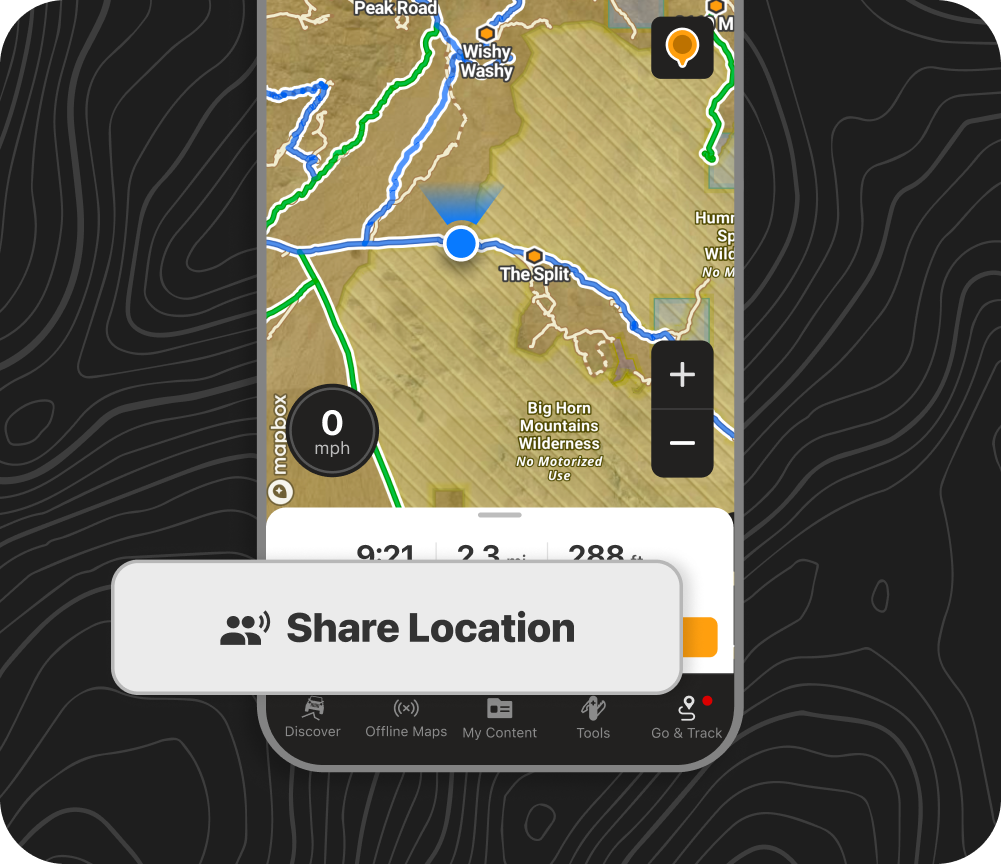

The trip leader starts the group by choosing “Go & Track” in the bottom toolbar.
Tap “Share Location”, then send the invite link to up to 10 buddies (via text or messaging app) so they can join the group.
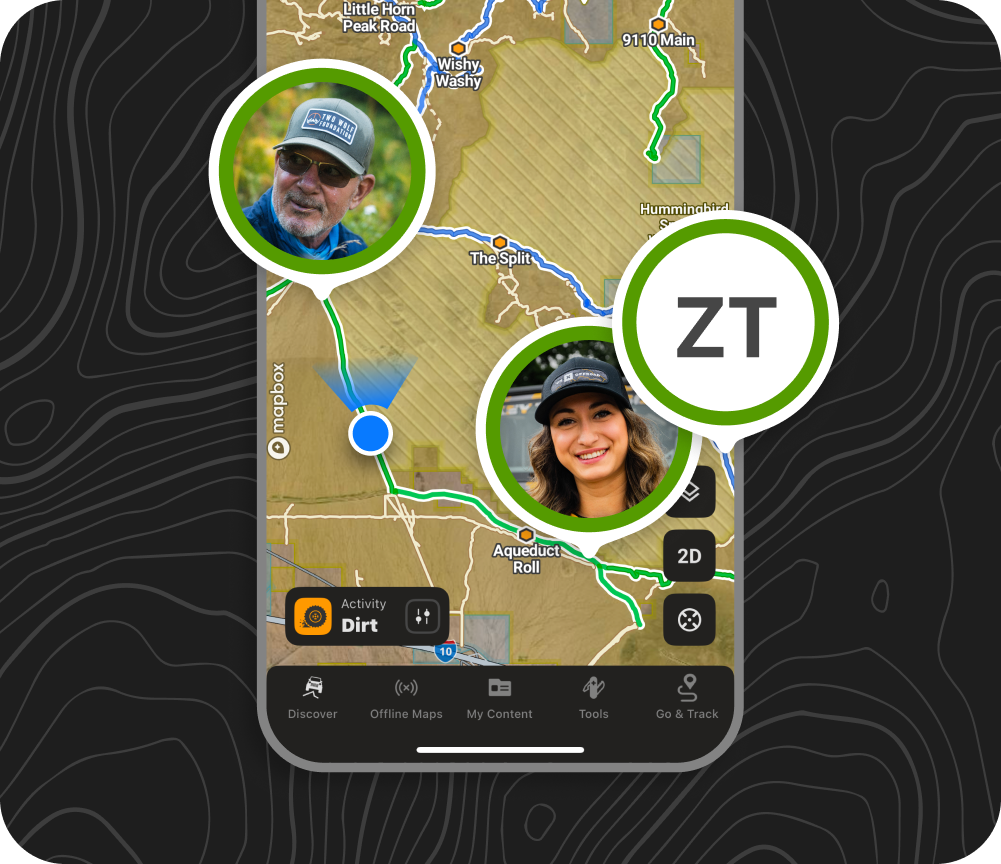

When each member joins, their Buddy Pin will track their real-time location on the shared group map.
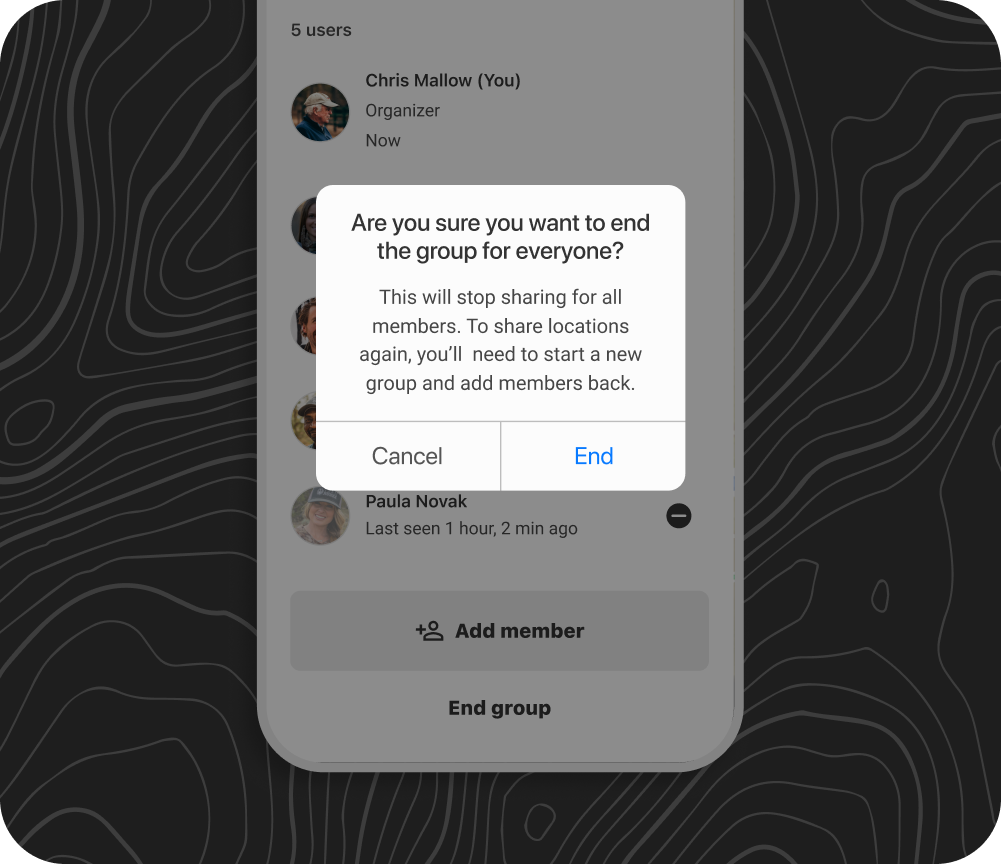

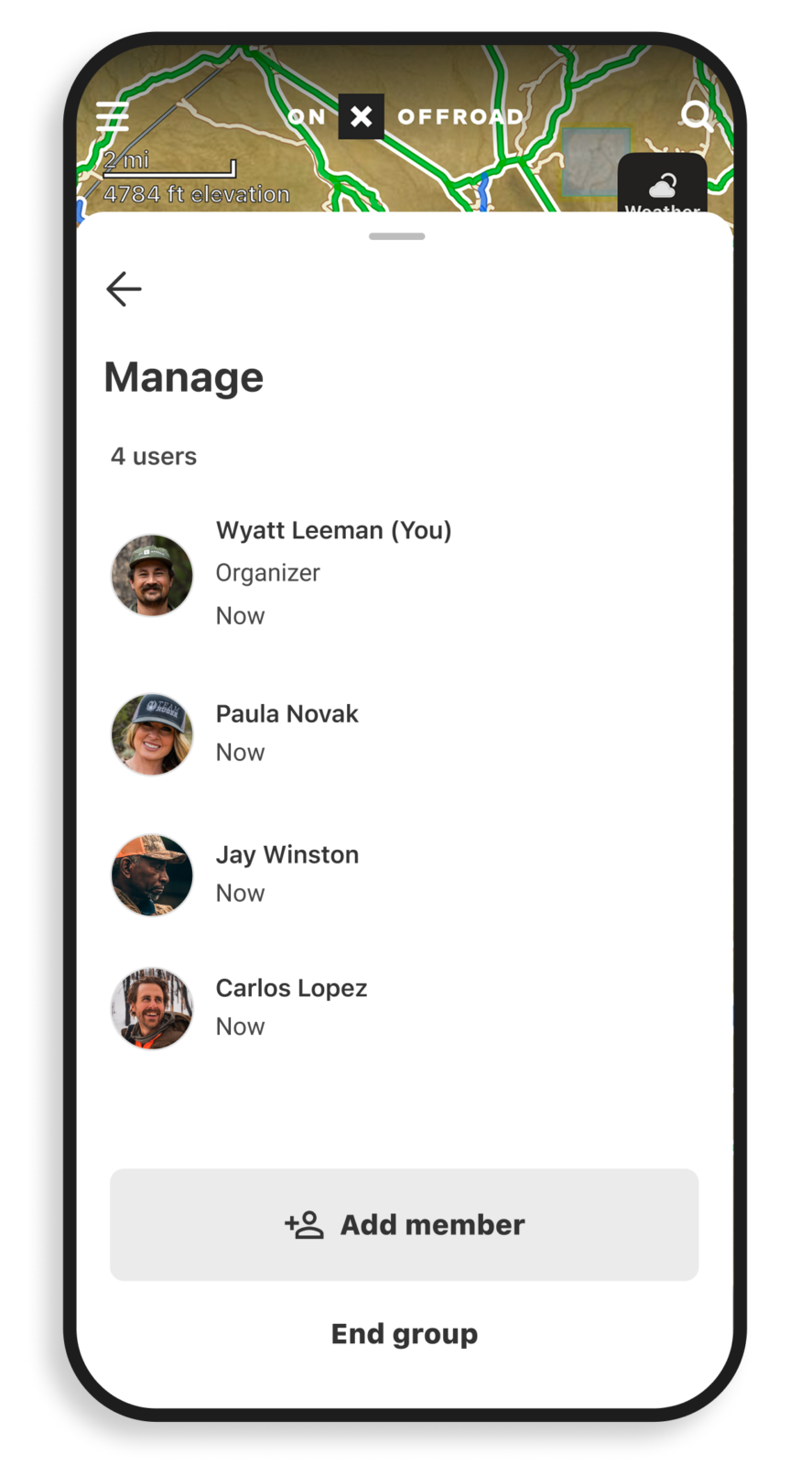
To end Location Sharing and manage group access, the trip leader can tap the Location Sharing button to the left of “Record Track” in the Go & Track dashboard—then tap “Add Member” to send a new invite, select a name and tap “Remove Member”, or choose “End Group” to dismantle Location Sharing access for everyone.
How To Join a Group + Use Location Sharing
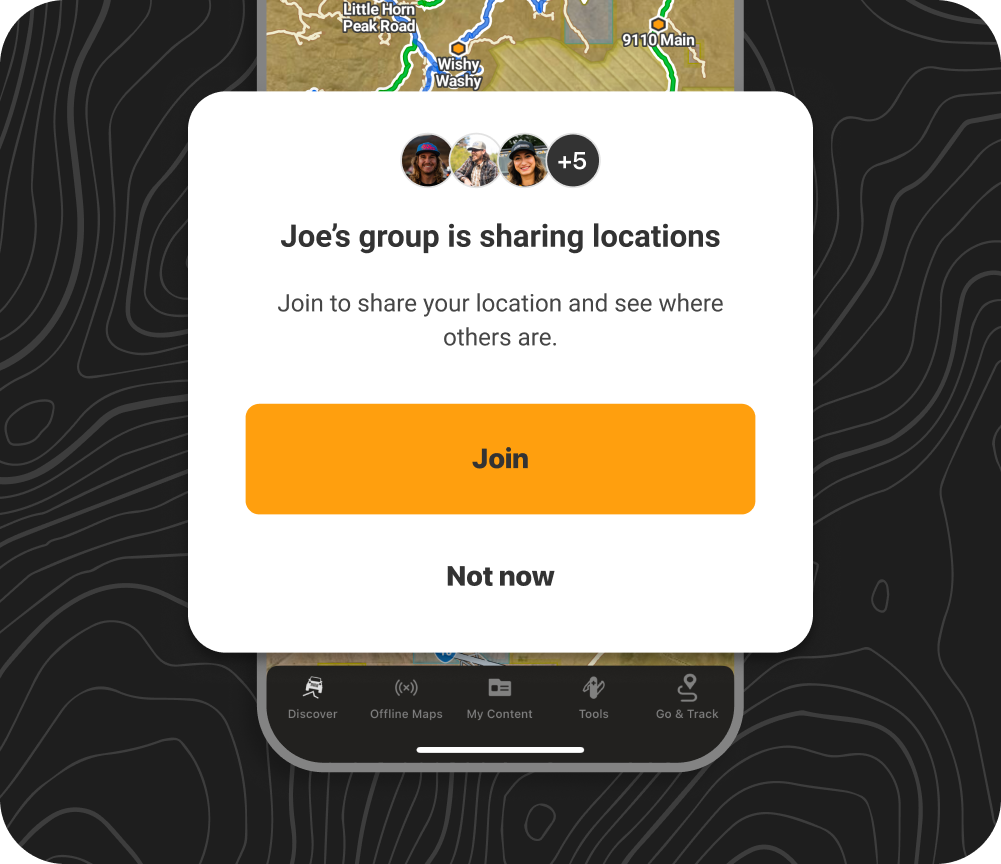
Follow the invite link from the trip leader to join the group in your onX Offroad App.
Select “Join” to start sharing your location and see others on the map.
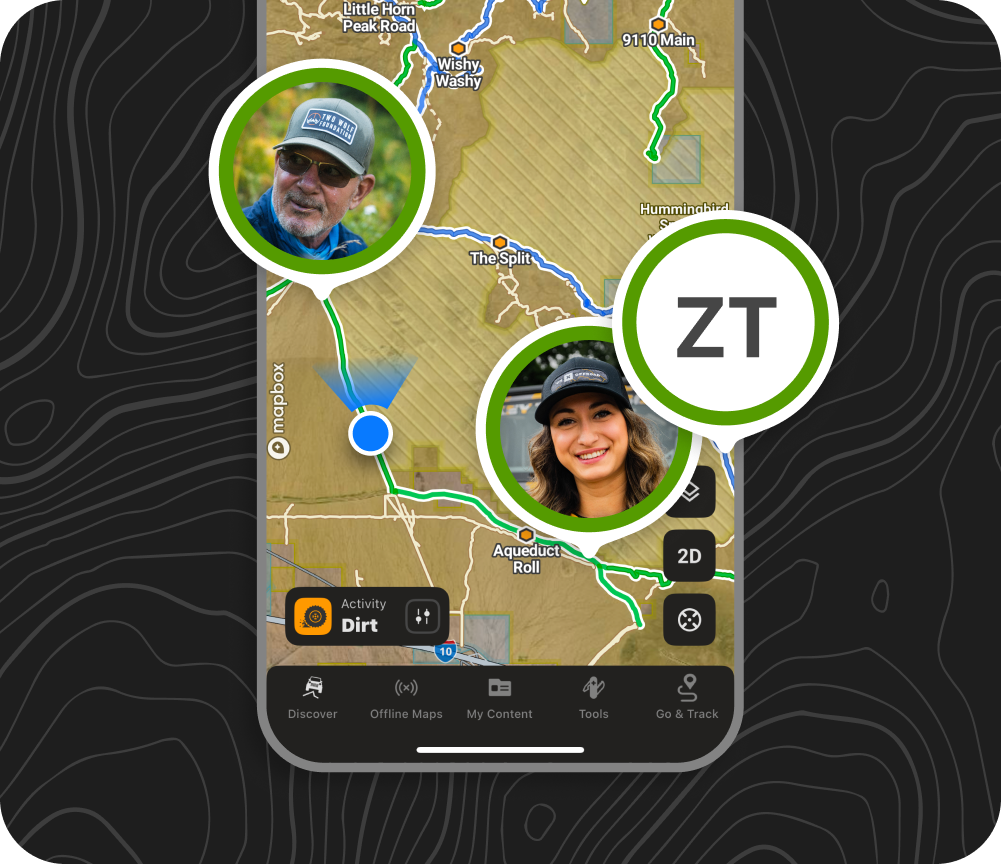
Look for each member’s Buddy Pin on the shared group map to track their real-time location.
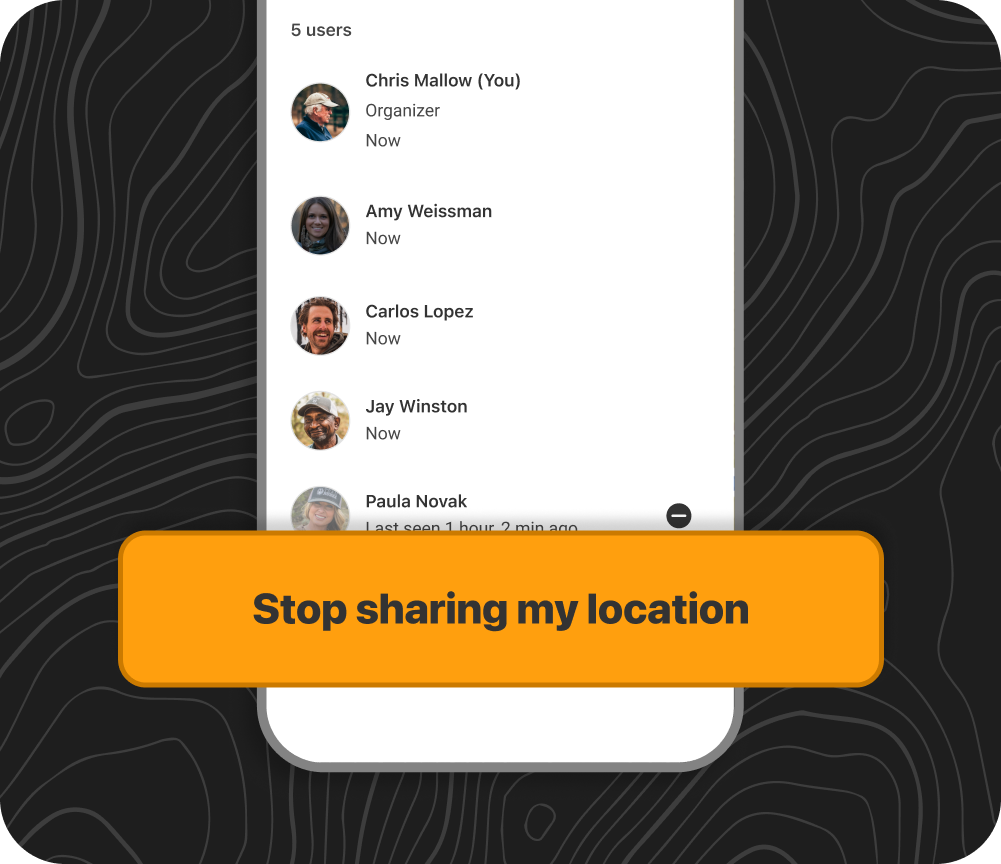
To stop sharing your location and leave the group, tap the Location Sharing button in the Go & Track dashboard, then tap “Stop Sharing Location,” then choose “Leave Group ” to end your access.

Location Sharing Pro Tips
- Green is for go! A green ring around a Buddy Pin means that member is live and actively sharing. Check the timestamps on Buddy Pins to see how recent each location is.
- Buddy Pin greyed out? If someone’s location hasn’t updated in 15 seconds, they’ll show as offline. You’ll still see their last known location.

- Location Sharing is available for everyone—Basic, Premium, and Elite users can all join the same session.
- Available on mobile only—for now. Start and join sessions on iOS or Android.
- You’ll need service to share—a cellular connection is required to start a group session and send/receive updates.
- Always download an Offline Map of where you’re exploring, and mark a safety meet-up spot with a Waypoint, so you can still access GPS navigation when you’re outside cell coverage.

Frequently Asked Questions
Does Location Sharing work without cell service?
Location Sharing requires a cellular connection to start a session and to send and receive live location updates. If a buddy loses service in the field, their last known location will remain visible on the map with a timestamp until they reconnect.
Location Sharing is available to all onX Offroad members (Basic, Premium, and Elite) in the United States and Canada.
No. Location Sharing is fully session-based and opt-in. Your location is only visible to members of your active session.
When the session ends or you leave, all location data is permanently deleted. No location history is stored.
Locations refresh approximately every 15 seconds while connected to cellular service
Up to 10 people can share locations in a single session.

Track Your Crew + Still Enjoy the View
Spend less time waiting and more time riding with real-time visibility of your entire crew. Location Sharing puts everyone on one map—so you always know where your group is, make better decisions on the trail, and lead with confidence without the constant check-ins or extra tools.
Try Location Sharing Now.