
onX Cell Coverage Map
Find a reliable signal with the onX Offroad Cell Layer and know where you can call for help, take that work call, or truly get away from it all.

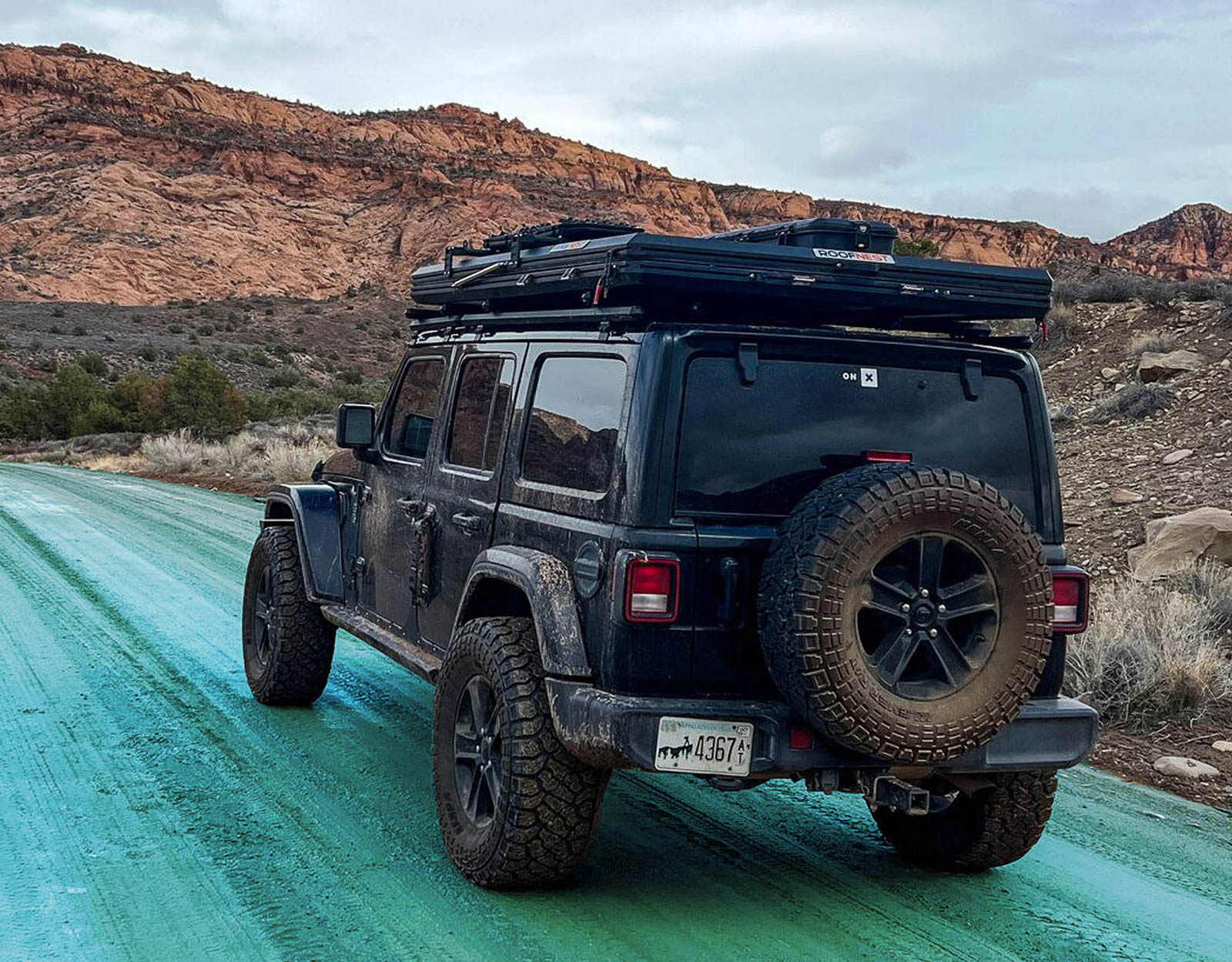
Find (Or Avoid) Cell Signal
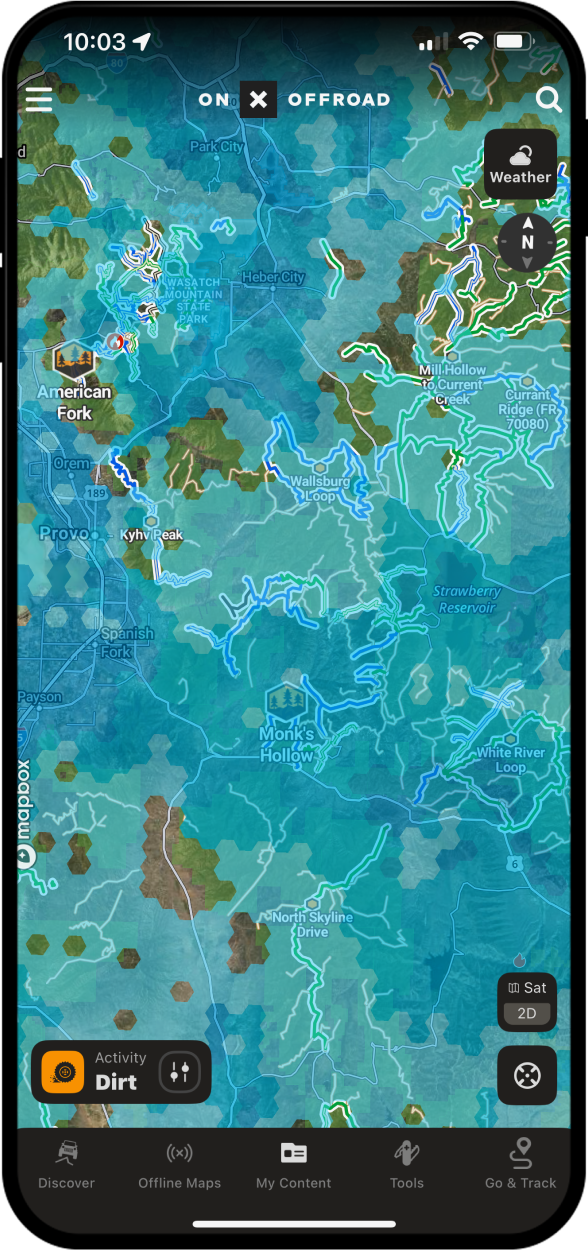
Ditch the office for a day and take Zoom calls from the trail or completely escape the grind outside of service—our upgraded Cell Coverage Layer shows you what kind of coverage you have wherever you roam. View coverage, including signal strength, for Verizon, AT&T, and T-Mobile in the App.
How-To Use Cell Coverage Layers
- Scroll to Map Layers.
- Select your carrier’s Cell Coverage Layer and toggle on.
- Return to the main map view, and you’ll see shading where you’ll have cell signal.
- Zoom in to see coverage strength (5G, 4G, voice only).
Pro Tips
Download an Offline Map with the Cell Coverage Layer on and coverage info will show up even when you’re beyond signal.
Remember, while this data is the best available, there may still be unique circumstances that can influence cell coverage on the ground. Plan accordingly!
FAQs
The Cell Coverage Layer is a feature in the onX Offroad app that shows where you have cell signal and how strong it is, so you can plan to stay connected or intentionally go off the grid.
The Cell Coverage Layer displays coverage for Verizon, AT&T, and T-Mobile, including signal strength details like 5G, 4G, and voice only.
Go to Map Layers, select your carrier’s Cell Coverage Layer, toggle it on, and return to the main map view to see shaded areas indicating where you’ll have cell signal.
Yes. If you download an Offline Map with the Cell Coverage Layer toggled on, coverage information will still appear even when you’re beyond signal.
The data reflects the best available information, but unique on-the-ground circumstances can still affect actual coverage, so onX Offroad recommends planning accordingly.
Yes. Zooming in on the map reveals coverage strength levels, including 5G, 4G, and voice only.