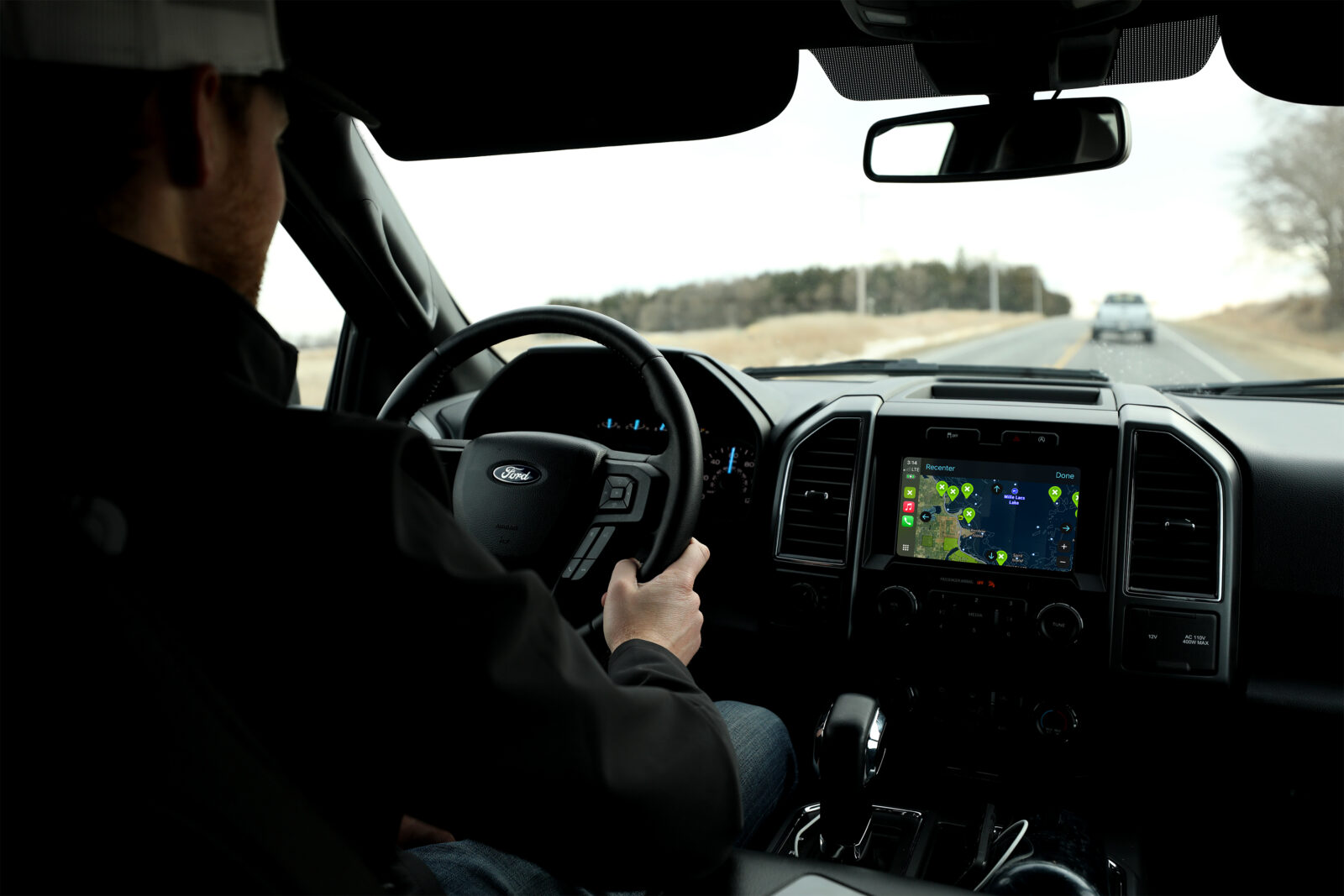

onX Fish CarPlay: Hands-Free Fishing Navigation
Find your way to the best fishing spots with onX Fish Midwest and Apple CarPlay. Navigate to Waypoints and public access sites hands-free—perfect for ice fishing or open water.
Find your way to the best fishing spots with onX Fish Midwest and Apple CarPlay. Navigate to Waypoints and public access sites hands-free—perfect for ice fishing or open water.
Fish Smarter With onX Fish Midwest and Apple CarPlay
As an ice angler, connect onX Fish Midwest to CarPlay before the journey begins, then let us take you to the access site. Once there, select the Tracker feature on your dash to lay down a path to your Waypoints or to lake depth contours of interest. After your day is done, retrace your track for a safe path off the ice.
Open-water anglers love to see onX Fish Midwest’s custom mapping on their in-dash display. Navigate to public access sites and Waypoints and find what you’ve been missing as you drive by your next best lake.
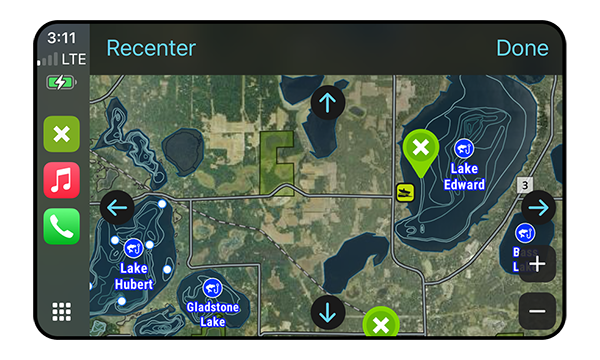
Dashboard Navigation
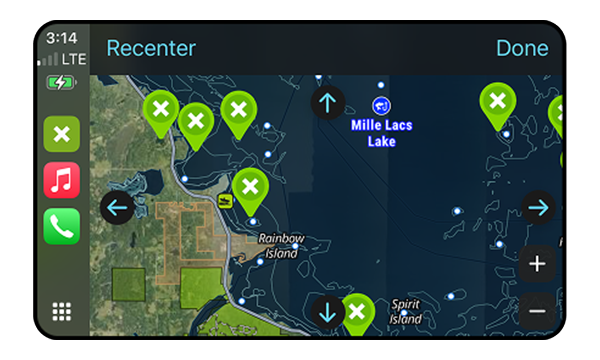
See where you’re heading in greater detail than ever before and—more importantly—see how it relates to aerial imagery, public access sites, lake depth contour information, and your own Waypoints.
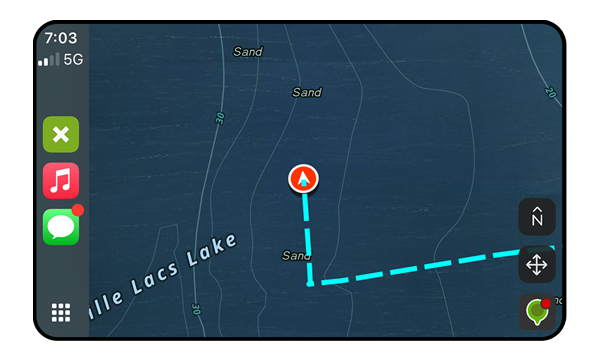
Tracker Display
See where you’ve been so you can form a better plan off the ice or open water. Establish safe routes during the day, and don’t fear fishing into the dark—we’ve got an exit strategy for you.
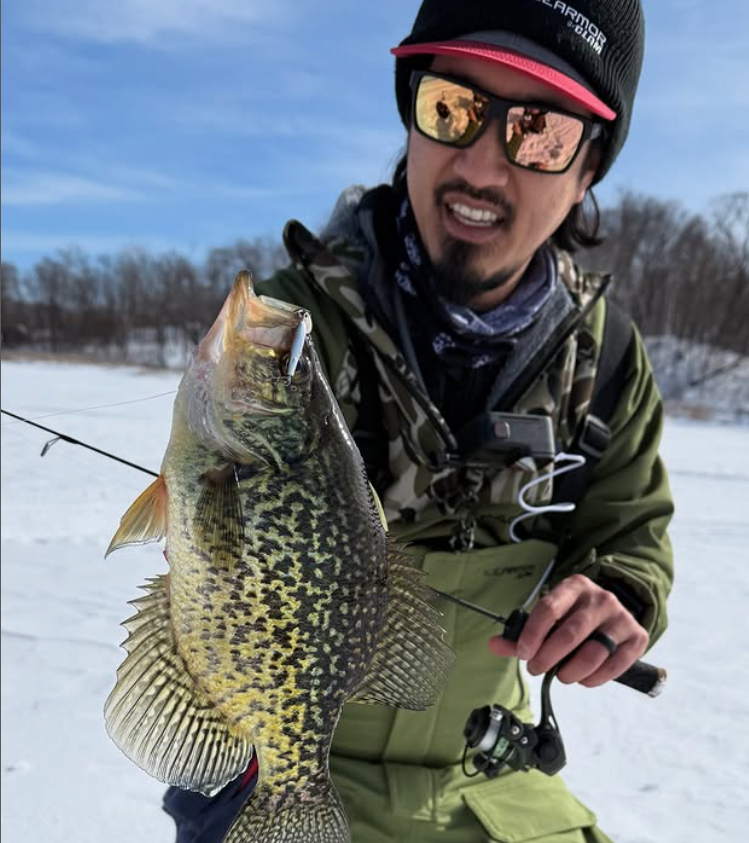
Andrew Choe
Clam Team Pro
“I drop Waypoints in the onX Fish Midwest App from my phone, then hit “Tracker” from CarPlay and drive on the ice straight to them. That means I’ve always got a safe way back and can focus on reading the ice when I drive, not looking down at the phone in my lap.”
Add Waypoints
See something good from the windshield or end up at a landing you’d like to revisit? Drop a Waypoint in onX Fish Midwest from your CarPlay display and save it for good.
How To Use onX Fish Midwest With CarPlay
In App
- Connect your Apple iOS phone with the downloaded onX Fish Midwest App to your car via USB cable.
- Navigate to Apple CarPlay on your in-dash display.
- Select onX Fish Midwest from your CarPlay menu.
- Pan around the map.
- Select the Gear icon for Settings and adjust Basemap.
- Choose “Add Waypoint” or “Tracker” to interact with location information.
FAQs
How do I connect onX Fish Midwest to my vehicle or boat?
Ensure your vehicle in-dash display system is compatible with Apple CarPlay. Then, simply connect your iPhone via USB or Bluetooth, select onX Fish Midwest from the CarPlay menu, and start navigating your Waypoints and maps hands-free.
What can I view with CarPlay?
Many of the items you normally access in the onX Fish Midwest App can also be viewed on your CarPlay display, including:
- Saved Waypoints for fishing spots, boat ramps, and underwater structure.
- Lake maps, including lake-depth contours.
- Different Basemaps, including Satellite, Hybrid, and Topo.
Can I fish on all waters displayed in onX Fish Midwest?
The onX Fish Midwest App displays all mapped water bodies and access points. However, it’s the user’s responsibility to confirm local regulations, seasonal restrictions, private property boundaries, and changing water conditions before navigating.
See the other App features, such as Fish Species Abundance Insights or Recent Imagery.