3D Fishing Maps
See Lake Structure Before You Cast
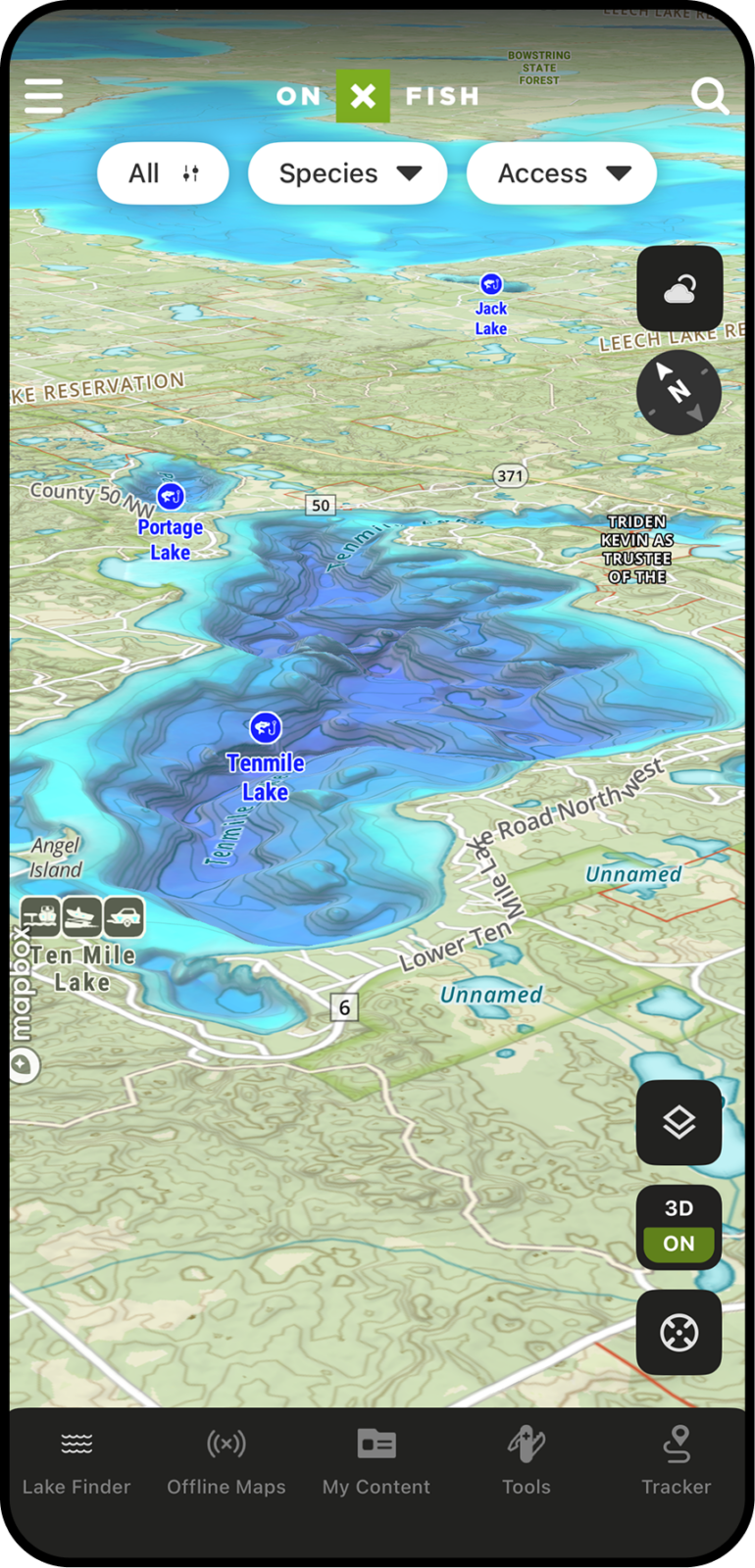
Fish relate to structure, depth, and terrain. With 3D Maps in onX Fish, anglers can visualize lakes, shorelines, and surrounding terrain in a more intuitive way—helping reveal points, breaks, humps, channels, drop-offs, and access areas that are harder to understand from a flat map alone.
Understand Lake Structure at a Glance
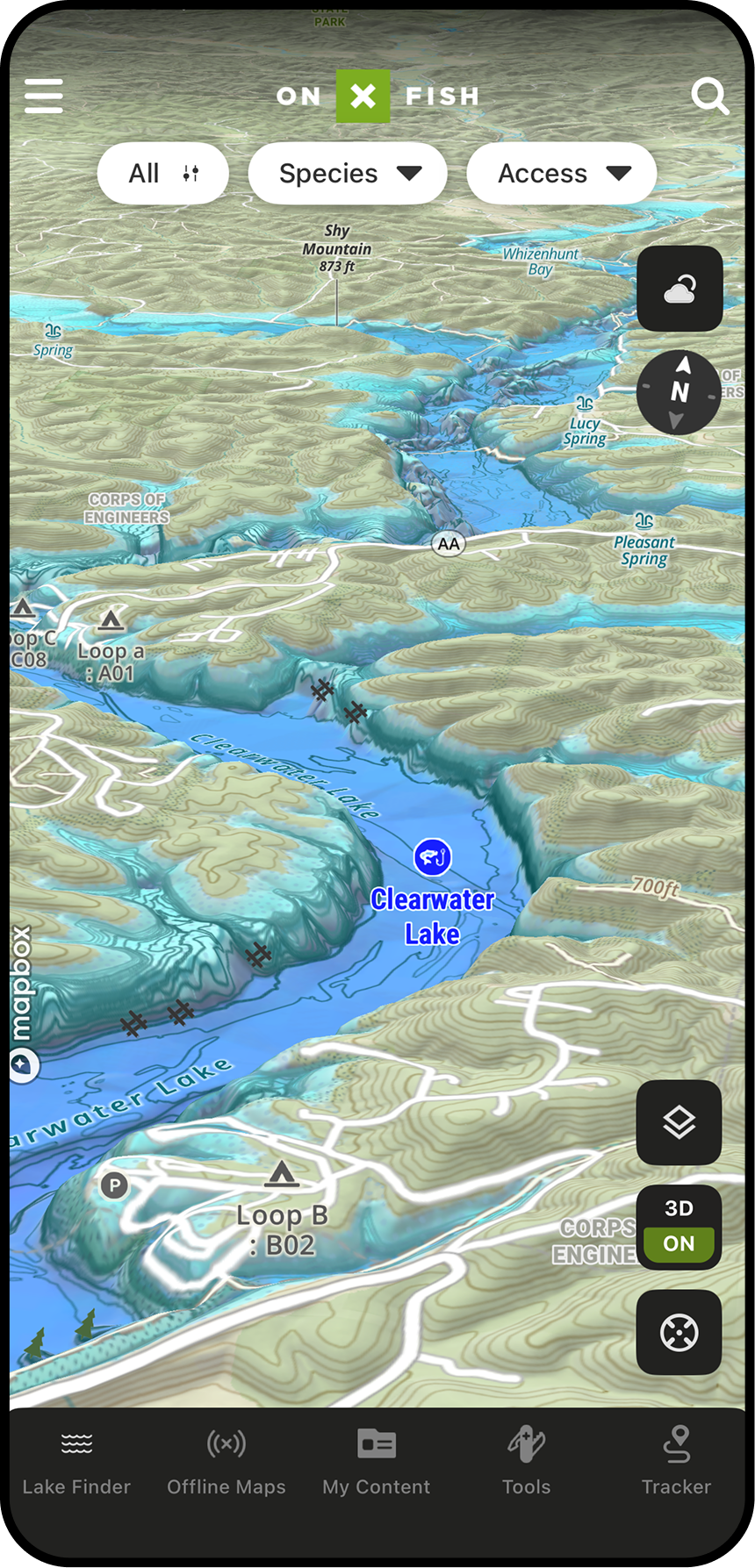
3D Lake Maps help anglers turn contour lines and map layers into a clearer picture of how a lake is shaped. Instead of only reading depth changes on a flat map, anglers can visualize underwater structure and nearby terrain to better understand where fish may travel, feed, or stage.
Make Better Decisions on New Water
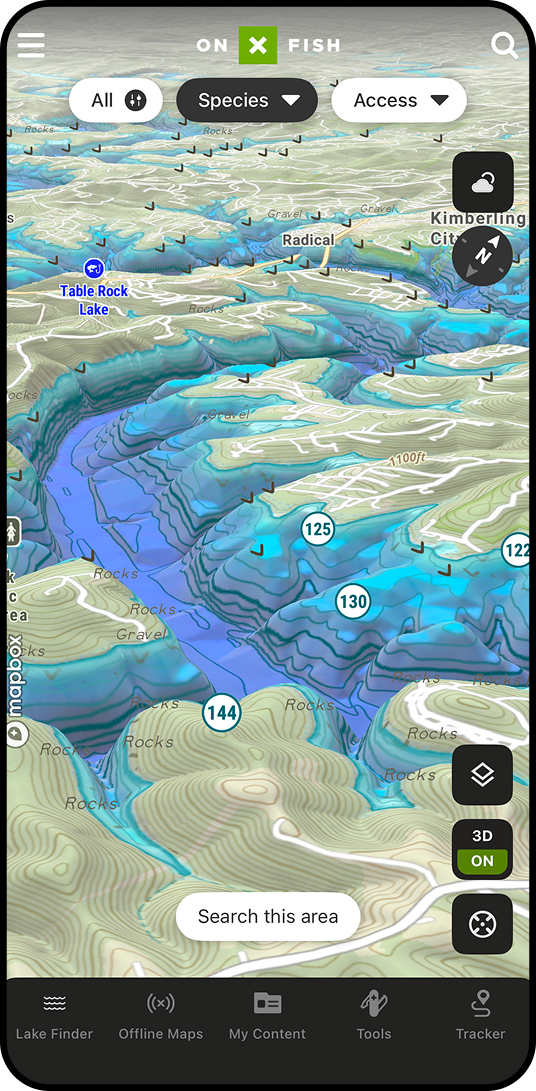
New lakes can be hard to interpret quickly. 3D Maps give anglers a more natural way to understand the shape of a lake and the terrain around it. This helps users narrow down where to start, avoid wasting time on unproductive water, and build confidence when fishing unfamiliar lakes.
3D Maps Can Help You:
- See Structure the Way Fish Relate to It
- Find High-Percentage Areas Faster
- Understand How Depth Changes Connect
- Scout Before You Ever Launch
- Pair Surface Clues with Underwater Structure
- Make Better Decisions on the Water
Spot Depth Changes and Breaklines Faster
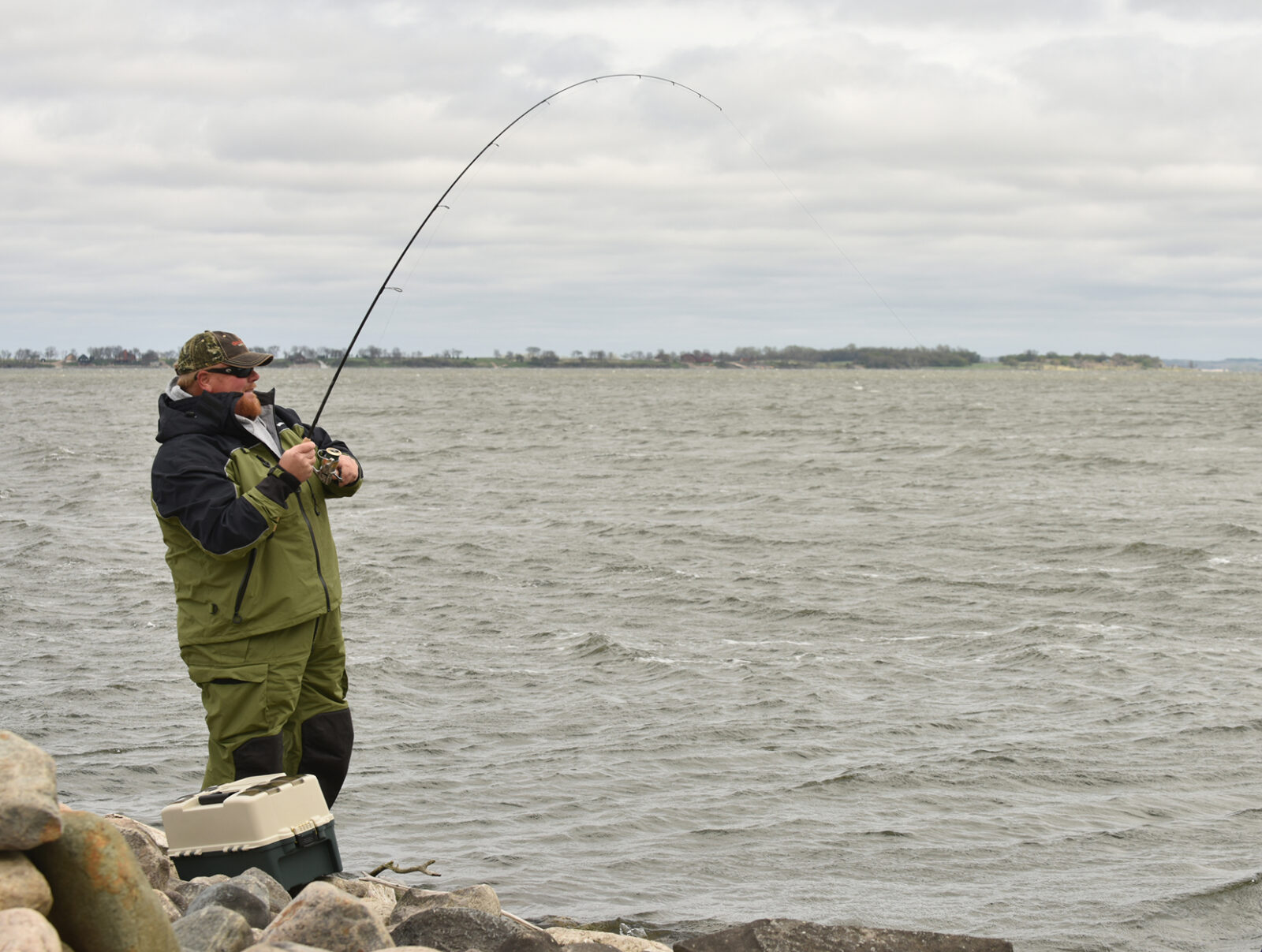
Breaklines are some of the most important places to evaluate when fishing. 3D Maps help anglers see where depth changes happen quickly and where gradual transitions create feeding or travel zones. This can make it easier to choose where to start fishing and where to adjust throughout the day.


With
Without
Find High-Percentage Areas Before You Launch
Before heading to the lake, anglers can use 3D Maps to scout likely fish-holding areas and build a focused game plan. A 3D view can help users prioritize structure that connects shallow feeding areas with deeper water, identify offshore targets, and understand how fish may move based on season, time of day, and conditions.
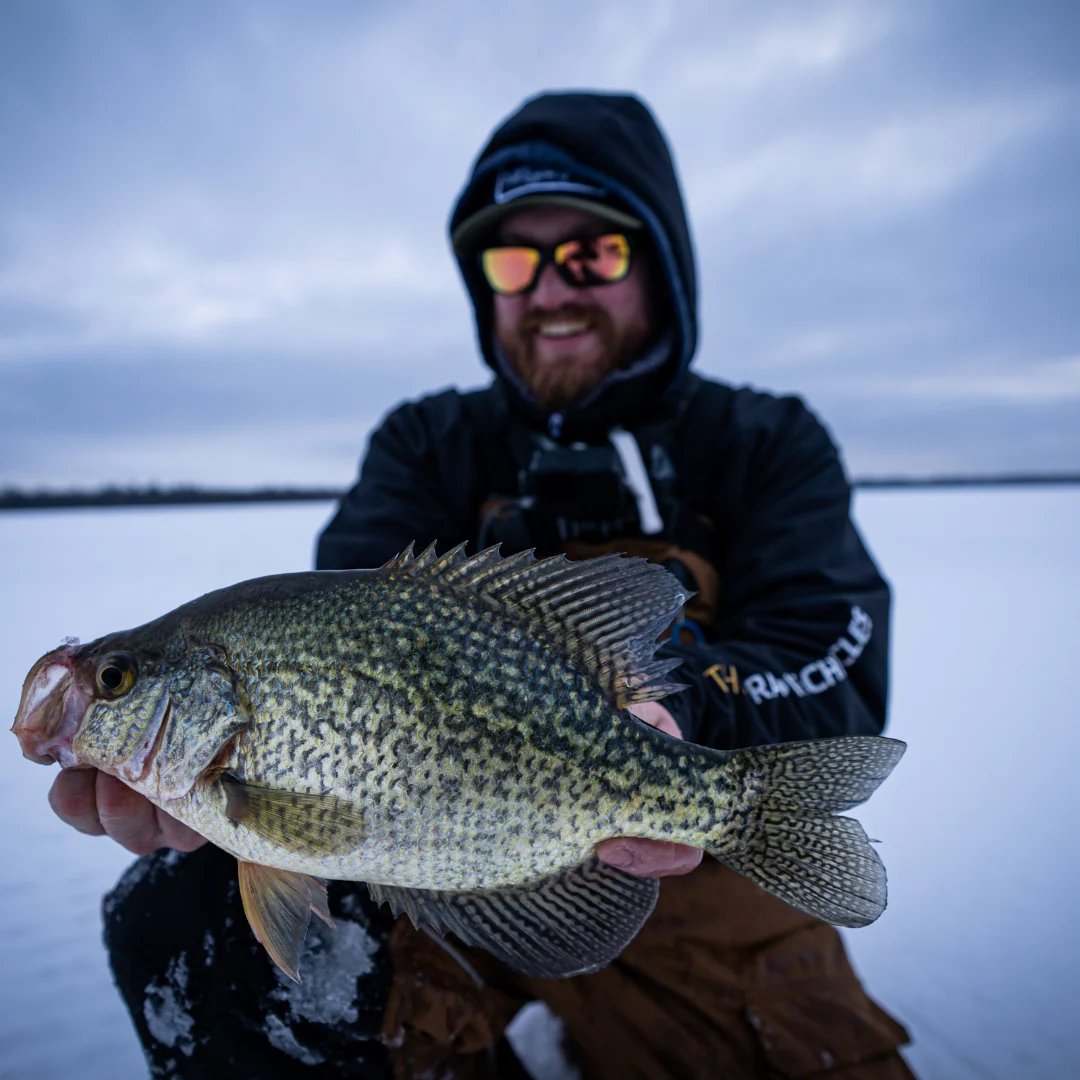
Matt Waldron
Crappie Chronicles
“You can look at forums or social media to maybe get lucky and find lakes, but we like to do the research using onX Fish. When we come out to new areas, we like to have a large hit-list just because it gives us options and Plan B’s. You can run to a new body of water and have the confidence to fish already knowing what’s in it, in a large part thanks to this 3D mapping. If you’re not using it, you’re missing out.”
How to Use 3D Maps in onX Fish
 In App
- Open the onX Fish App on your mobile device.
- Search for or zoom into the lake you want to scout.
- Open the map options or layers menu.
- Select 3D Maps or tilt the map view into 3D mode.
- Pan, zoom, and rotate to understand structure, terrain, and depth changes.
- Drop Waypoints on promising fishing areas.
- Download the area for Offline Maps before heading out.
On Desktop
- Log in to your account at webmap.onxmaps.com/fish/login.
- Search for the lake or area you want to scout.
- Open the map options or map view controls.
- Enable or rotate into 3D view.
- Evaluate points, breaks, humps, flats, shoreline transitions, and access.
- Add Waypoints to build your trip plan.
- Open the mobile app on the water to follow your saved plan.
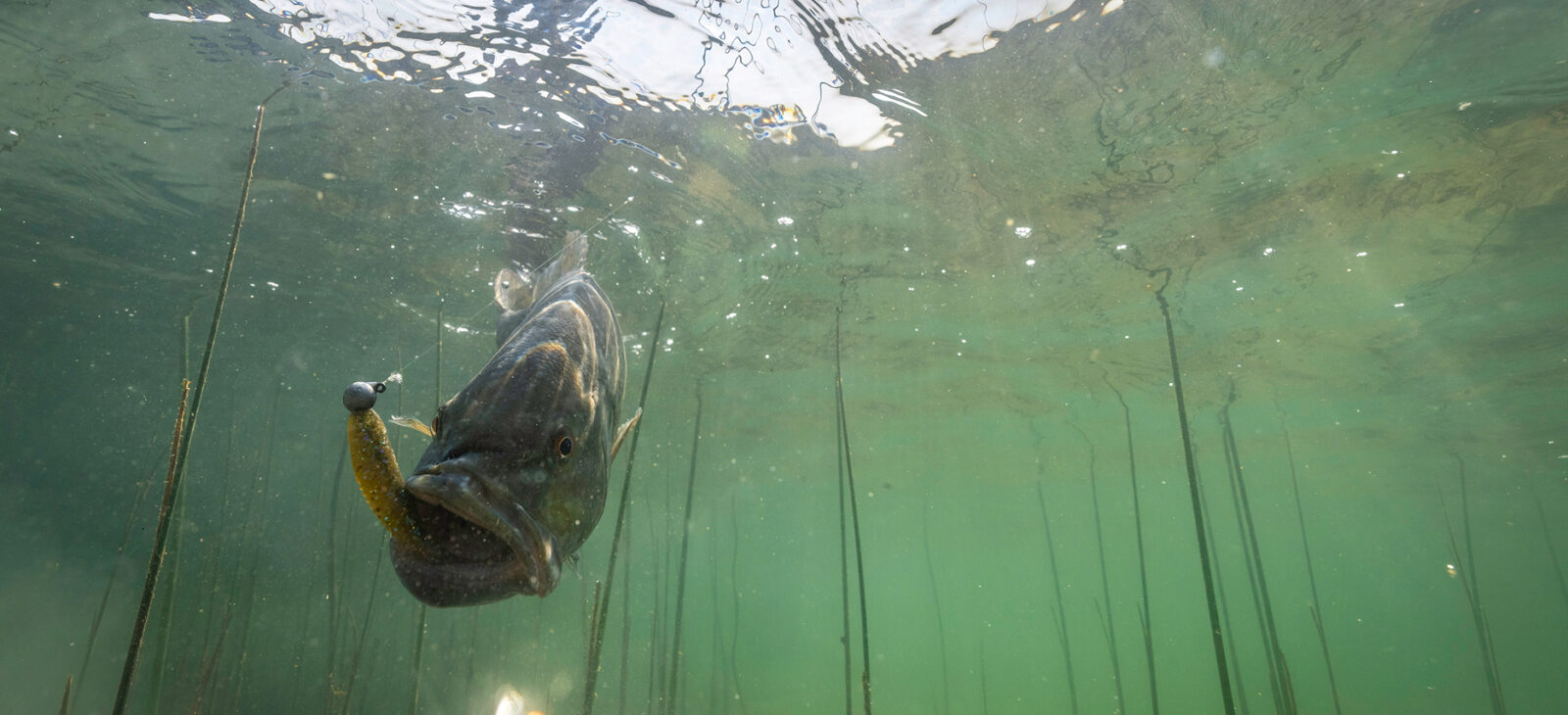
See the Water Before You Fish It
Use 3D Maps in onX Fish to visualize structure, depth changes, shorelines, and terrain so you can build a better fishing plan before your next trip.
Frequently Asked Questions
3D Maps give anglers a more visual way to understand lakes, shoreline features, surrounding terrain, and depth changes. They help make structure easier to interpret than a flat map alone.
3D Maps help anglers identify high-percentage fishing areas by making structure and depth changes easier to understand. Anglers can use them to find points, drop-offs, humps, channels, flats, and shoreline transitions where fish may feed, travel, or stage.
Anglers can use 3D Maps to evaluate points, humps, saddles, creek channels, steep banks, flats, breaklines, inside turns, outside bends, and shoreline transitions.
Yes. 3D Maps are especially useful for pre-trip scouting. Anglers can evaluate a lake before they launch, choose starting spots, mark Waypoints, and build a focused plan.
Most definitely. A 3D view can make unfamiliar water easier to understand by showing how structure, depth, shoreline, and terrain connect. This helps anglers narrow down where to begin fishing.
You bet. 3D Maps pair naturally with Waypoints. Use 3D Maps to find promising structure, then drop Waypoints to save those areas and add notes for future trips.
You can. 3D Maps can support pre-trip planning alongside Offline Maps. Scout your lake, save important areas, and download your map before heading somewhere with limited service.
No, they don’t. 3D Maps are best used as another way to understand map data. They help anglers visualize structure and depth changes more intuitively, while contour lines and other map layers still provide important detail.