Wind & Weather for Waterfowl
Use case examples to help you get the most out of the App’s wind and weather information.
Predict landing patterns.
Waterfowl tend to land against the wind but often fly with the wind in the morning. If you set up with the wind at your back, waterfowl may approach from behind before turning into the wind to land, which may mean they see you first. Conversely, setting up with the wind in your face means waterfowl will see your spread first, potentially giving you better opportunities.
For every duck blind you have marked with a Waypoint, scroll to Waypoint Tools to set the Optimal Wind for that specific location. Once set, you’ll see color-coded indications you can use to choose the best blind on any given day based on wind speed and direction (good wind is green, okay wind is yellow, and bad wind is red.)
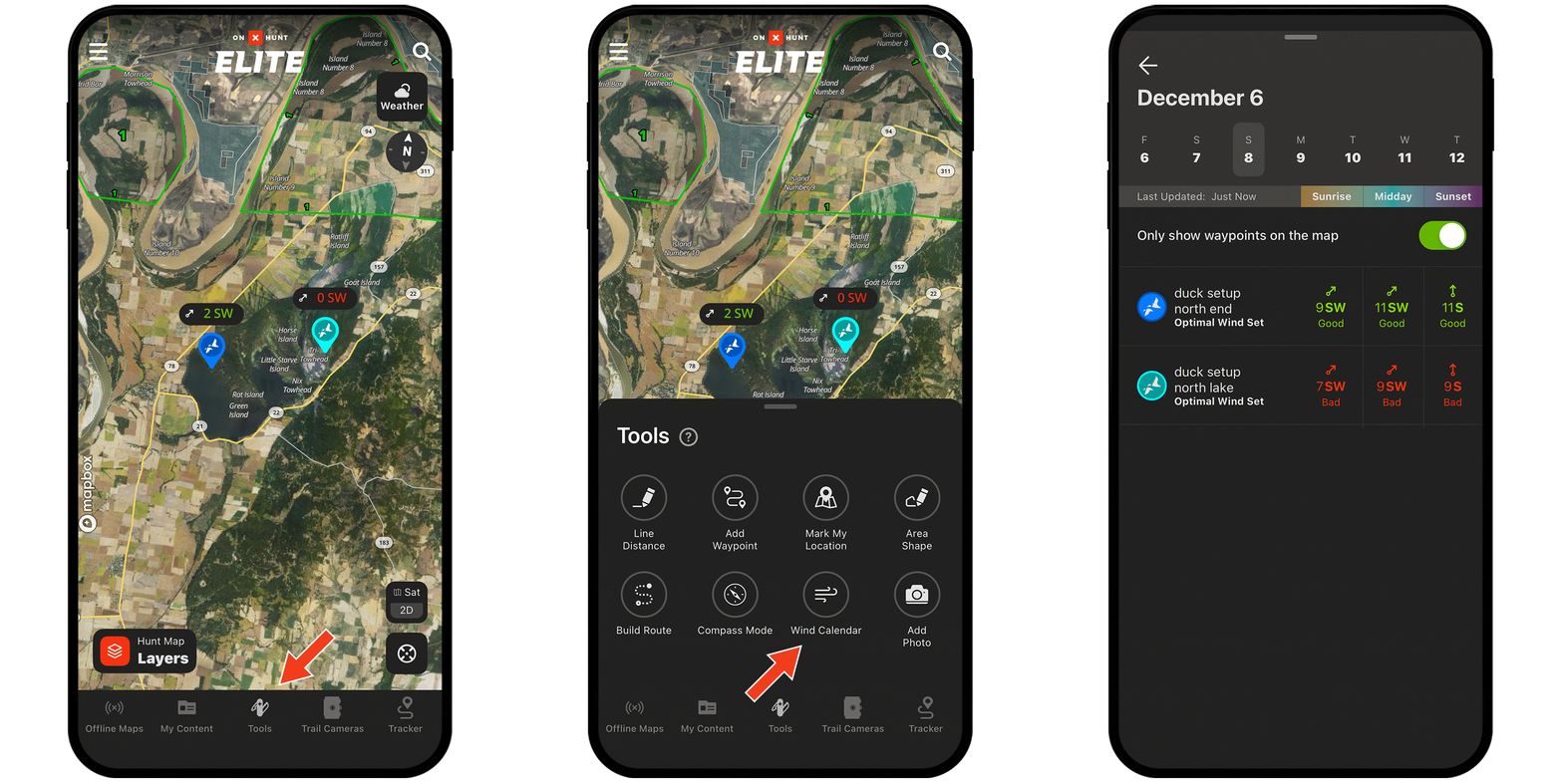

Setting optimal wind.
- Tap on any Waypoint (or create a Waypoint).
- Scroll to Waypoint Tools.
- Tap Wind Direction and then Set Optimal Wind.
- Choose your preferred wind direction(s) and tap Apply.
- You’ll now see color-coded indicators on the Waypoint showing good, bad, and okay wind.
Check out the full tutorial to make the most of Wind and Weather.
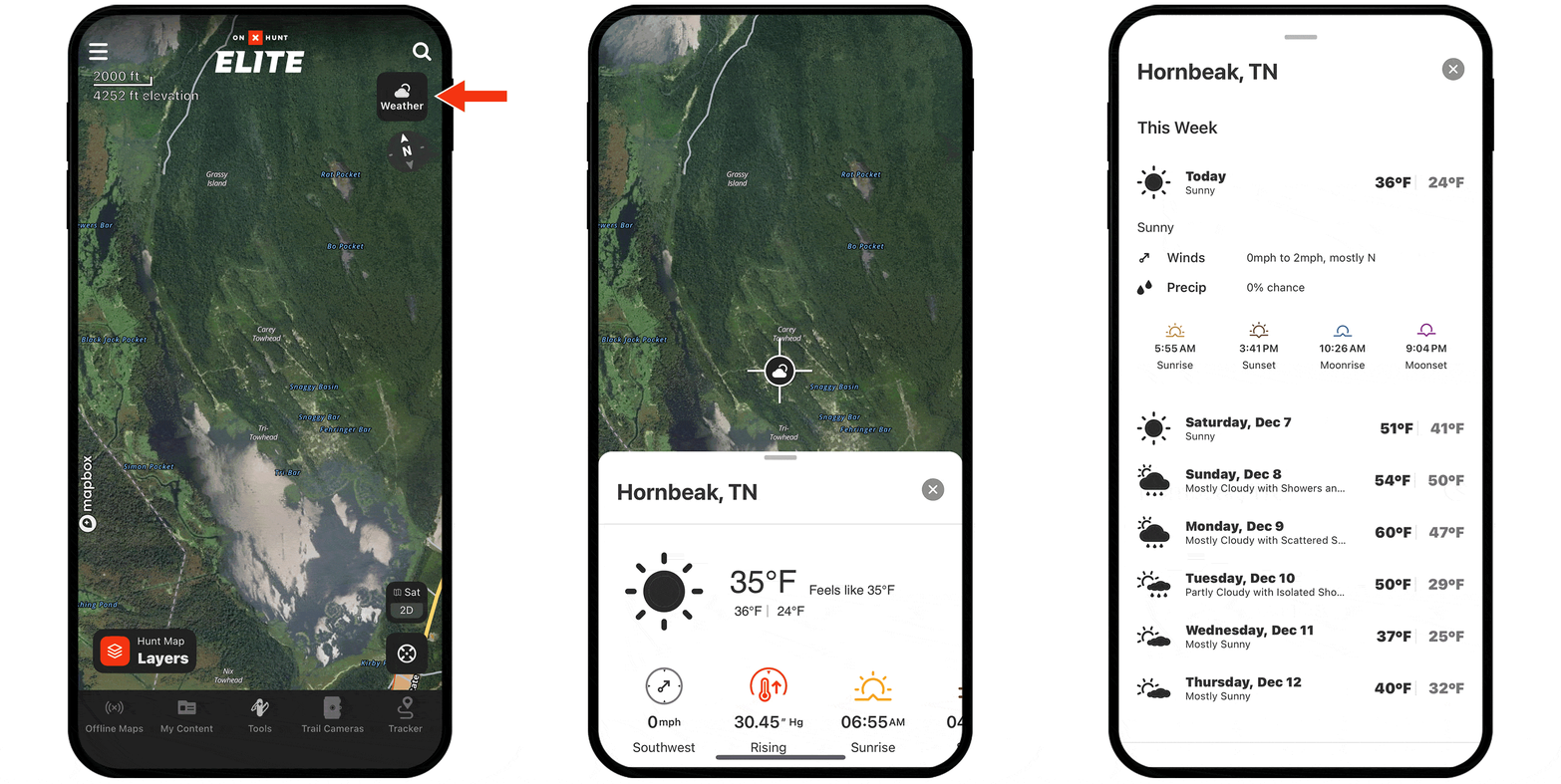
Track cold fronts.
A cold front can prompt migratory movements, bringing in a fresh batch of birds. Track approaching weather fronts and temperature drops to time your hunt with potential movement.