Lidar for Turkey Hunting
Use case examples to help you get the most out of Lidar Maps.
How-To
Step 1: Tap the Basemaps button in the lower-right corner.
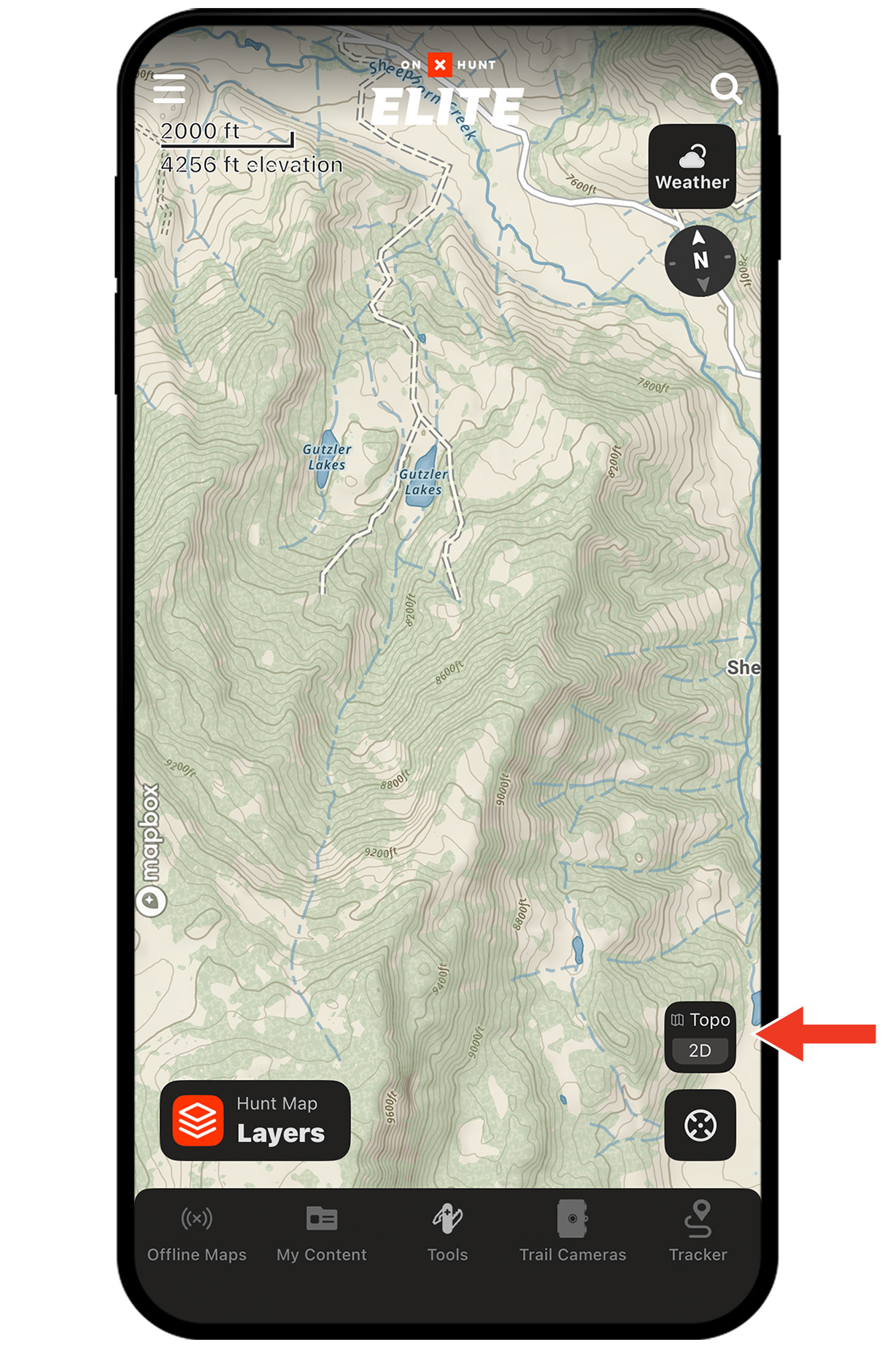
Step 2: Select the Topo Basemap. Lidar is enabled by default; you can toggle it on and off.
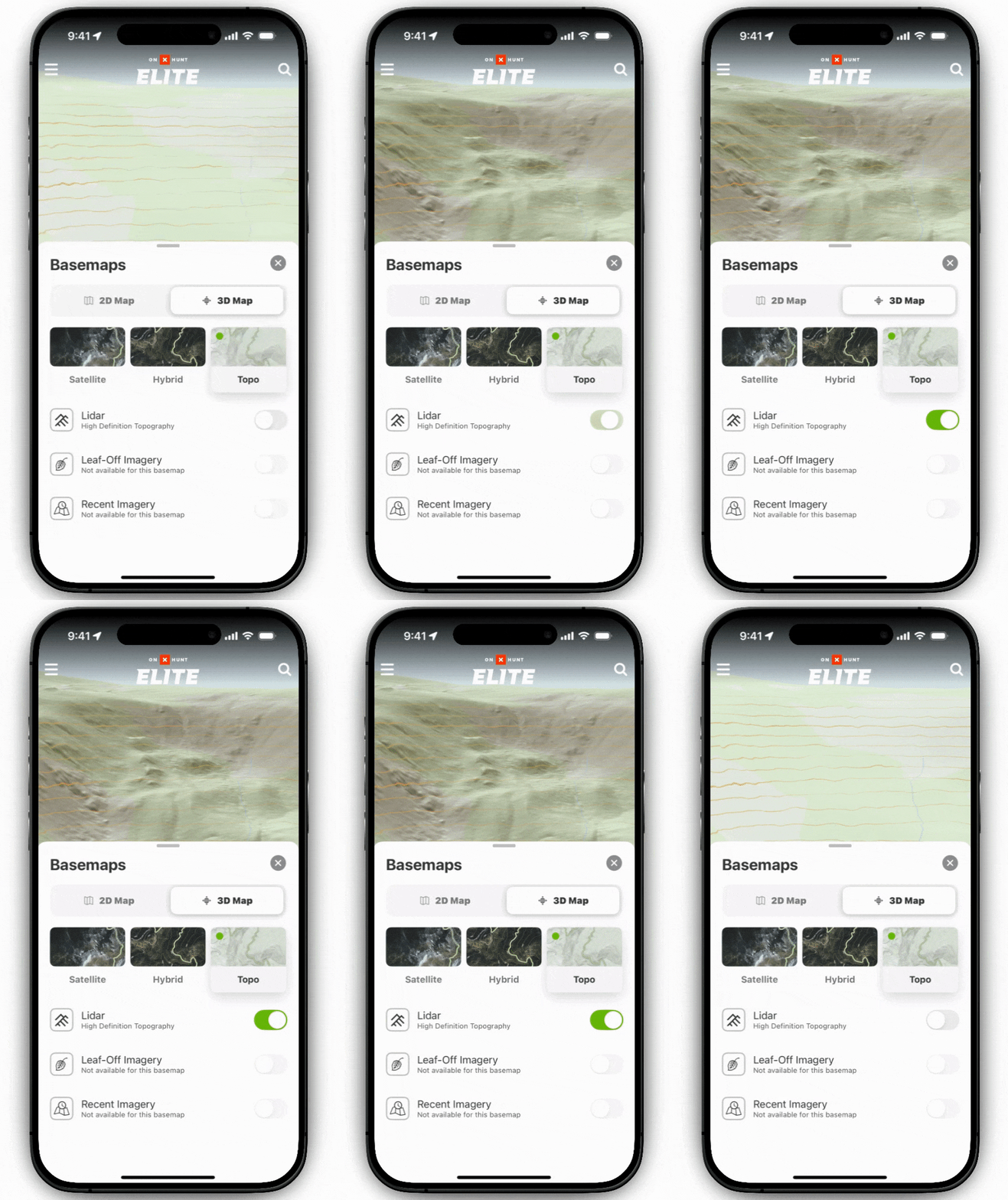
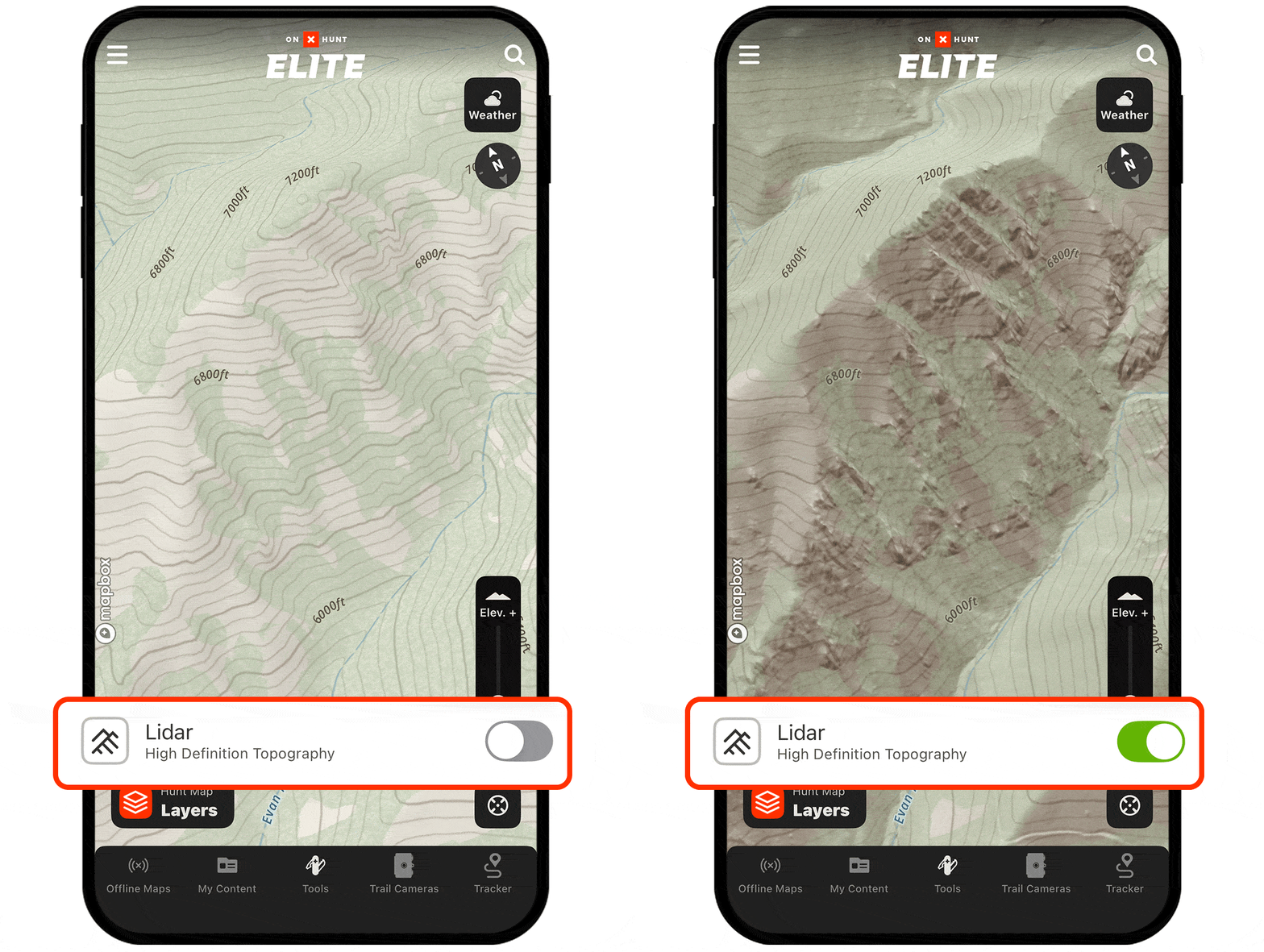
Step 3: Pan and zoom to see Lidar in action. You’ll notice crisp elevation shading and subtle terrain features—benches, depressions, faint two-tracks—now made obvious.
Use Cases
Find roost sites.
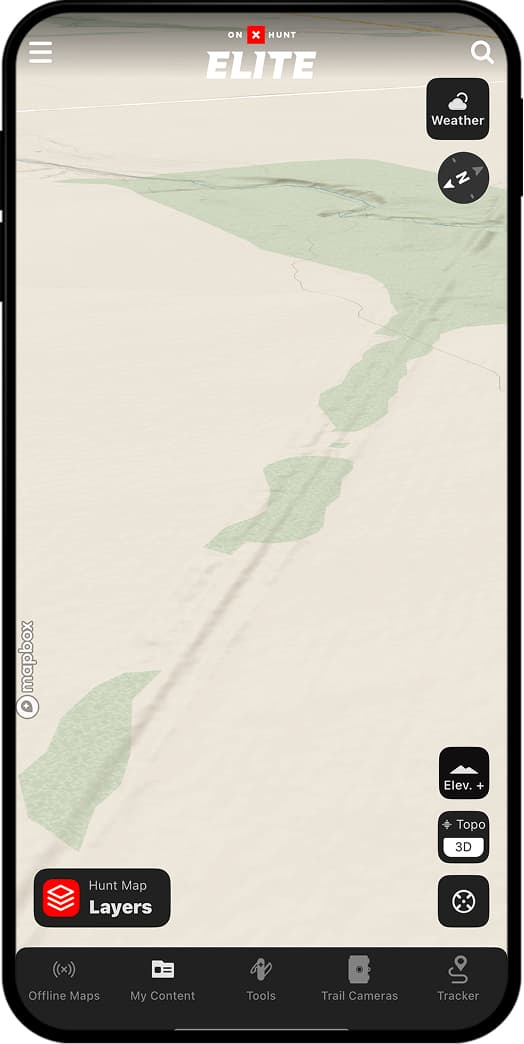
Turkeys like to roost in trees along ridges or high points for easy fly-ups and pitch-downs. With Lidar Maps, you can quickly scan the land to find benches above valleys or creeks likely to hold roost trees. Or, better yet, use Lidar to find old logging roads: turkeys love a forgotten-about two-track to fly up from and down into.
Without Lidar

With Lidar
Plan better setups.
Toms are infamous for their eyesight. Use Lidar Maps to see every inch of ground texture, from subtle dips to slight rises, so you can find the best hidden nooks and crannies to set up in.
Without Lidar
With Lidar


“Lidar is handy for e-scouting because it provides a more detailed look at the “micro” terrain features that topo lines often miss. An example would be a steep cut-out creek bank. You can switch to the Topo Basemap and see the creek, but can’t tell how steep its banks are. Kick on Lidar, and the steep banks show up—along with bluffs, sharp ridge points, and ditches.”
– Aaron Warbritton, The Hunting Public