
Offline Maps for Western Big Game
Use case examples to help you get the most out of Offline Maps.
Know where you stand.
Download Offline Maps before heading into the backcountry so you remain within all applicable boundaries, whether that be a swath of public that edges private, block management, or a specific hunt unit.
Save as many maps as your phone storage allows, even in multiple resolutions, and use the App in airplane mode to conserve battery when offline.
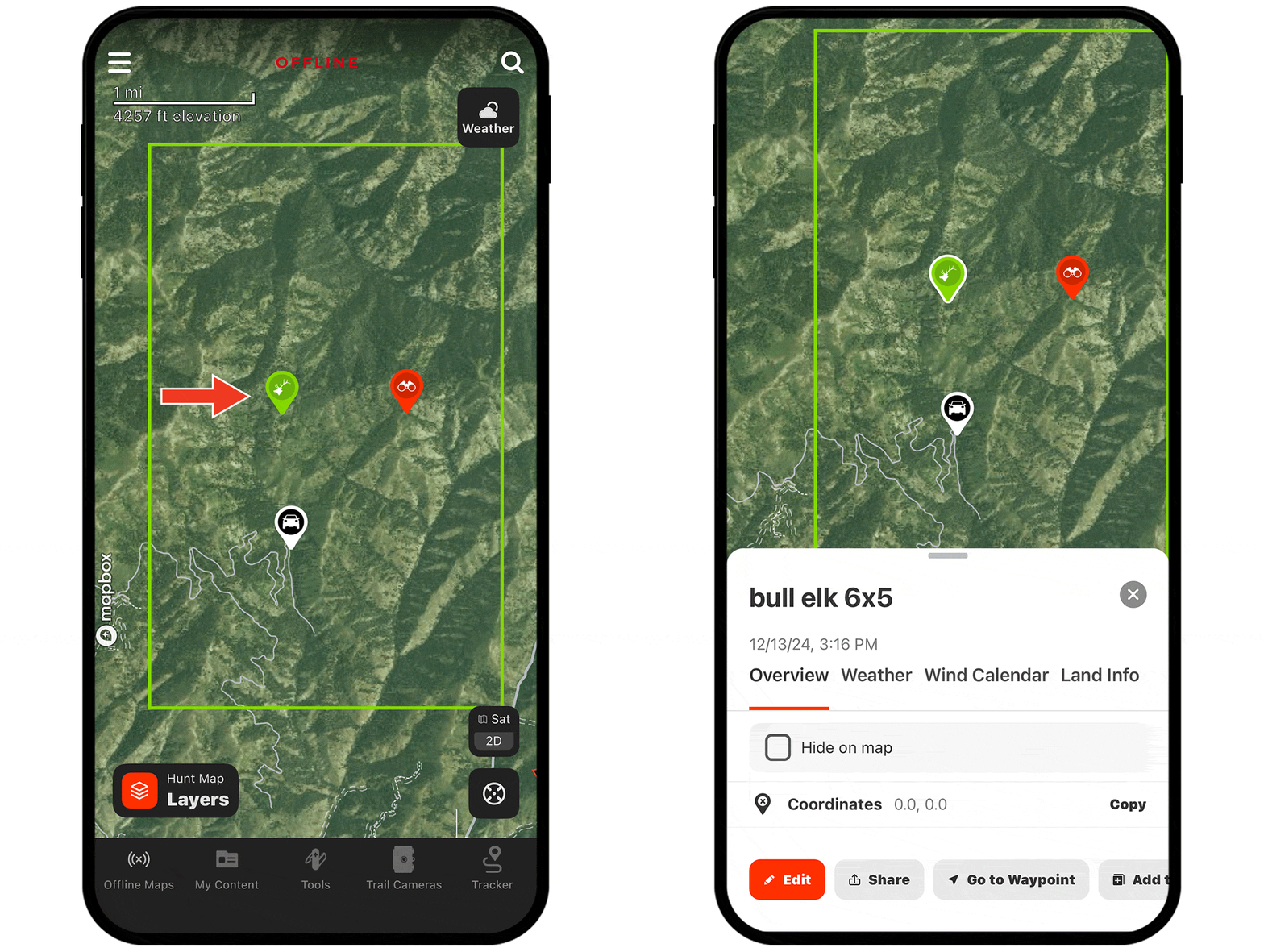
Access essential map information without service.
Losing service doesn’t mean losing information. With downloaded Offline Maps, you can access map markups like Waypoints and Tracks, Map Layers, and Satellite, Hybrid, and Topo Basemaps (note: 3D is not available offline).
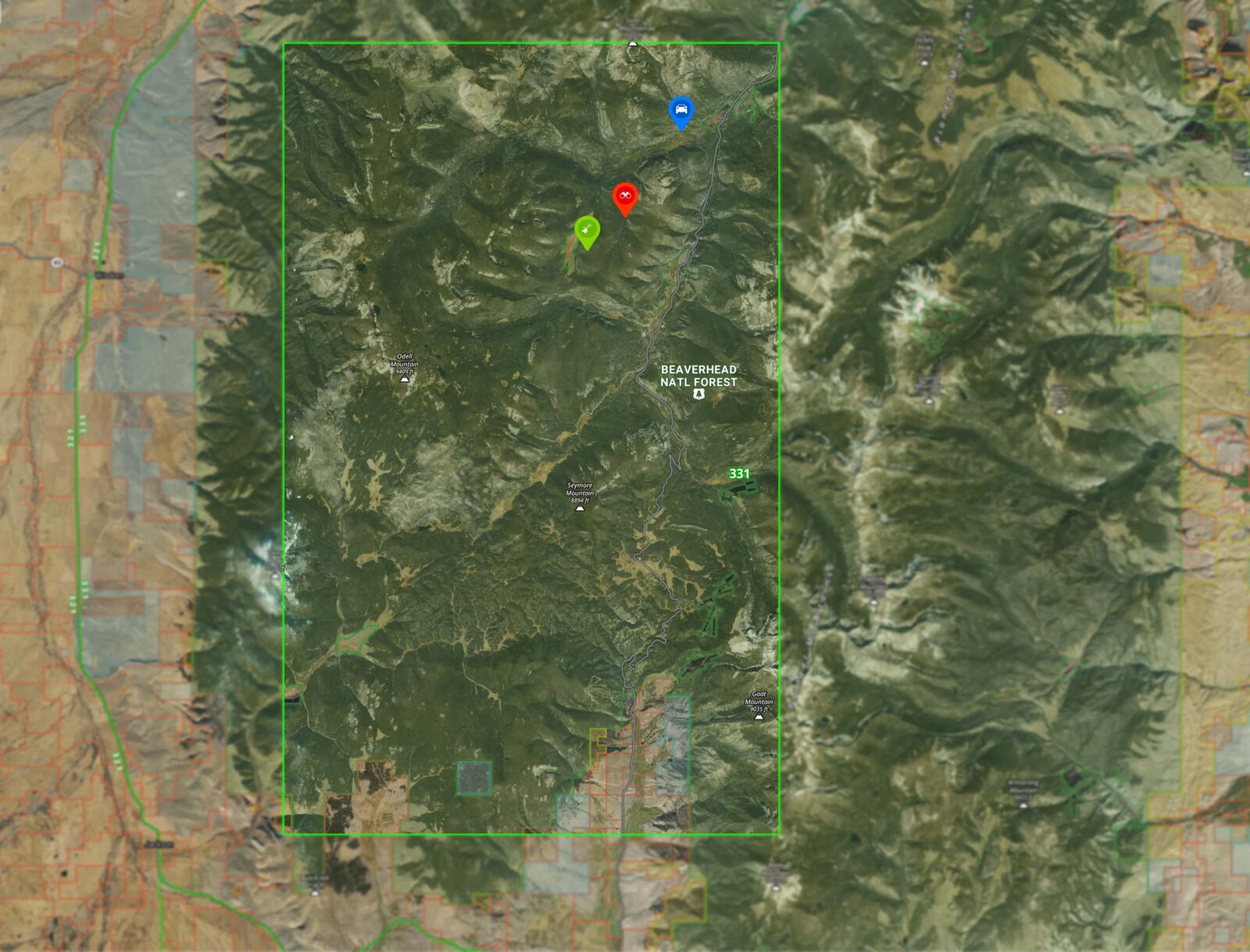

With
Without

How to download an Offline Map.
- Tap Offline Maps in the lower-left corner and select New Map.
- Pan and zoom to the map area you want to download and tap Next.
- Choose your preferred resolution, and if desired, customize the name of the Offline Map.
- Tap Save—your Offline Map is ready to use when you see a green checkmark next to it.
Check out the tutorial for more.
Download Offline Maps Today
Offline Maps are available to paid members. Purchase a Premium or Elite Membership for full access.