Rut Calendar
The rut runs on its own clock, driven by day length, and the Rut Calendar uses that data to show you the expected rut timing for your hunting location, deer behavior in each phase, and the top tactics to hunt it. Watch the peak build weeks out, report what you’re seeing in the field, and know exactly when to put in for the days off that actually matter.
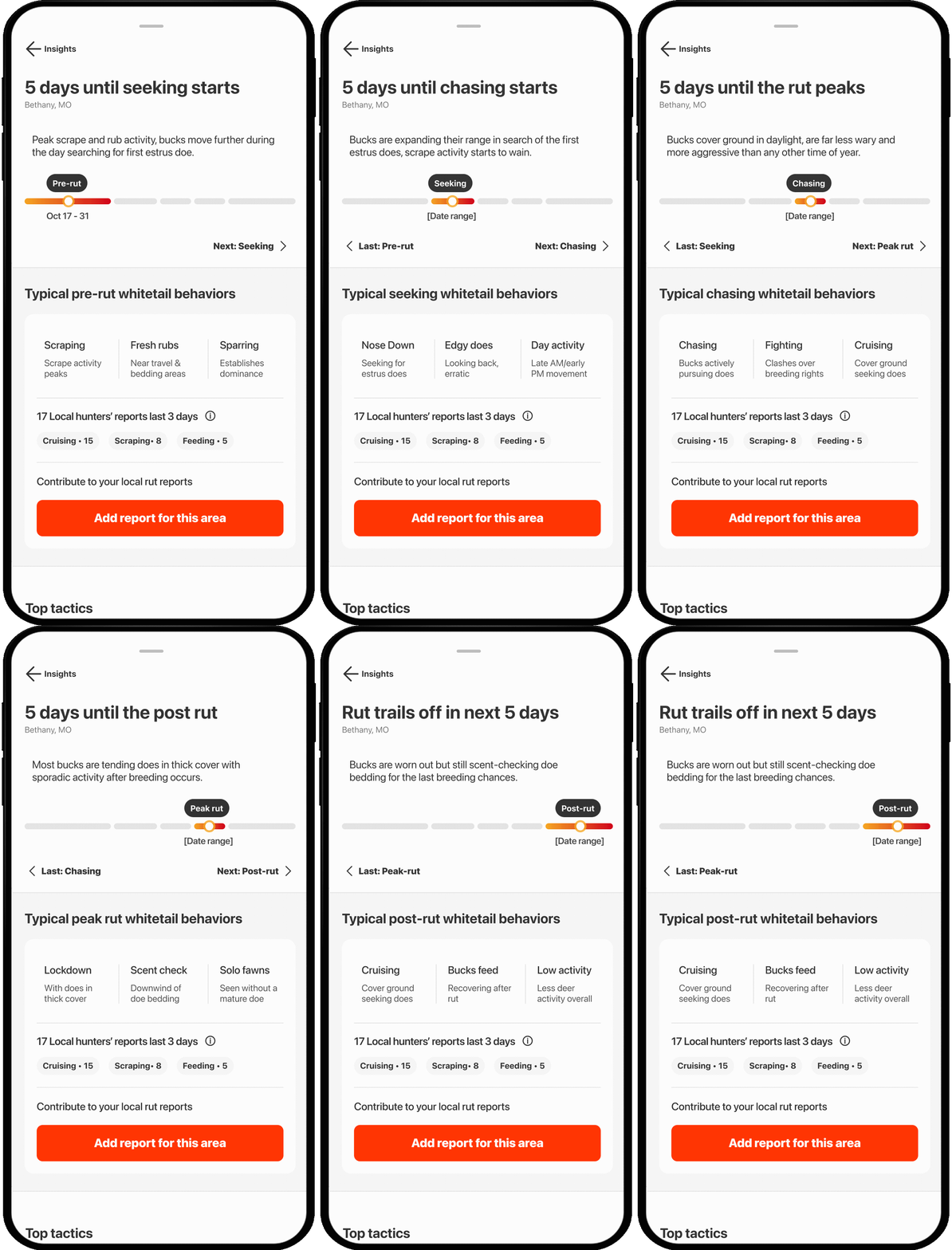
Rut Calendar Tutorial
Tap play to tour the Rut Calendar, located within Whitetail Insights, and then expand each block below for step-by-step guidance.
Note: The Rut Calendar is only available in locations where whitetail live.
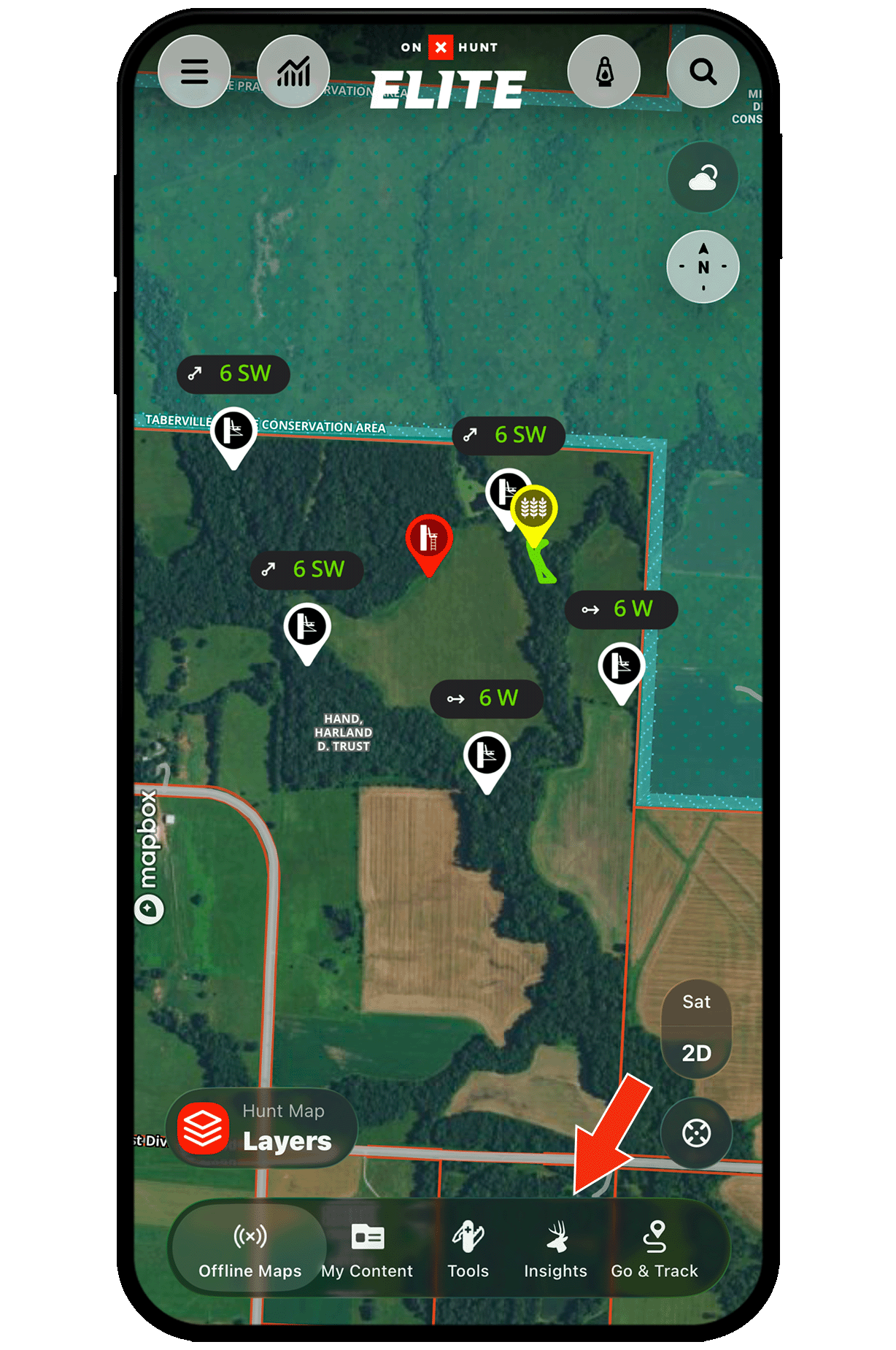
Step 1: Tap the Whitetail Insights icon at the bottom of your map.
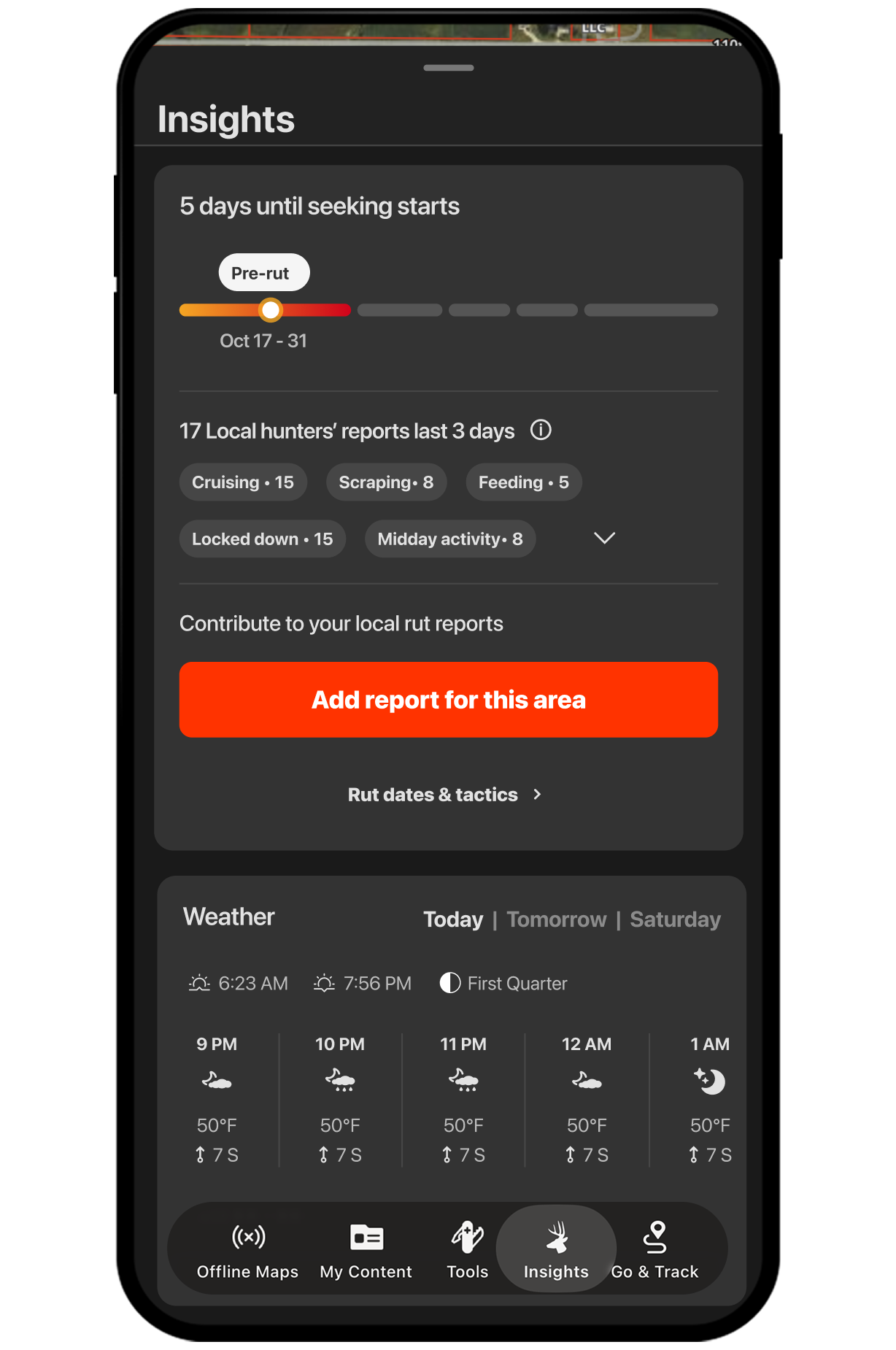
Step 2: Scroll to the Rut Calendar card to see the current rut phase, expected dates, and a countdown to when the rut kicks off at your location.
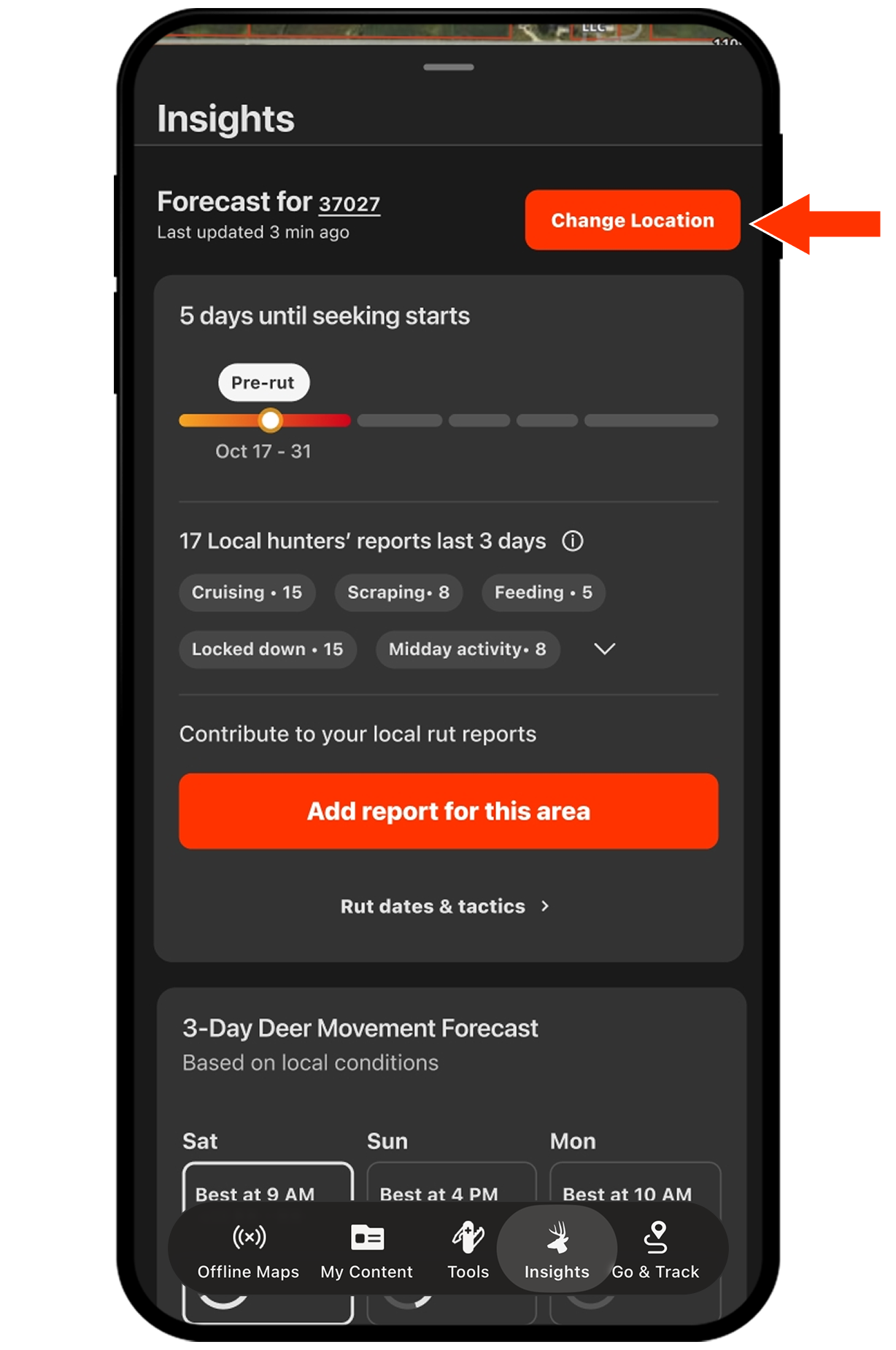
Step 1: Tap Change Location at the top right of Whitetail Insights.
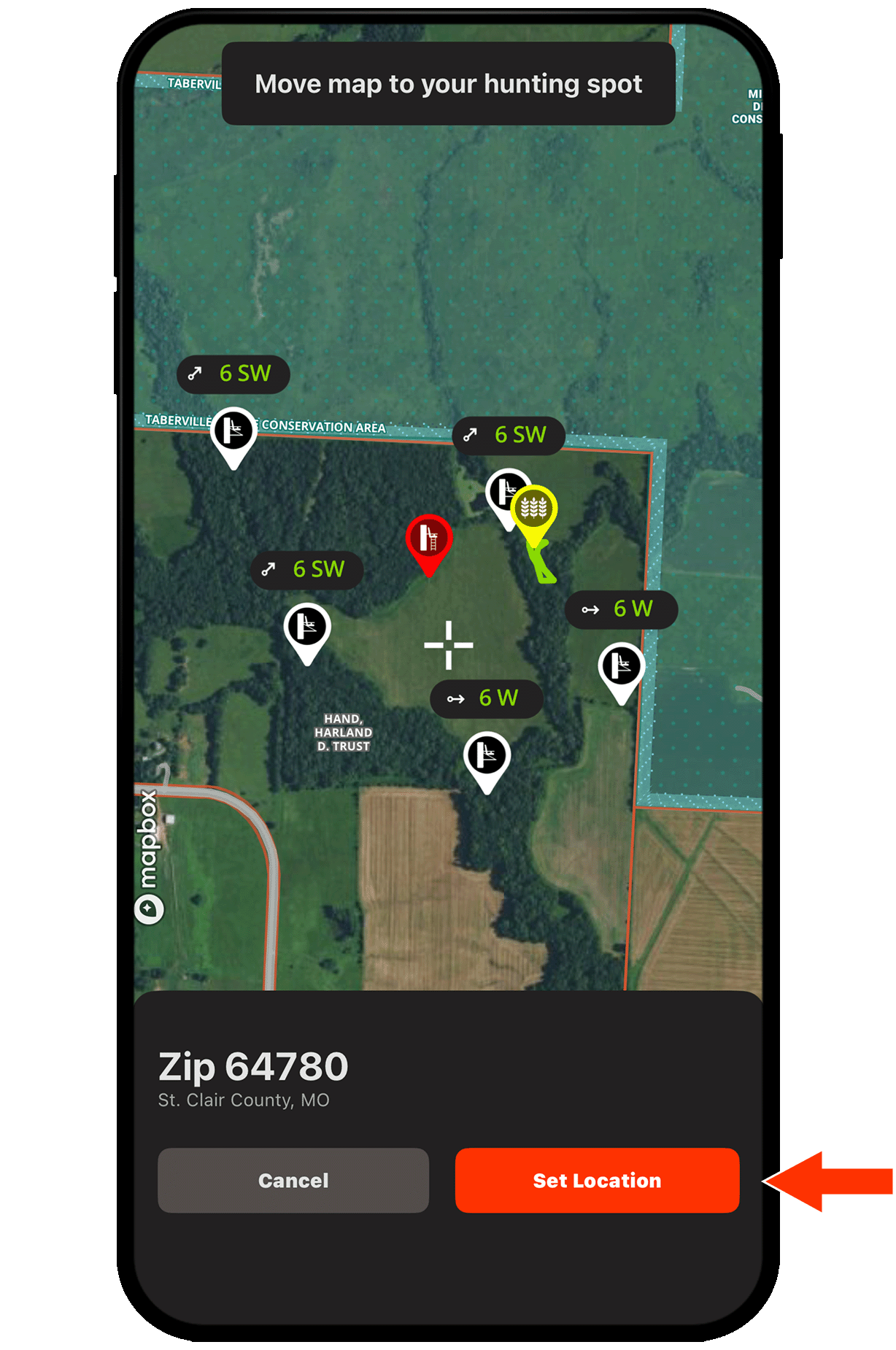
Step 2: Move the map to your desired hunting spot and tap Set Location. Your Rut Calendar updates to show expected rut timing for that spot.
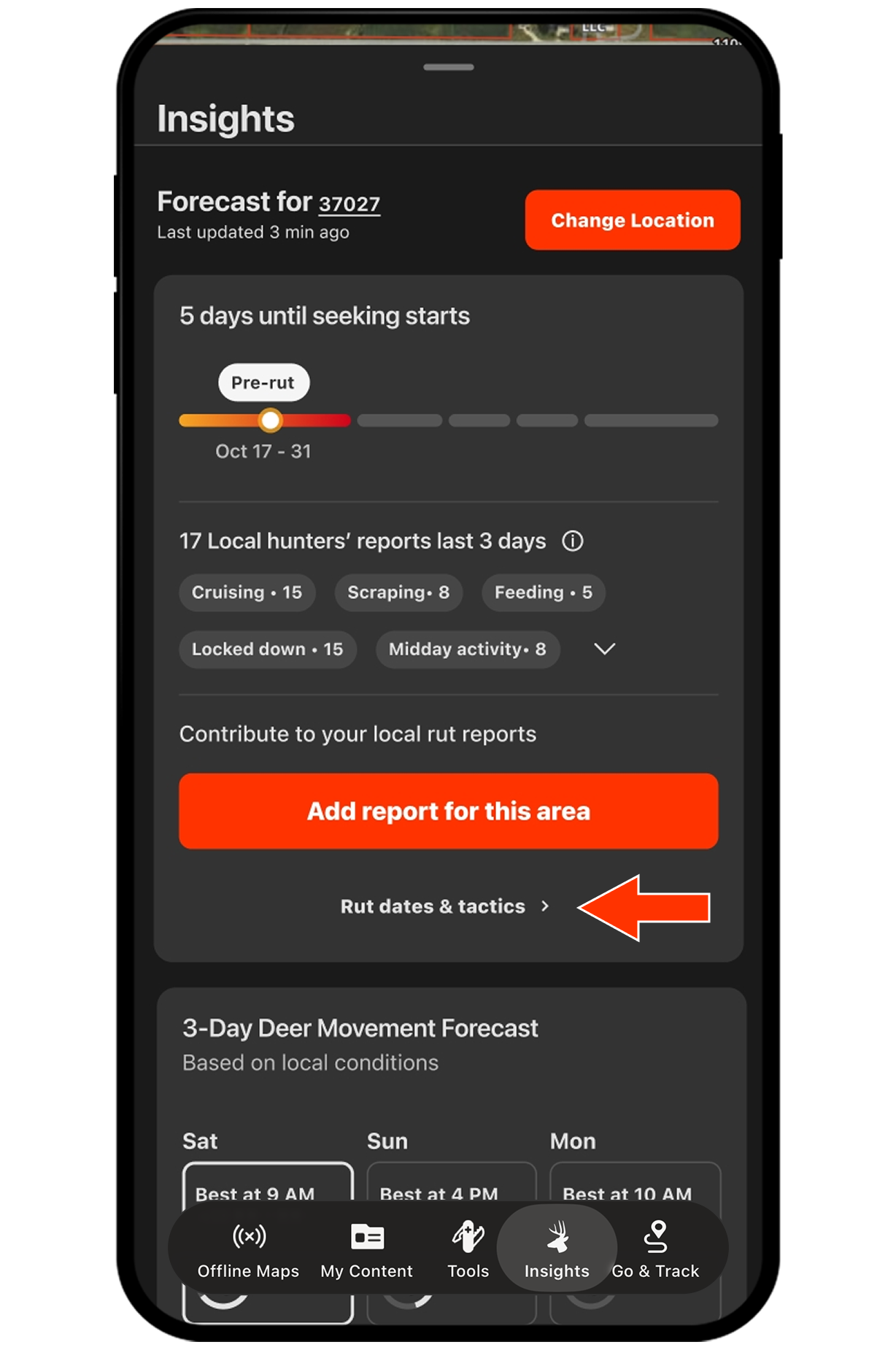
Step 1: Tap Rut dates & Tactics on the Rut Calendar card.
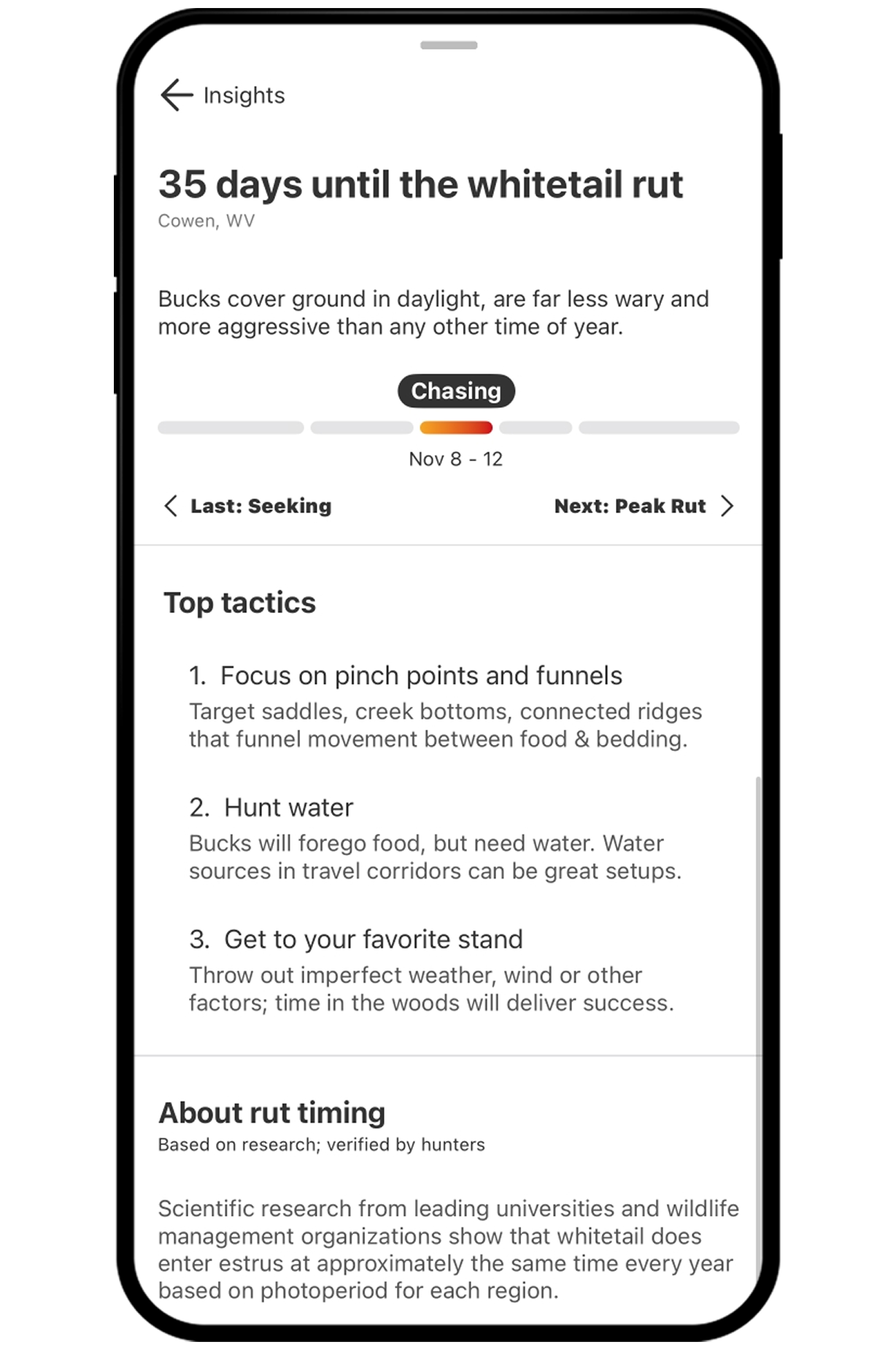
Step 2: View the full season arc for your set location—Pre-Rut, Seeking, Chasing, Peak Rut, and Post-Rut—each with its projected date range.
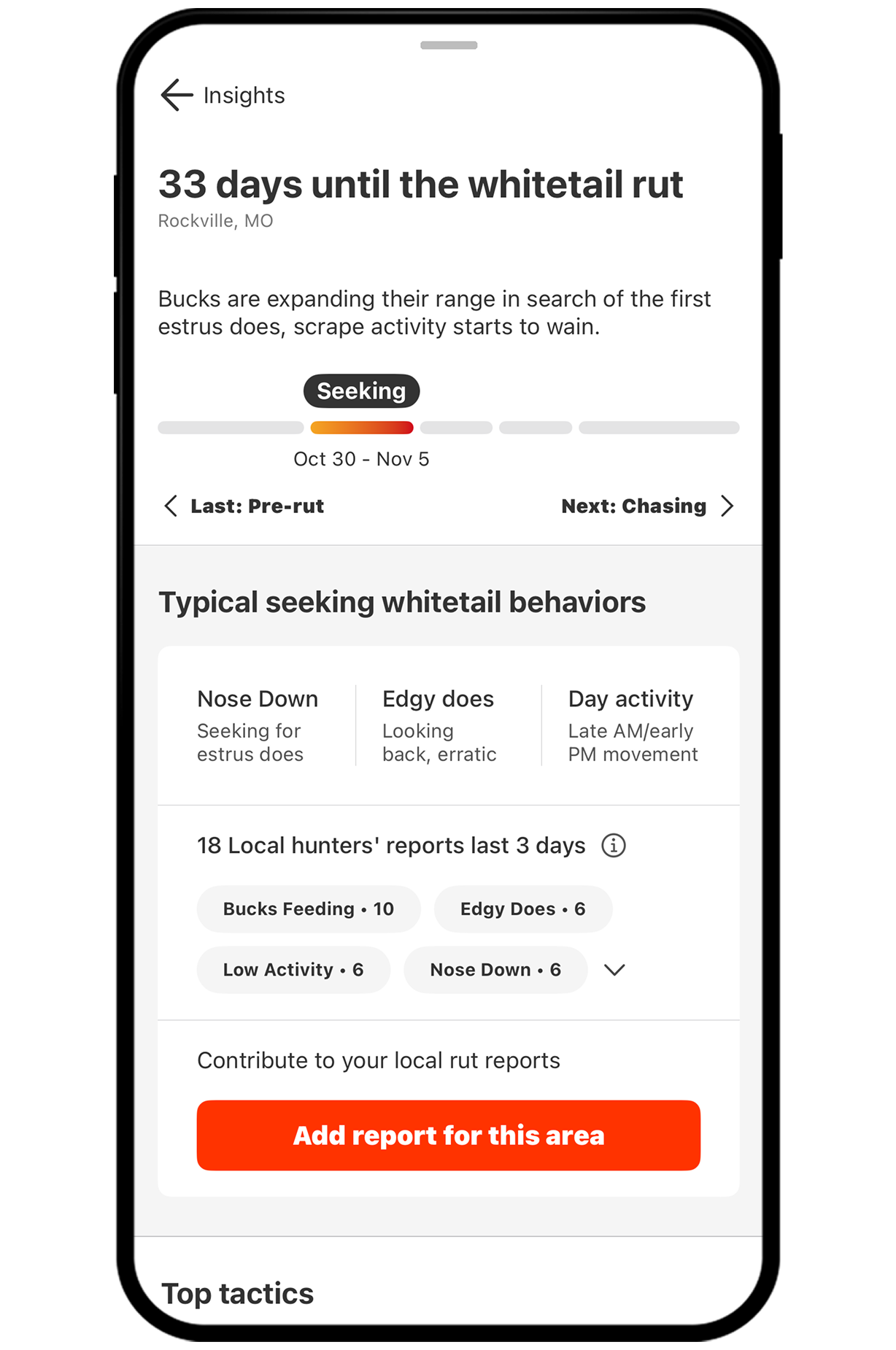
Step 3: Tap the Next and Last arrows to move between phases and see what’s coming so you can plan time off around the days that matter most.
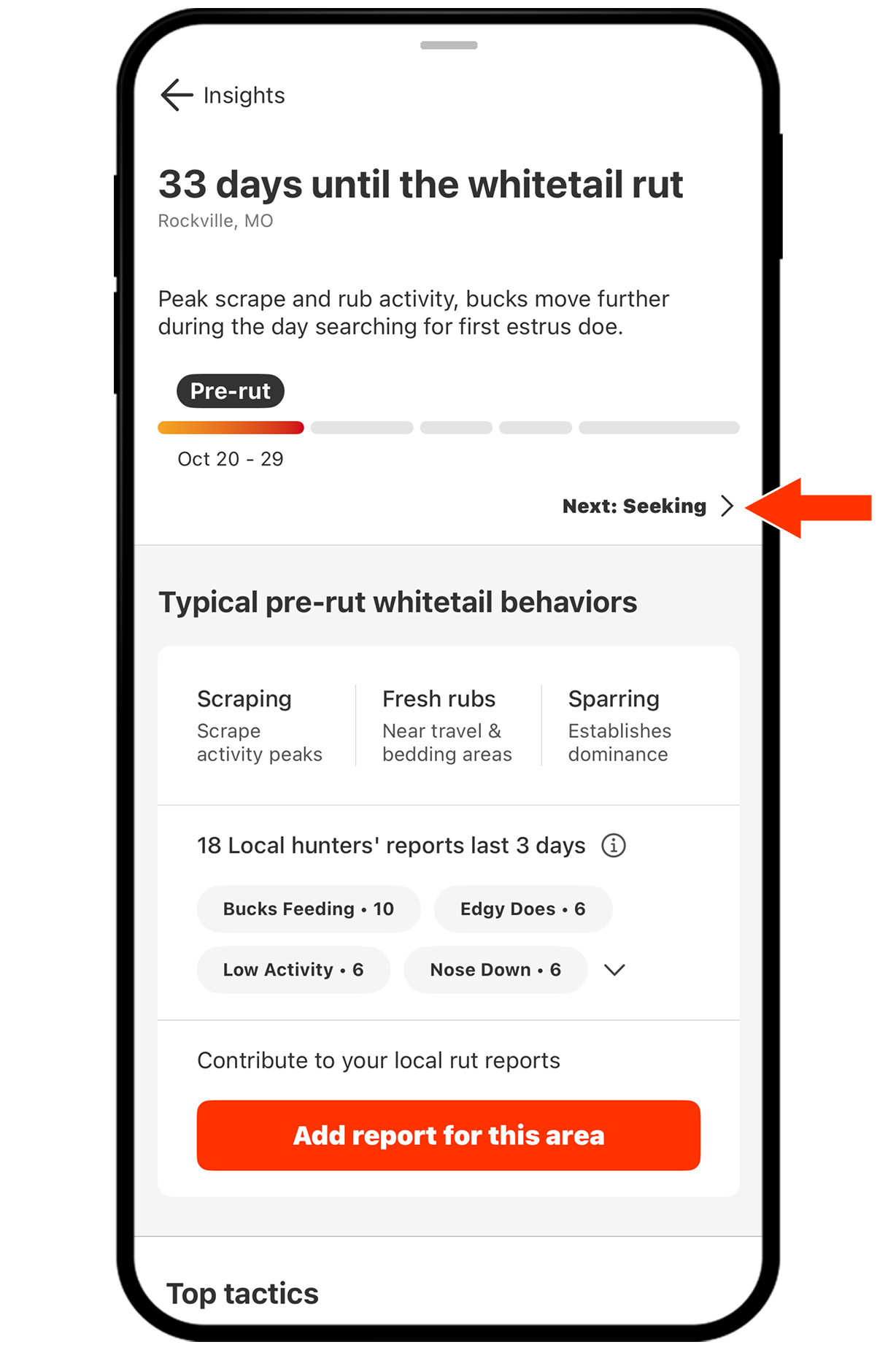
Step 1: From any rut phase, scroll to Top Tactics. Get proven, phase-specific strategies—hunt fresh scrapes during Pre-Rut, sit downwind of doe bedding during Seeking, focus on thick cover at Peak Rut, and key in on the midday timeframe during Post-Rut.
Explore More Capabilities

Trail Camera Integration
Sync and manage all your trail camera locations, details, and photos in one place.

Wind & Weather
View weather forecasts, wind conditions, and more.

Deer Movement Forecast
Understand the odds of increased deer activity on your hunt.
Whitetail Insights
Know when to hunt with cameras, weather, deer movement, and rut intel on one screen.